The Real Difference Between AI Video Models (And Why It Matters for Your Ads)
Why the future of AI creative production belongs to teams that understand how different models excel at different creative tasks.
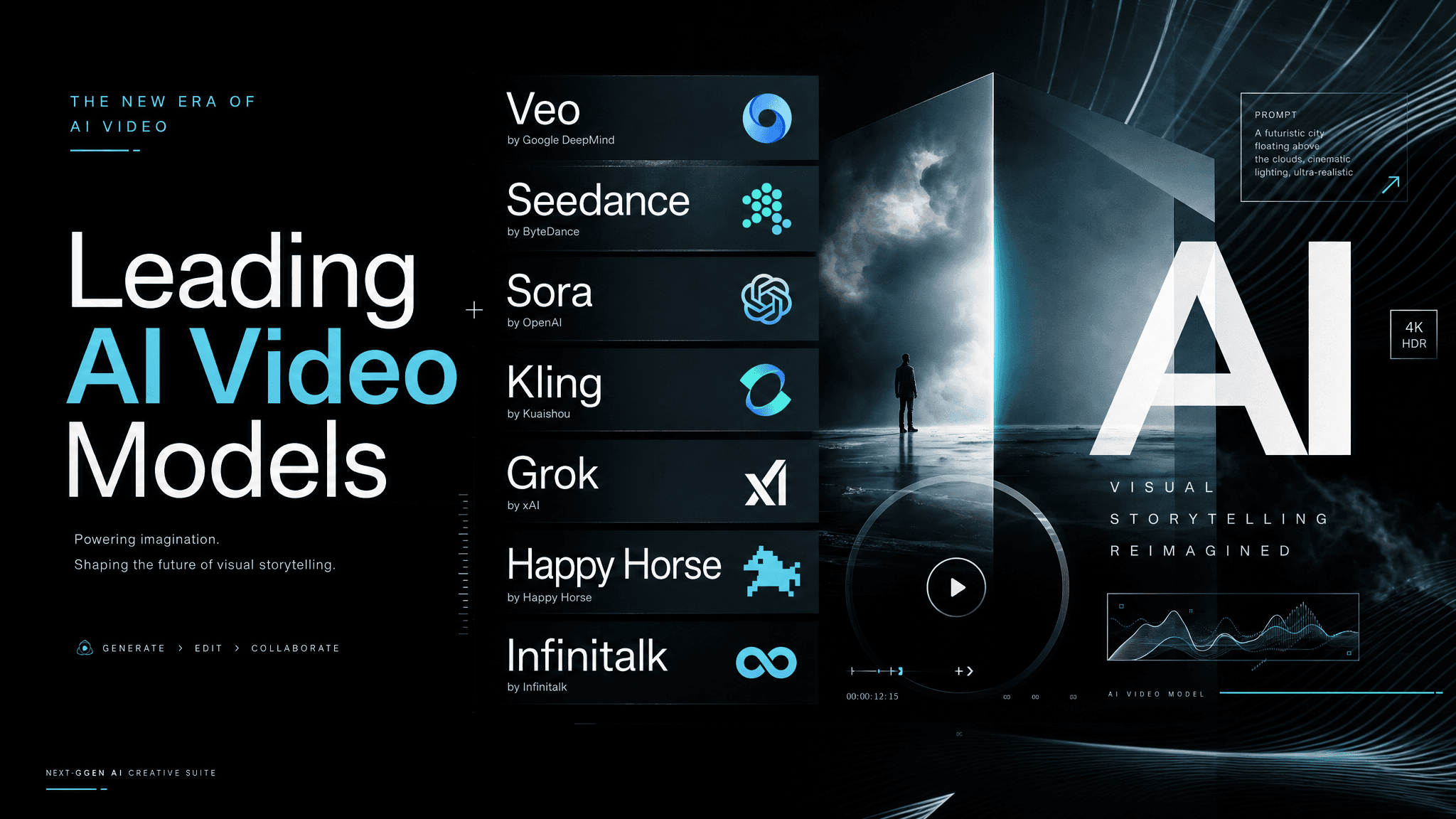
Most people assume AI video quality comes down to the prompt. In reality, it's slightly more complicated. Of course prompting plays a huge role in results, but choosing the right model is also integral to getting the results you want.
Last week we tested the image generation models, this week we are looking at video models. Like last week, we ran a controlled test inside Kreator using the same inputs across every major video model. Same prompt. Same images. Same duration. The only variable was the model itself.
Some models produced clean, usable ad content. Others broke under simple motion. Some handled human subjects well. Others fell apart the moment realism mattered. Some looked impressive at a glance but lacked consistency frame to frame.
This is the current reality of AI video.
Each model is optimized for a specific type of output. When you use the wrong one, the workflow becomes frustrating. You waste time iterating. You burn credits trying to fix something that is not fixable at the prompt level.
Once you understand how each model behaves, everything changes.
How We Tested
We kept this simple and consistent.
Every model was tested using:
The same prompt structure
The same product and lifestyle images
~8 second duration
No audio
Image inputs included
(Not every model allows for identical inputs: audio cannot always be turned off, 8 seconds isn't always an option, some models ask for start/end images while others want reference etc. We kept the inputs as close to identical as possible)
This matters because most modern models support multi-modal inputs. Many now accept text, image, and even audio simultaneously, which directly impacts output quality and consistency.
The tests focused on three real-world marketing use cases:
Product Ads
Lifestyle Ads
UGC / Talking Head
We felt these reflected how most teams are actually using Kreator.
Why We Didn’t Test Every Model (And What That Actually Means)
You’ll notice we didn’t run every single model and every single version across every category.
That was intentional.
Because many of these models are not fundamentally different models. They are different tiers of the same model, optimized for speed, cost, or quality.
For example:
Veo 3.1 vs Veo 3.1 Fast
This is not two different capabilities. It is the same model architecture, with Fast optimized for speed and lower cost, and Pro optimized for higher fidelity and stability. Faster variants typically trade some consistency and detail for lower latency and cost, which is exactly what they are designed to do.Seedance 2.0 vs Seedance 2.0 Fast
Same system, different execution profile. The Fast version exists specifically for low-latency workflows where speed matters more than perfect output.Kling 3.0 Pro vs Kling 2.6
These are generational improvements of the same core approach. Kling 3.0 improves fidelity and control, but the underlying strength, motion precision, remains consistent across versions.
So testing every version individually would not necessarily give you more clarity.
Instead, we tested the highest-quality representative version of each model family, then mapped how the other versions behave based on:
Known tradeoffs (speed vs quality vs cost)
Model architecture and intended use
Observed performance patterns
This is how these tools are actually used in production.
Category 1: Product-Driven Visual Ads
 |  |  |
 |  |  |
Click thumbnail to view model video
This is the most common use case. Clean product motion, subtle camera movement, controlled lighting, and something that feels immediately usable in an ad.
This is also where the differences between models become very clear.
Prompt
A premium product advertisement shot of over-ear headphones. The camera slowly rotates around the headphones as they float in a clean studio environment. Soft directional lighting highlights the metallic finish and contours. Subtle reflections move across the surface as the camera shifts perspective. The background remains minimal and slightly gradient. The motion is smooth, cinematic, and focused on showcasing the product in a high-end commercial style.
Results
Veo 3.1 (and Veo Fast) consistently produces the most “finished” output. Lighting looks intentional. Surfaces feel correct. The result looks closer to something that came out of a production pipeline, not a generation tool. This lines up with broader comparisons where Veo leads in cinematic polish and professional-grade output.
If your goal is a final ad or something client-facing, this is the safest choice.
Kling 3.0 performs differently. It excels at motion. Movement feels smooth and natural, and camera transitions feel less rigid. That is why it performs well at a glance. But it does not always carry the same level of lighting consistency or polish as Veo. External benchmarks reinforce this. Kling is strong in motion and value at scale, but not always the most “finished” visually.
Seedance 2.0 sits in a different position. It is not trying to be the most cinematic. It is trying to be the most controllable. It handles structured prompts, multi-input setups, and consistent compositions better than most. This makes it valuable when the goal is repeatability rather than perfection.
Sora 2 is more situational. It is strong when scenes require realism in how objects interact or move through space. It handles physics better than most models, but that strength does not always translate into clean marketing output.
Other models fall into clearer supporting roles:
Happy Horse is flexible and multi-modal, but not optimized for high-end ad output
Grok Imagine Video is fast and lightweight, but less consistent visually
InfiniteTalk is not designed for this category at all
Kling 2.6 behaves similarly to Kling 3 but with lower overall fidelity
Seedance Fast / Veo Fast are designed for iteration, not final output
The takeaway here is simple. If you want something that looks like a finished ad, Veo is the default. If you want motion and speed, Kling becomes more interesting. If you need control and repeatability, Seedance is often the better choice.
Category 2: Lifestyle Content
 |  |  |
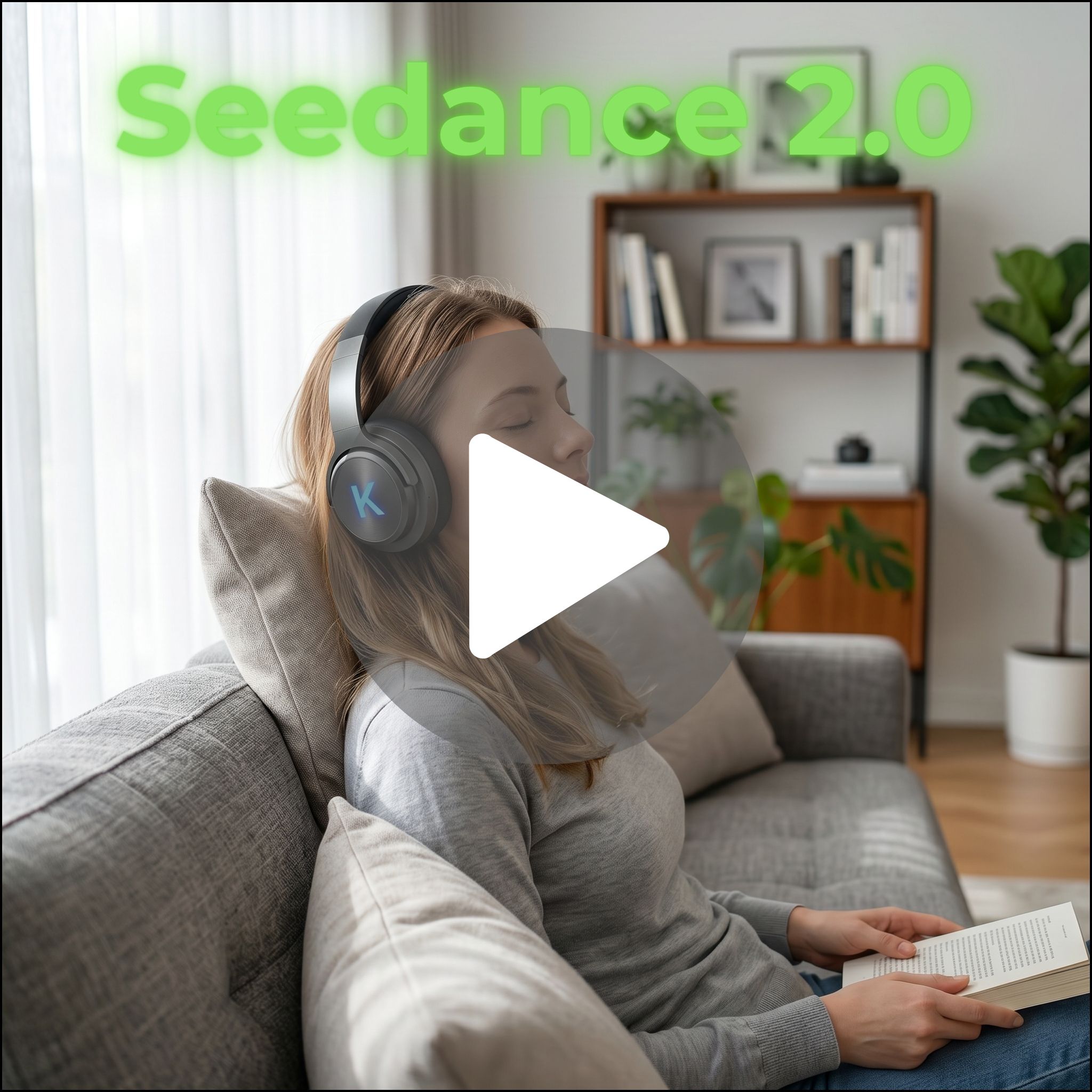 | 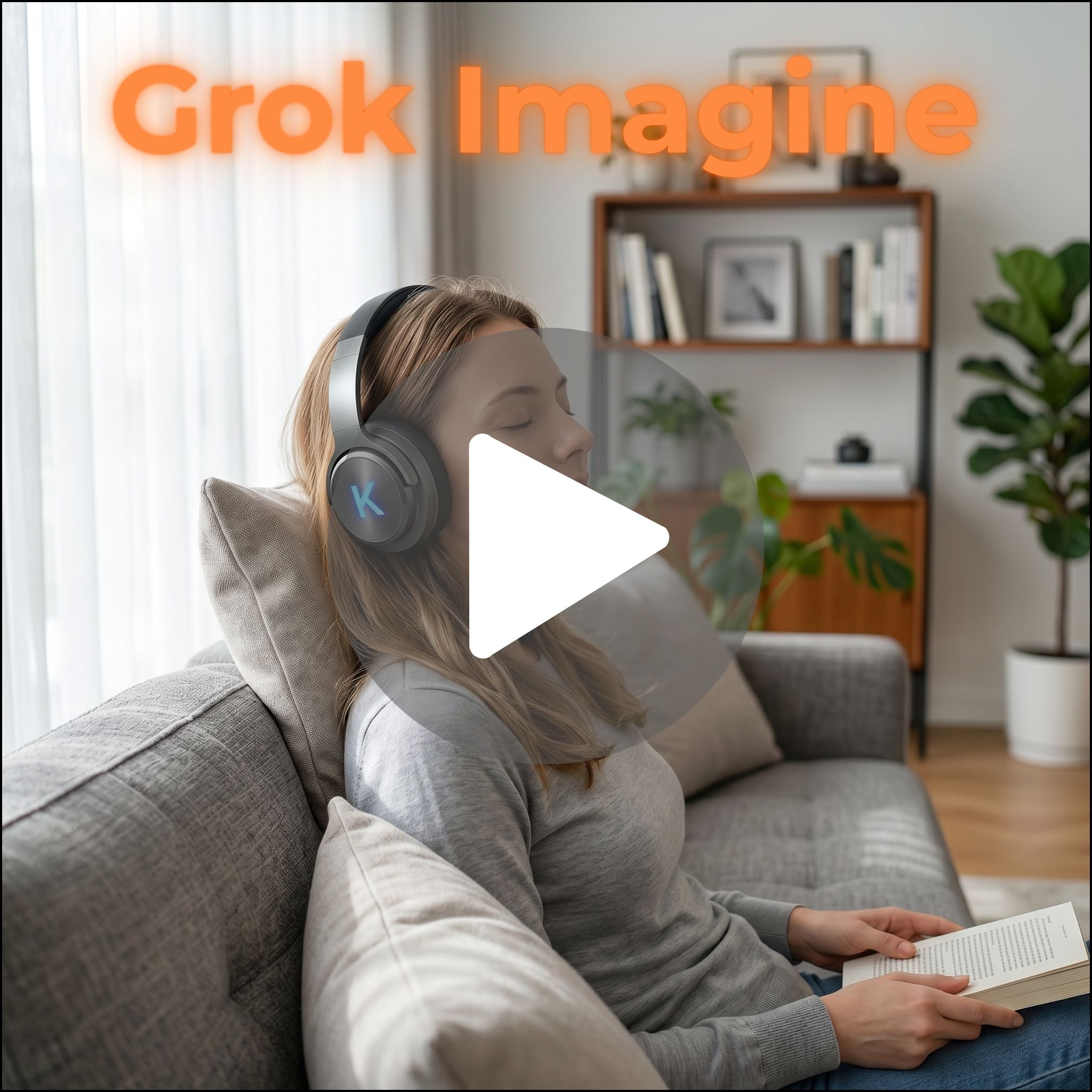 | 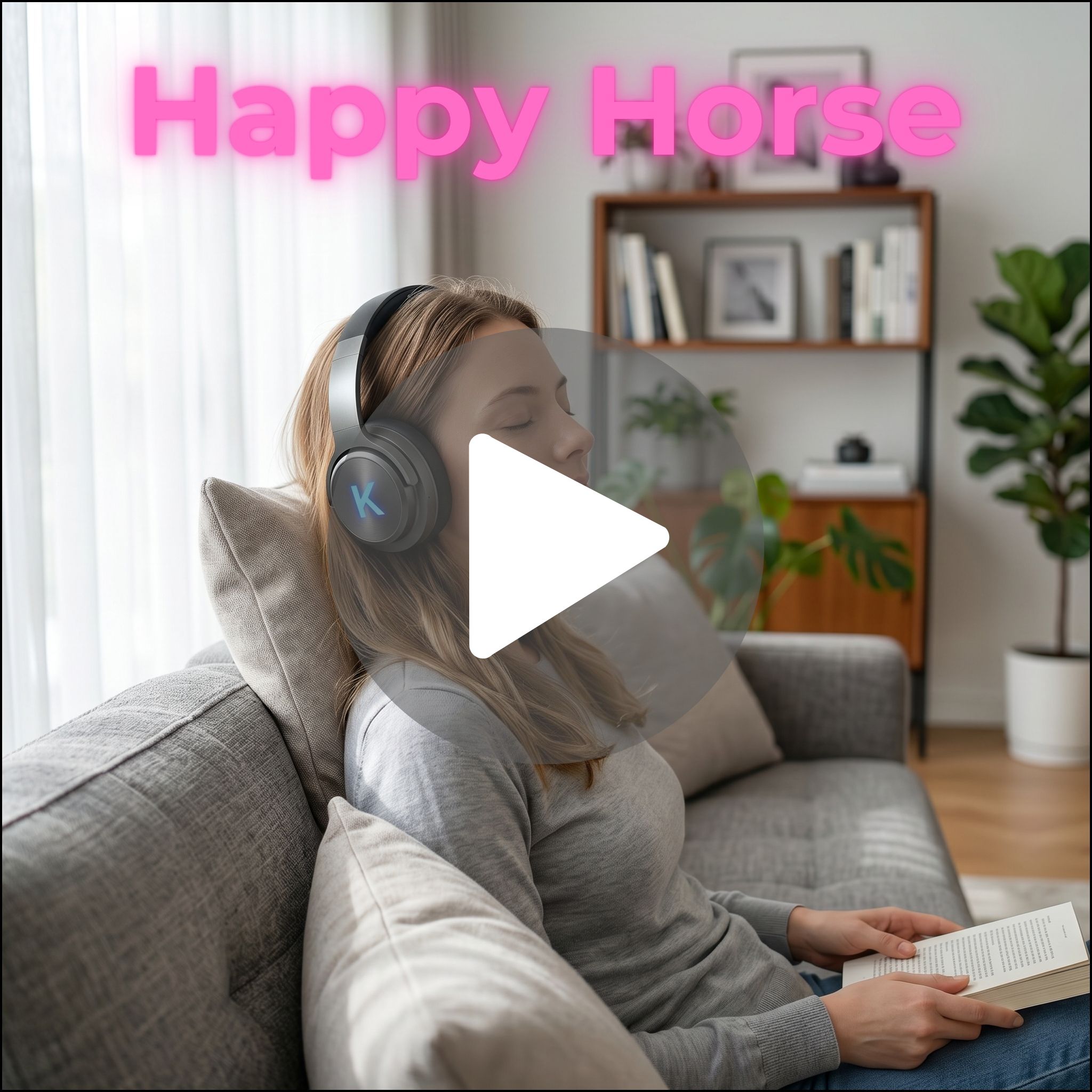 |
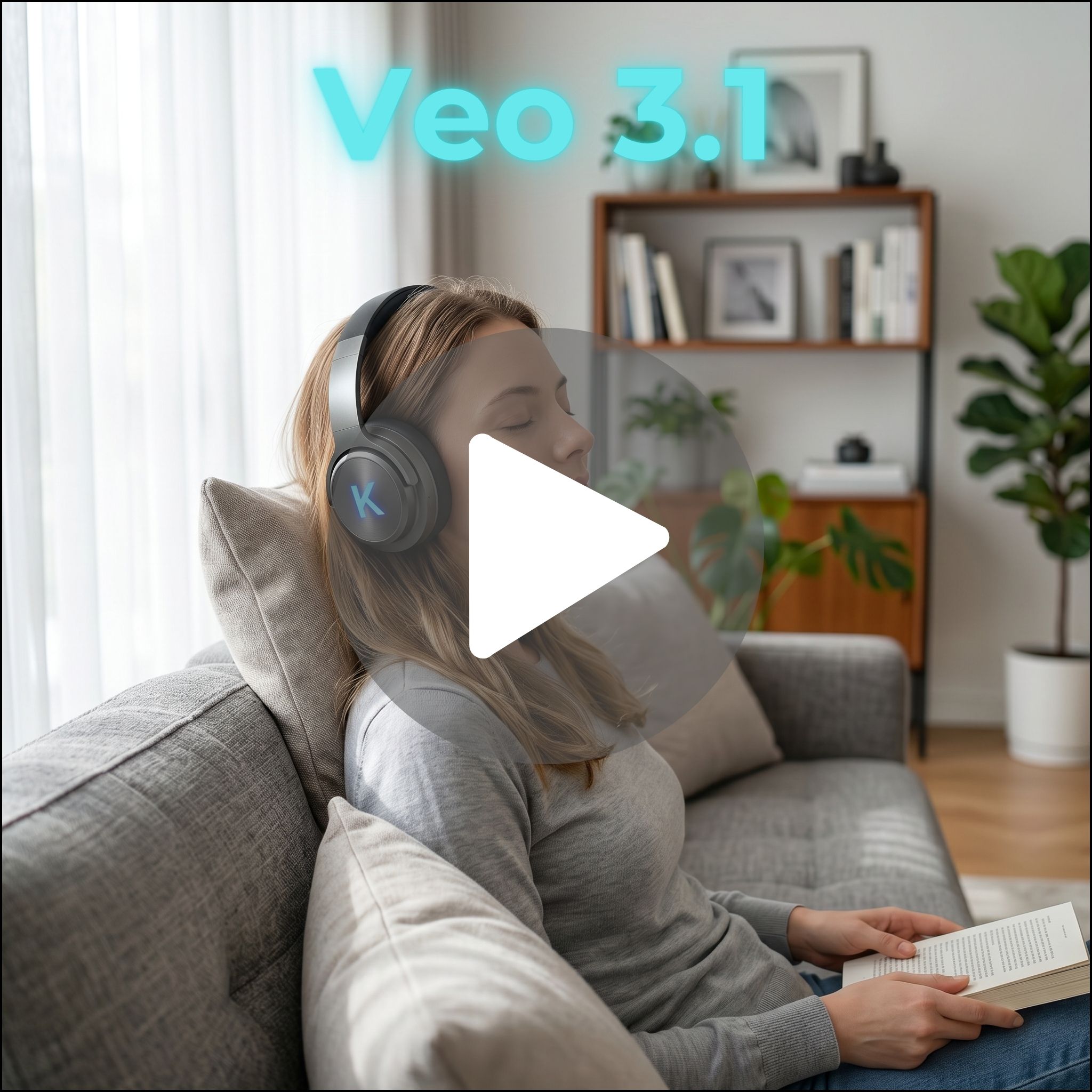
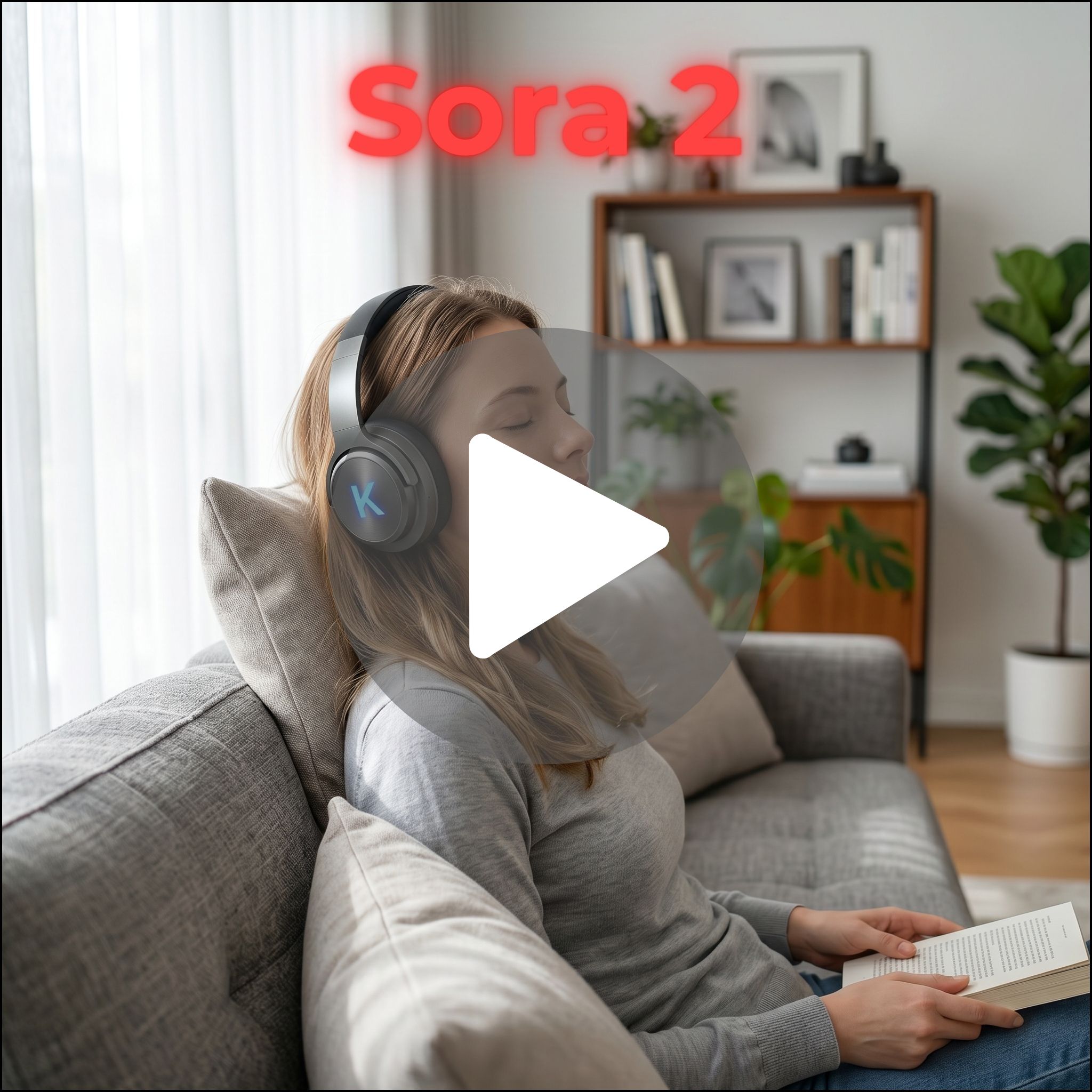
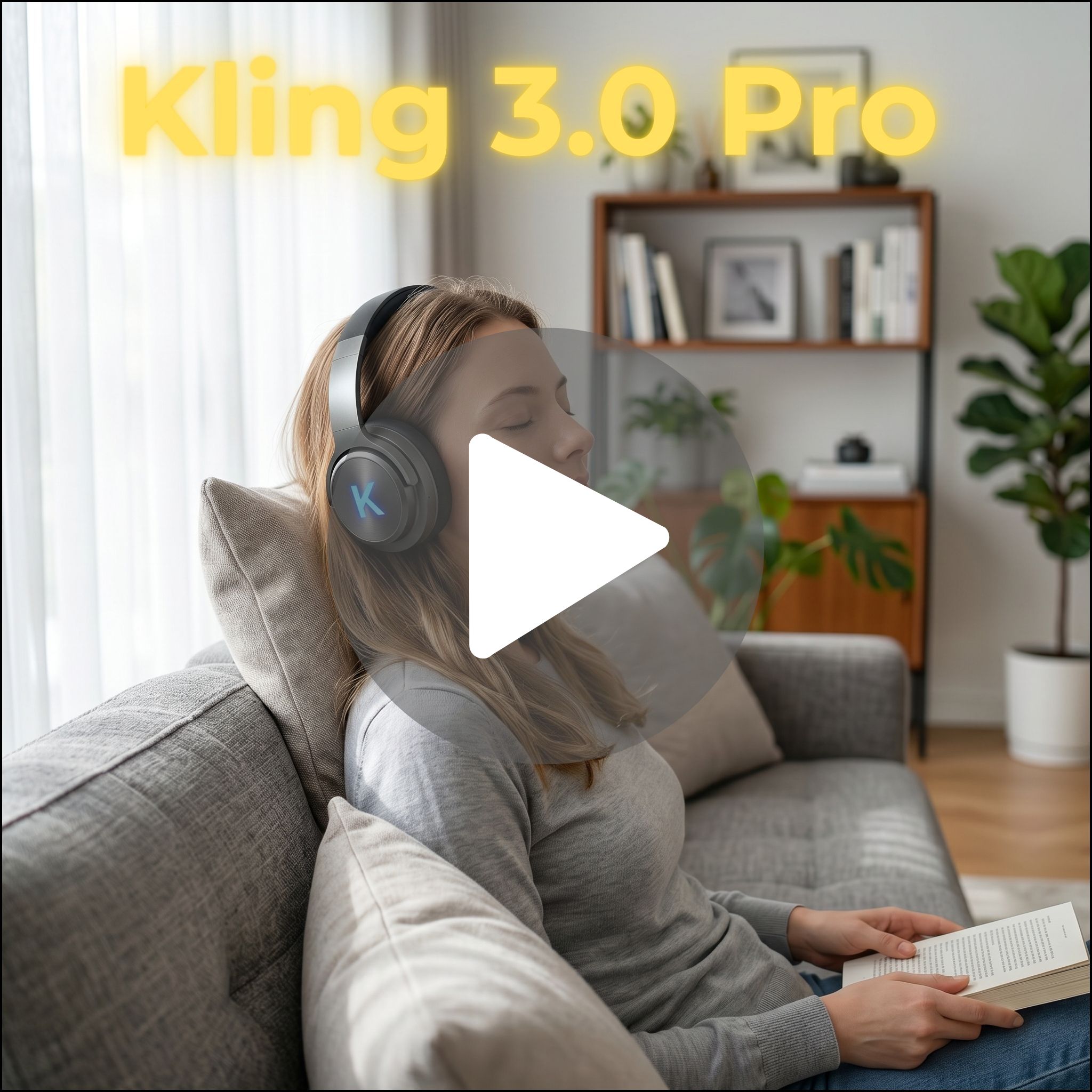
Click thumbnail to view model video
This category introduces people, environments, and context. It is less about the product itself and more about how it fits into a real moment.
This is where realism breaks for most models.
Prompt
A relaxed lifestyle scene of a woman sitting on a couch wearing over-ear headphones. She gently shifts her posture, slightly smiles, and tilts her head as if enjoying music. The camera slowly pushes in toward her while maintaining a natural depth of field. Soft daylight comes through a window and subtly changes as the scene progresses. The environment remains realistic and stable, with small natural movements in the background. The overall motion feels calm, natural, and authentic.
Results
Veo 3.1 again performs at the top. It handles lighting, environment consistency, and human presence more reliably than the rest. Faces hold up better. Backgrounds feel intentional. The scene looks cohesive rather than stitched together. This matches what we see externally, where Veo is consistently chosen for brand storytelling and polished content.
Seedance 2.0 becomes more competitive here than it was in Category 1. Its strength is consistency across the frame. It handles multi-element scenes better, and it is more reliable when multiple inputs are involved. If you are building repeatable lifestyle content, this matters.
Kling 3.0 still shows strong motion, but the weaknesses become more noticeable. Environments can feel less grounded. Lighting can shift slightly. It still looks good, but it is less reliable for brand-level output.
Sora 2 is interesting here. It often produces scenes that feel more natural in how people interact with the environment. Movement and interaction feel more believable. But consistency can vary, especially in shorter clips.
The remaining models again fall into supporting roles:
Grok struggles with consistency in full environments
Happy Horse is flexible but not specialized for realism
InfiniteTalk is not relevant for this type of content
The key shift in this category is that realism is no longer just about motion. It is about cohesion. Veo wins here because it keeps the entire scene consistent, not just individual elements.
Category 3: UGC / Creator-Style Content
 |  |  |
 |  |  |
 |
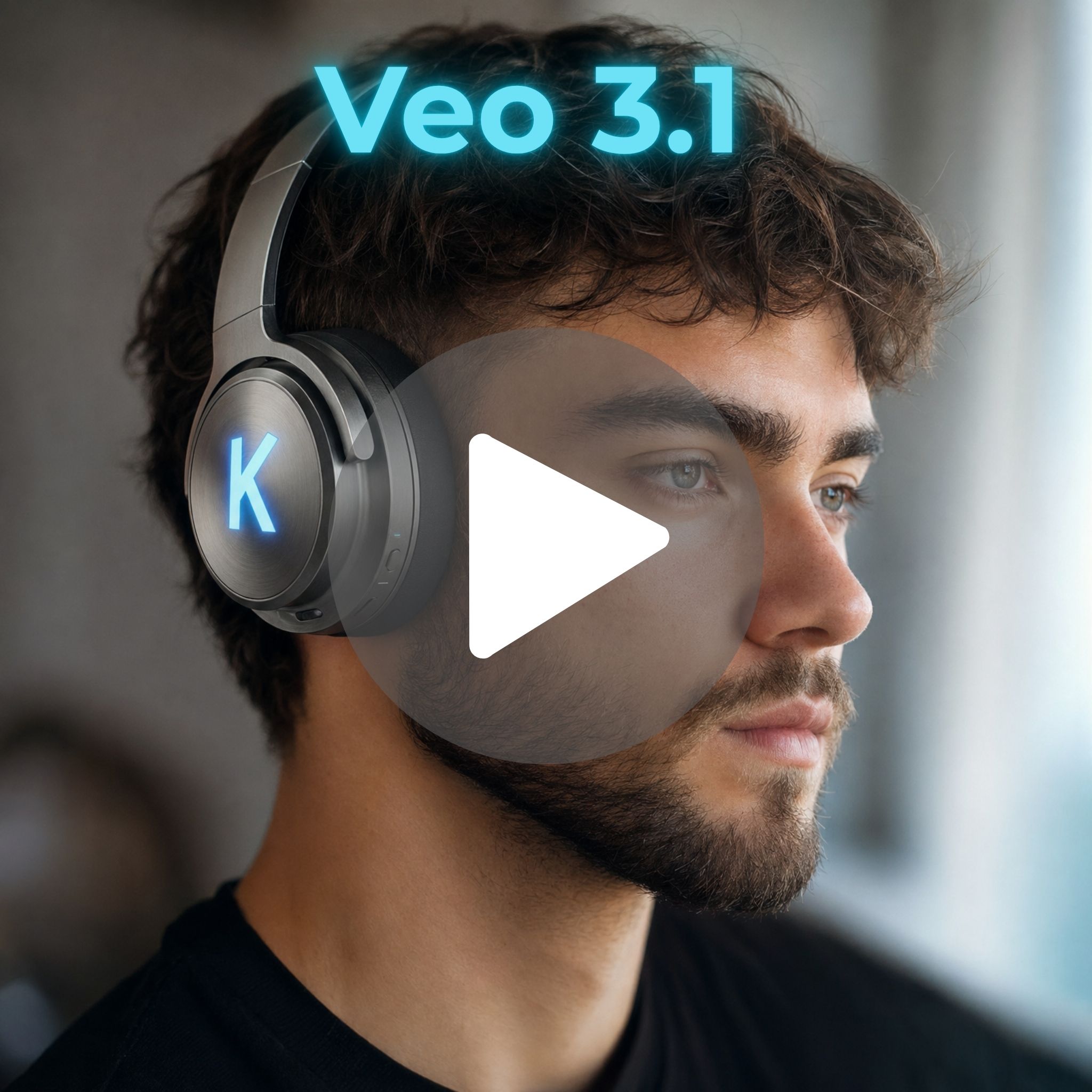
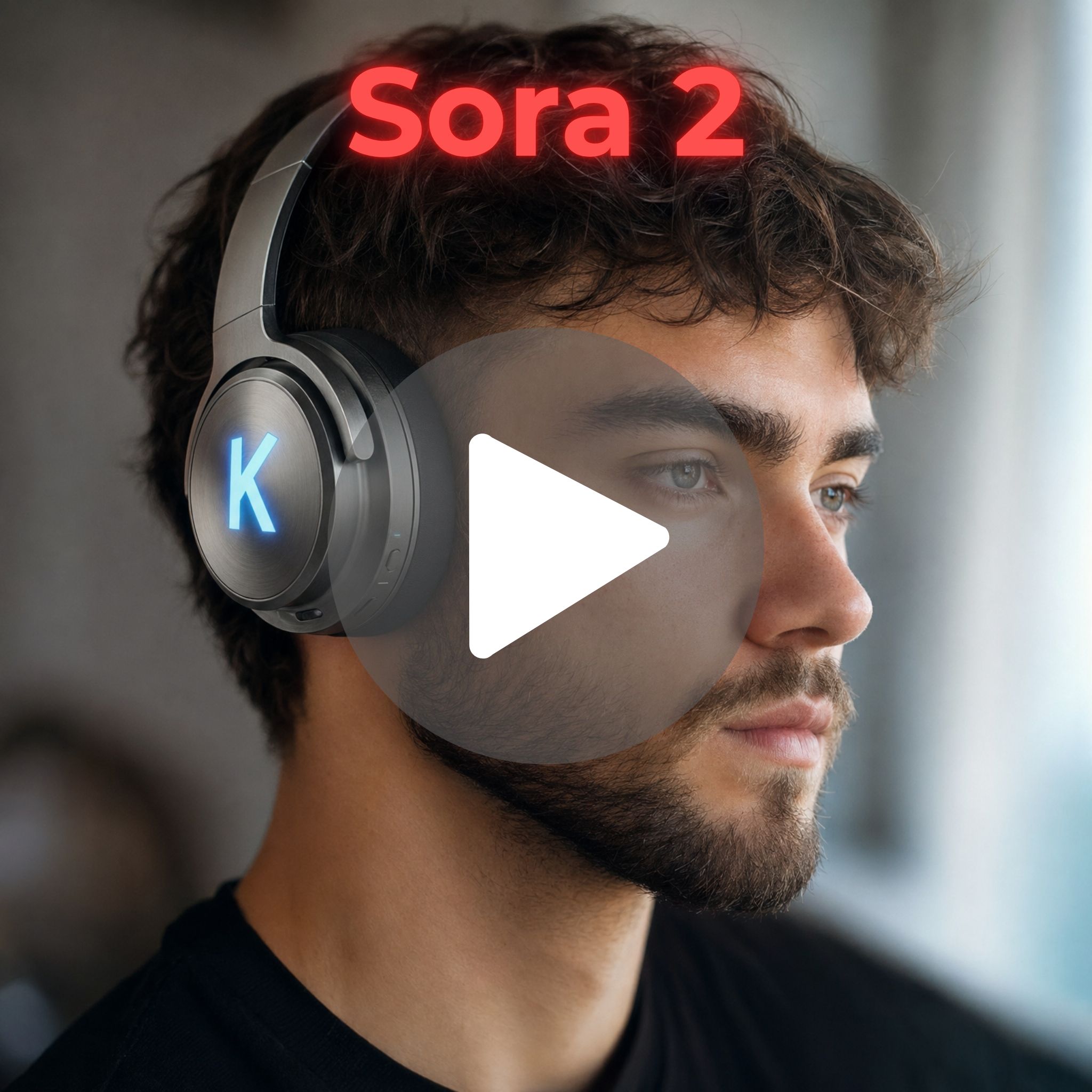
Click thumbnail to view model video
This is where things change completely.
This category is not about polish. It is about believability.
It should feel like it was filmed on a phone. Slight imperfections are not a problem. They are often the point.
Prompt
A close-up UGC-style video of a man wearing over-ear headphones speaking directly to the camera. He maintains eye contact while naturally talking, with subtle head movement and facial expressions. The lighting is soft and realistic, and the background remains slightly out of focus. His speech appears natural and conversational, as if recording a short testimonial. Lip sync and facial motion should feel realistic and aligned.
Results
Seedance 2.0 becomes one of the strongest options here. Its ability to handle audio, lip sync, and structured output makes it far more usable for UGC-style content. It was built for this type of workflow, and it shows. It is also widely recognized for strong audio-video alignment and lip sync capabilities.
Kling 3.0 also performs well in this category. It is cost-effective, fast, and good at producing content at scale. It is often recommended for social content specifically because of this balance between quality and cost.
Veo 3.1 is almost too good here. The output can feel overly polished for UGC. It works, but it does not always feel native to the format.
InfiniteTalk is the most specialized model in this category. It is built specifically for talking head content, and when that is the goal, it can outperform general models simply because it is purpose-built for it.
Sora 2 is less relevant here. Its strengths in physics and cinematic structure do not translate directly into short-form UGC.
The rest follow predictable patterns:
Seedance Fast is ideal for rapid iteration of UGC concepts
Kling Fast variants are useful for volume production
Grok / Happy Horse are less consistent for creator-style realism
The important shift here is intent. The best model is not the one that looks the most polished. It is the one that feels the most believable in context.
What These Categories Actually Show
Across all three categories, a pattern becomes clear. There is no single best model, there are different strengths:
Veo → polish and final output
Kling → motion and cost efficiency
Seedance → control and structured workflows
Sora → physics and interaction realism
External comparisons reinforce the same conclusion. Each model is optimized for a different type of output, not a universal use case.
Once you understand that, the workflow changes. You stop trying to force one model to do everything. You start choosing the right one for the job.
How Pricing Changes the Decision
Aside from output quality there is another underlying factor that is essential to consider when selecting AI models- cost.
The range is wide- from 30 to 225 credits per second generated. This pricing is directly correlated to the how the model should be used and the type of assets generated.
Fast models exist for iteration
Premium models exist for final output
Some models are cheap but require more retries
Others are expensive but reduce iteration time
For example:
Faster variants like Veo Fast are optimized for iteration
Full versions improve realism and stability
Seedance is faster to generate, which compounds over multiple tests
If a model takes twice as long to render, you test half as many ideas.
That matters more than people think.
A Better Way to Use AI Video
Most teams approach this backwards. They pick one model and try to make it do everything. That is where inefficiency comes from.
The better workflow looks like this:
Use fast models to iterate
Use specialized models for specific outputs
Use premium models for final assets
Pay attention to the strengths and weaknesses of models and use them accordingly
Once you do that, the platform starts to feel predictable and you are no longer fighting the tool.
Final Takeaway
What makes this moment interesting is not just that AI video models are improving quickly. It is that they are developing very different strengths.
Some models are better at realism. Others handle motion, dialogue, or consistency more effectively. A prompt that works perfectly in one model may fail completely in another, which means creative teams can no longer treat every AI tool the same way.
The teams getting the best results are learning how to match the right model to the right creative task.
That is where Kreator becomes valuable.
The platform is built around the reality that modern creative production is becoming orchestration. Teams need the ability to move between models while keeping their workflows, brand consistency, and production process intact.
Because the difference between an impressive AI output and a usable marketing asset is often not the prompt alone.
It is understanding which model is best suited for the job.