From the team that empowered over two million global brands.
You don’t need more shots. You need more angles.
Kreator’s Change Camera Angle tool lets you generate new perspectives from a single image, so you can create more content without reshooting.

New Perspectives · Virtual Camera Control · Multi-Angle Output
Getting a new perspective means going back to production
You only get one angle from every shot. If you need a different perspective, you have to reshoot it.
That means more setup, more time, and more cost just to capture what could have been created from the original image.
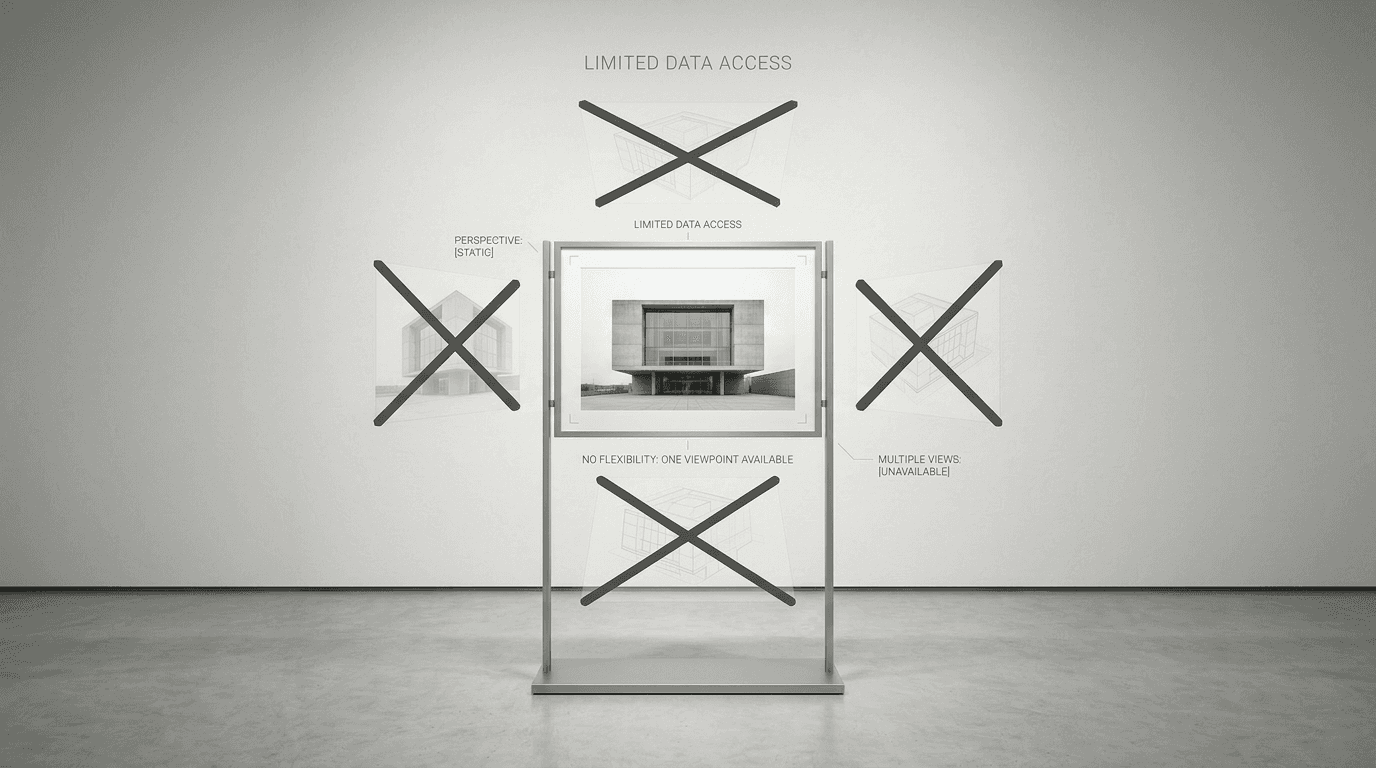
Expand your content without reshooting
Capturing multiple angles usually means more time, more setup, and more production. But the content is already there. Kreator lets you shift perspective, adjust framing, and explore new angles instantly, without going back to the camera.
01
Dynamic Perspective Control
02
Multi-Angle Content Creation
03
Faster Creative Flexibility
Dynamic Perspective Control
Most workflows require a new shoot to get a new perspective.
Kreator lets you:
rotate, tilt, and shift the camera around your subject
explore new framing without changing the original image
adjust viewpoint instantly from a single source
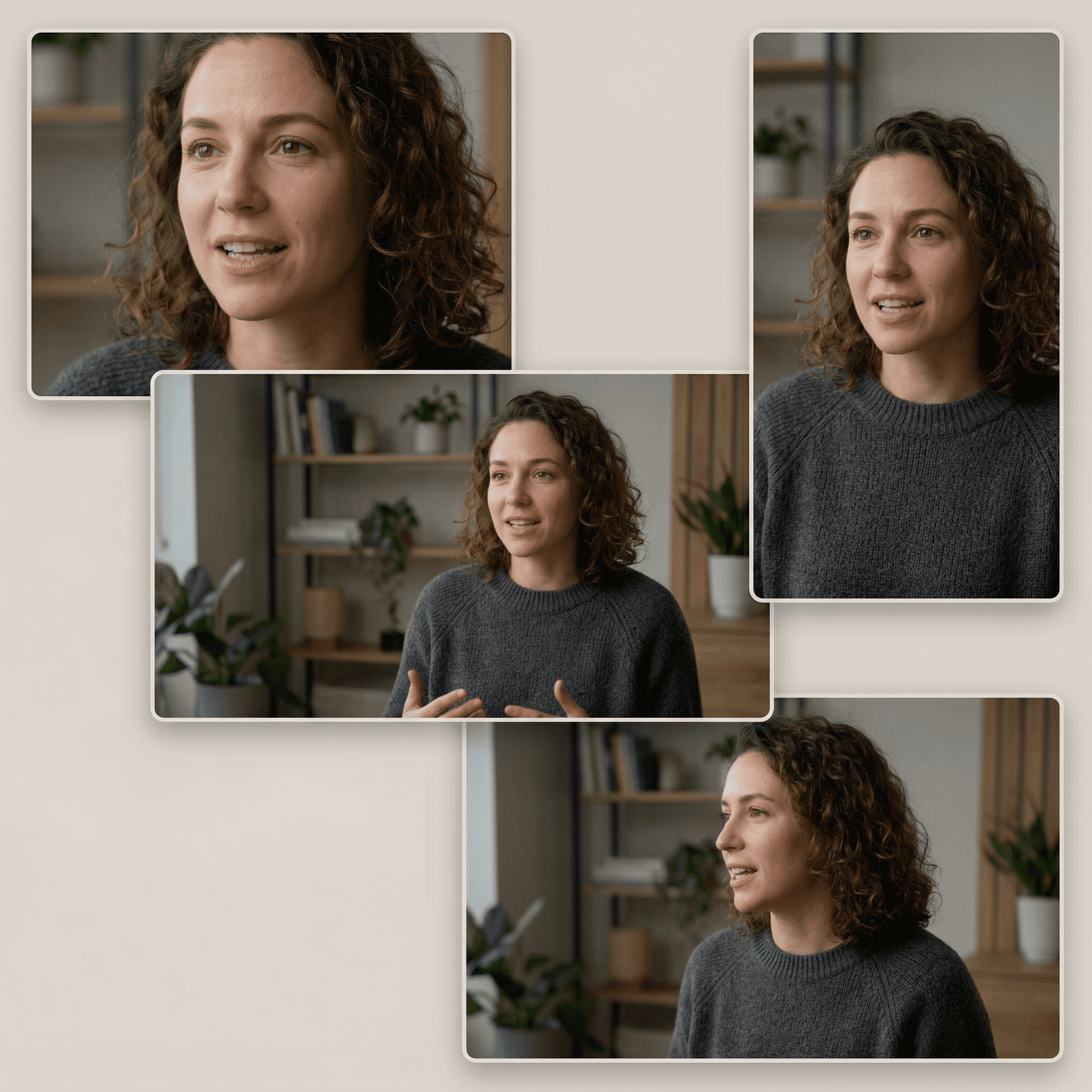
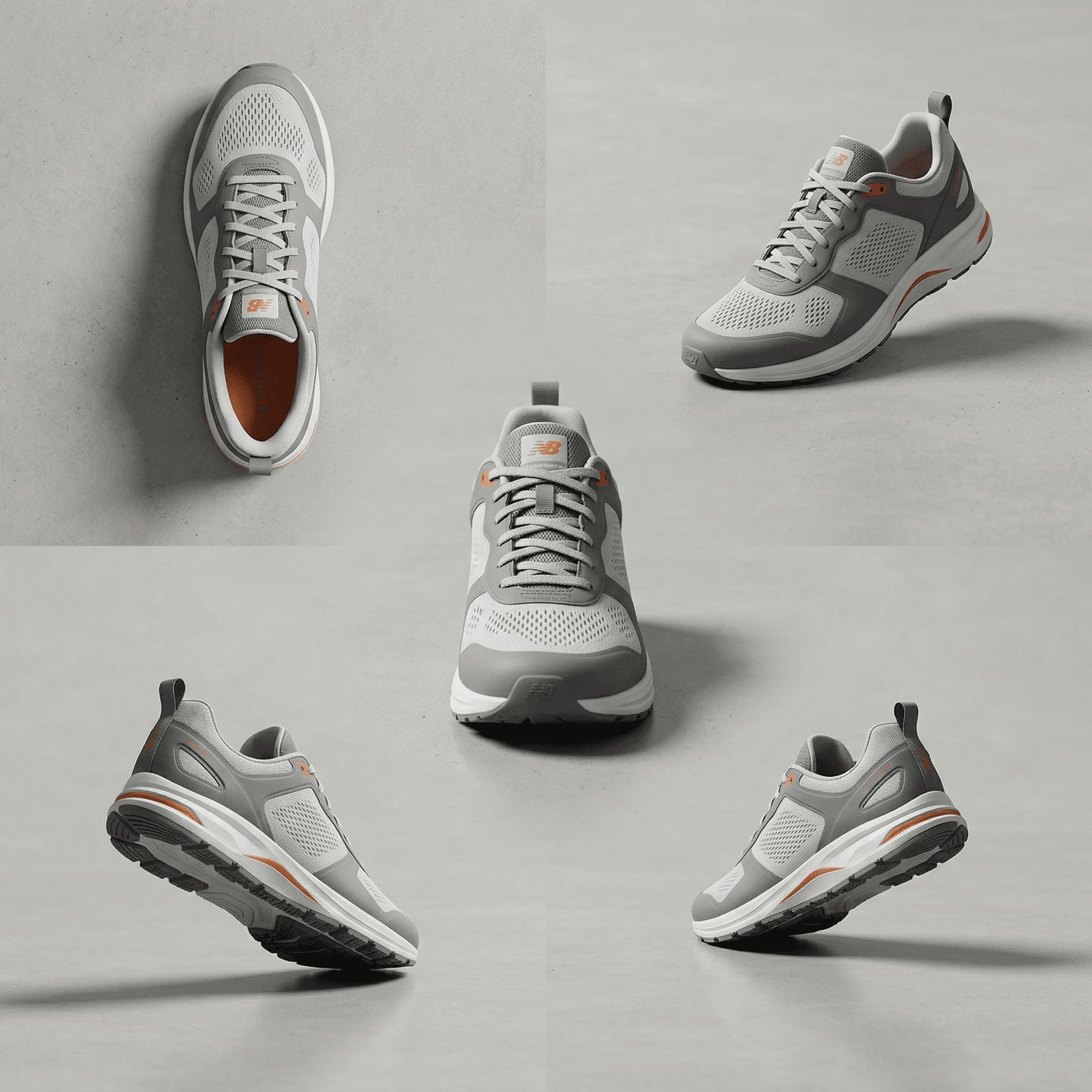
Multi-Angle Content Creation
More setup, more time, and more cost just to capture what you already have.
Kreator enables:
multiple angles from a single image
new variations for ads, product visuals, and content
expanded output without additional shoots
Faster Creative Flexibility
Adapting visuals for different formats or uses often requires extra work.
Kreator allows you to:
experiment with composition instantly
adapt visuals across formats and placements
create more content from fewer assets
Built for Real Content Workflows
Ready to create more content without reshooting?
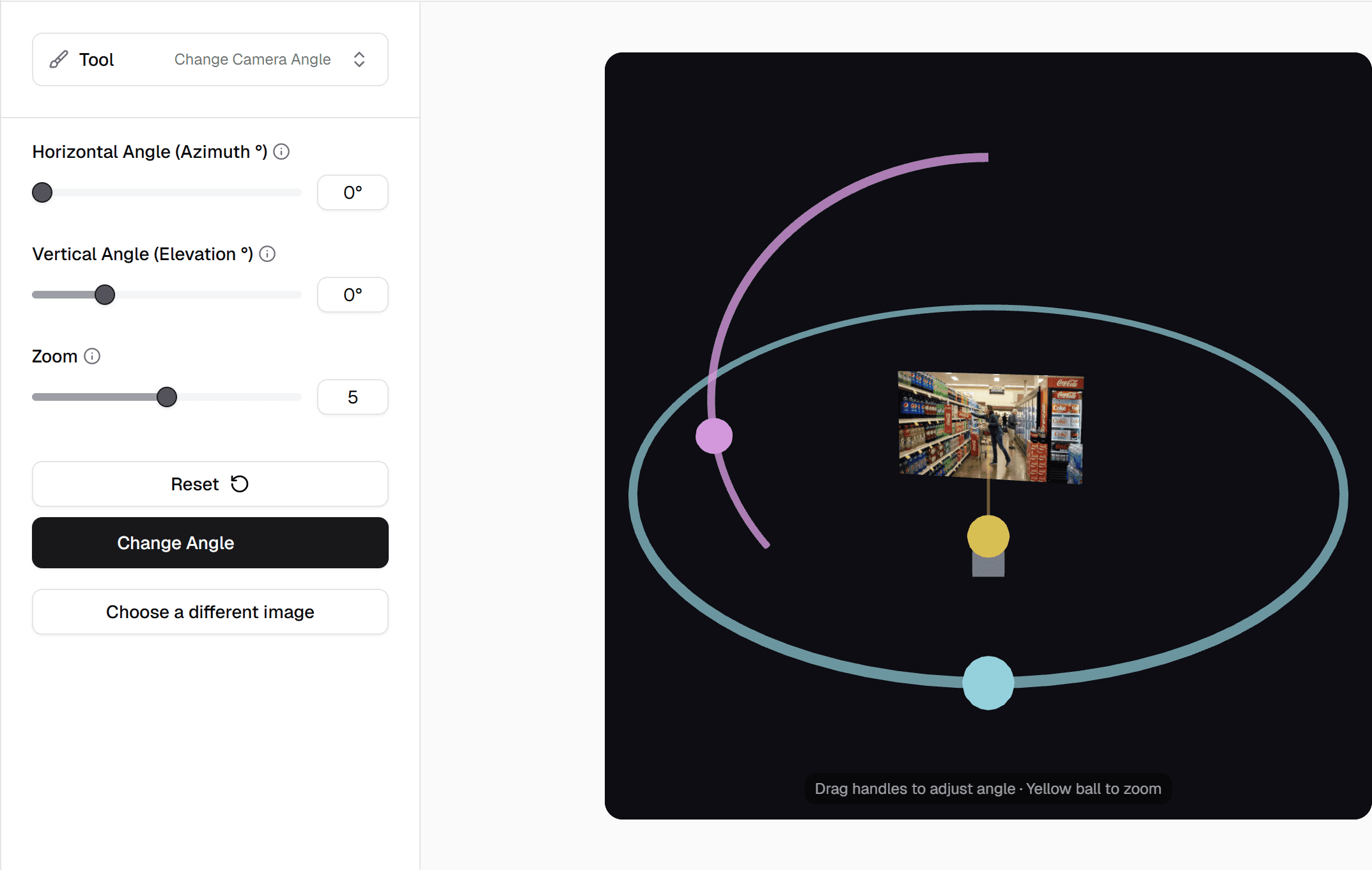
Change your perspective in three steps
Go from an original shot to new viewpoints in just a few clicks.
01
Upload your image
Start with an image to see a new angle or perspective
02
Adjust Camera
Move the virtual camera settings to the desired location
03
Generate New Angle
Create your new asset from your selected viewpoint
One tool, multiple use cases
Create captions once, then reuse them across teams, formats, and channels.
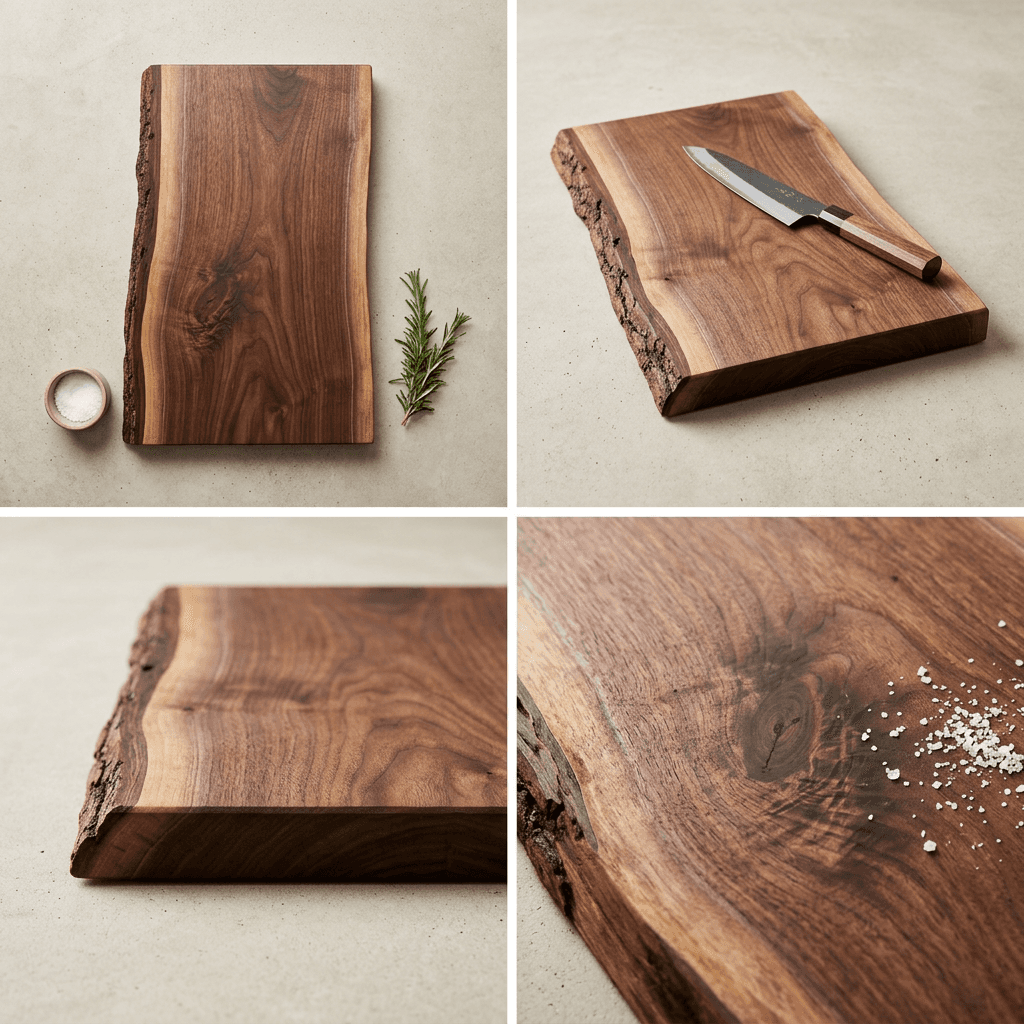
Product Marketing
Generate multiple product views to show more without shooting more
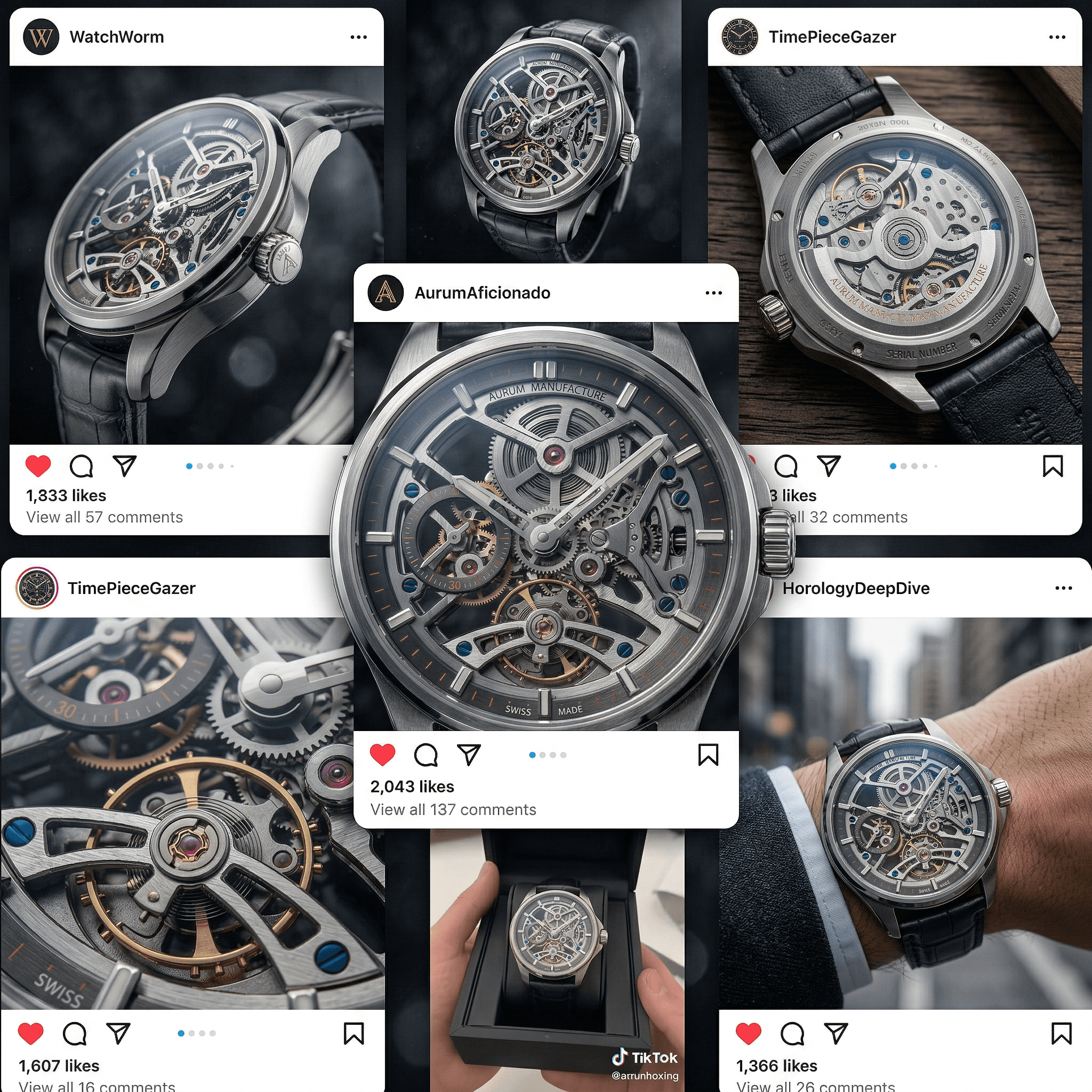
Content Repurposing
Expand the usability of a single shot across multiple platforms
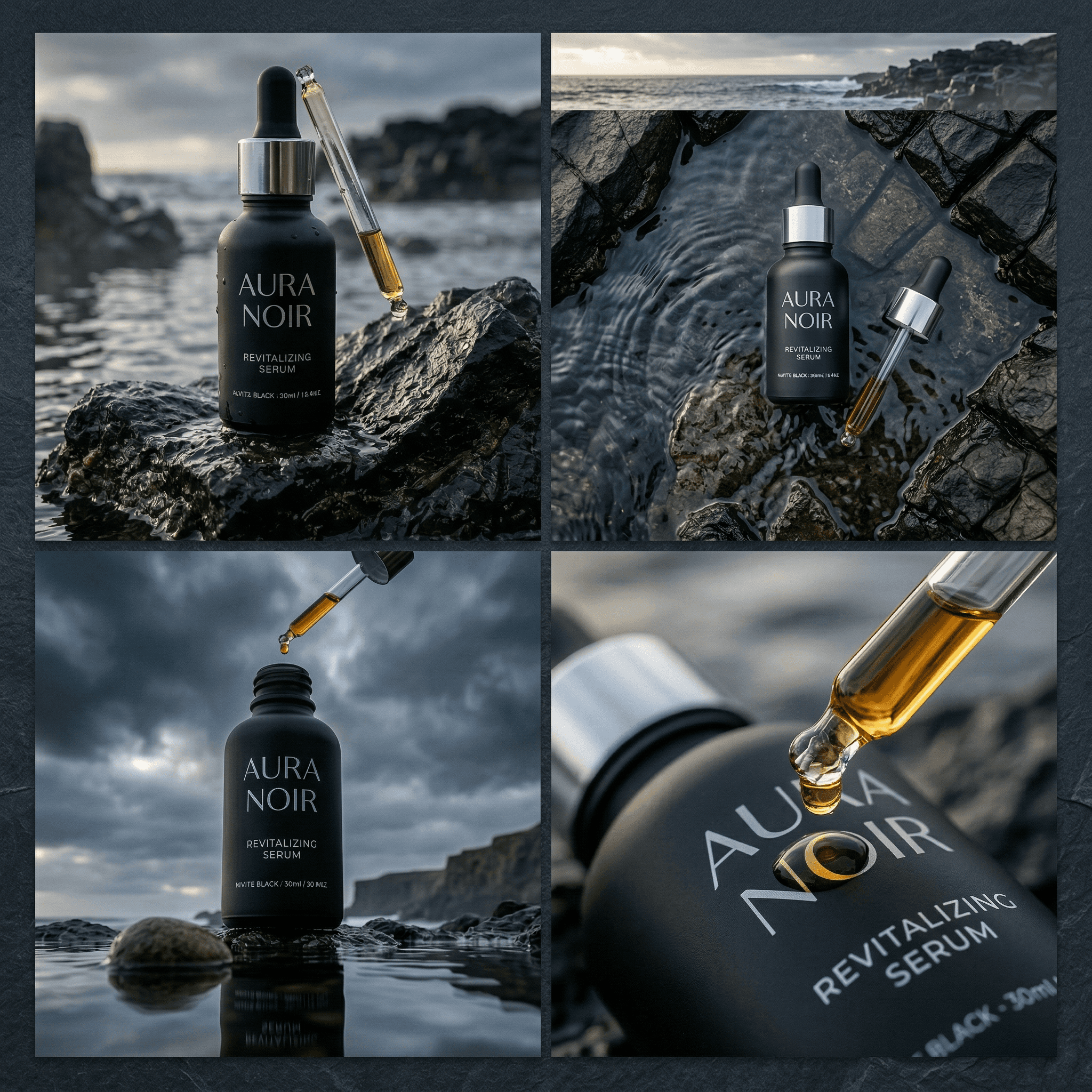
Creative Storytelling
Experiment with eye level perspectives, dramatic angling and overhead views for engagement impact
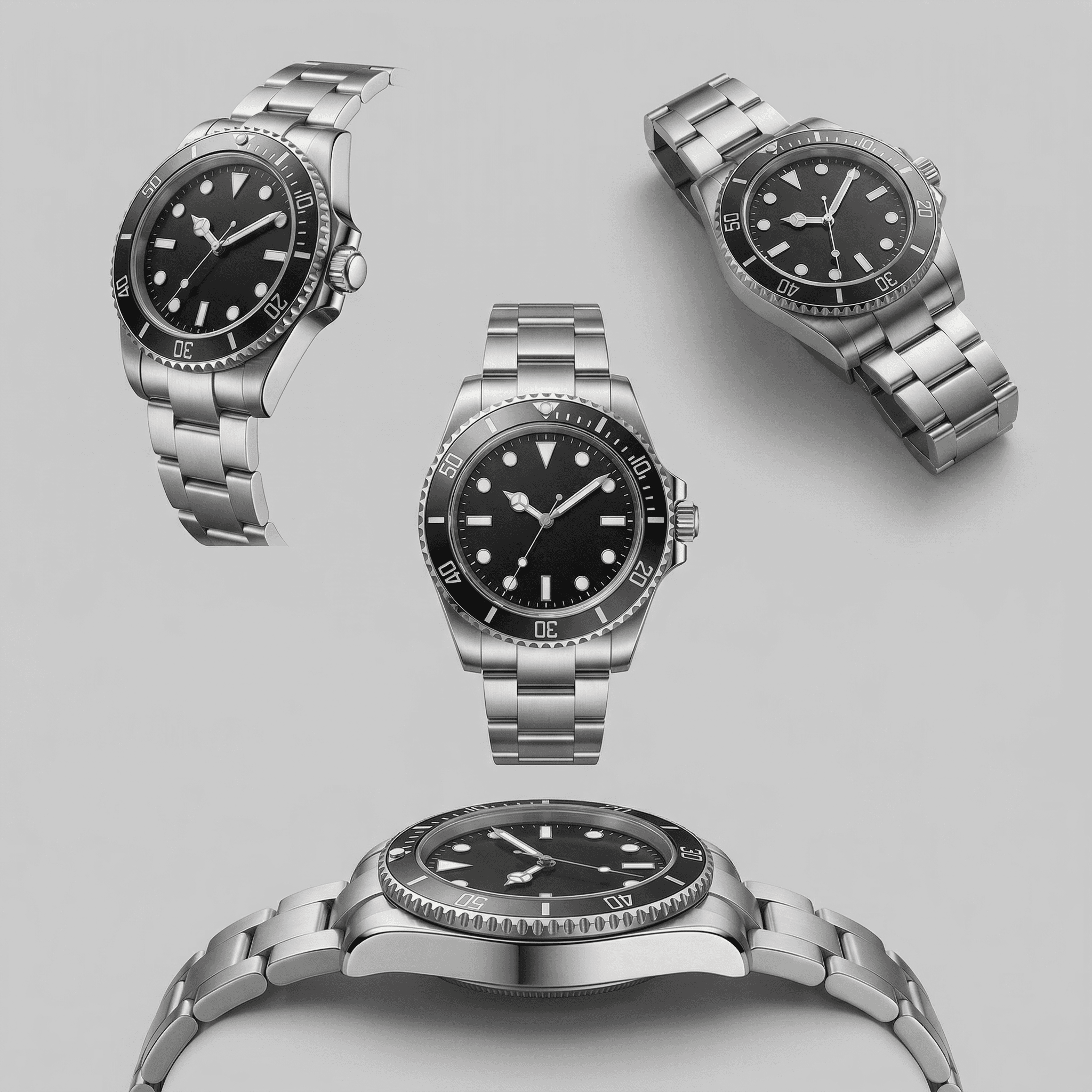
Paid Ad Teams
Create fresh visuals from existing assets and allow variation to drive performance
Frequently Asked Questions
What does the Change Camera Angle tool do?
Do I need multiple photos?
Is this the same as rotating an image?
How fast is generation?
Will the lighting or background change when I adjust the angle?
Can i use this for product images?
Stop reshooting content to get new angles.
More perspectives. Less production. Faster output.