From the team that empowered over two million global brands.
Turn one product image into every ad format
Expand backgrounds and recompose your visuals for every placement without reshoots, awkward crops, or manual design work.

Scene Expansion · Layout Flexibility · Platform-Ready Images
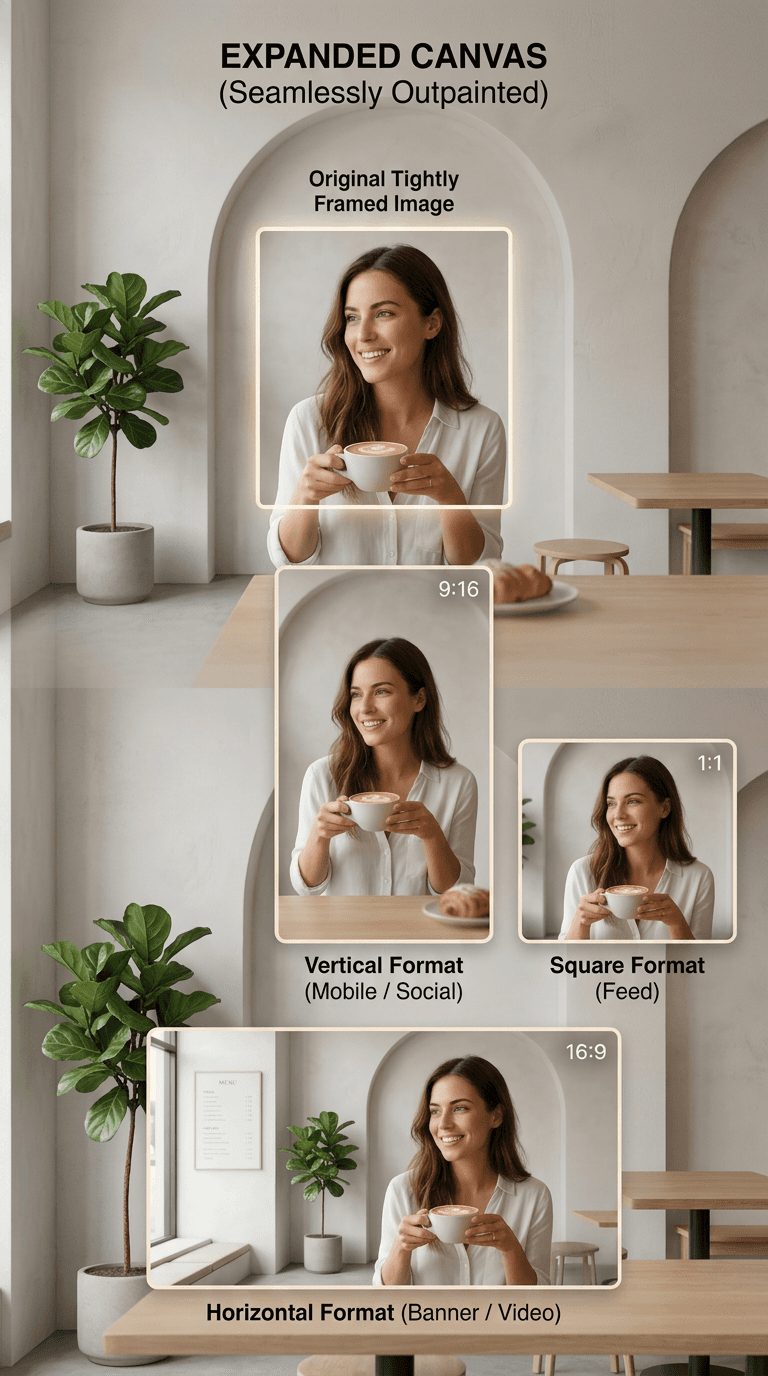
Your images don't fit the formats you need
When you try to reuse them, something breaks. Important elements get cropped. Text is out of place. Layouts lose balance.
What should adapt easily becomes a compromise.

Adapt images without compromise
Most images are captured for one use. But your content needs to work everywhere. Instead of cropping or stretching, Kreator extends your image, generating new content that blends seamlessly with the original.
01
Intelligent Scene Expansion
02
Natural Composition Preservation
03
Flexible Format Adaptation
Intelligent Scene Expansion
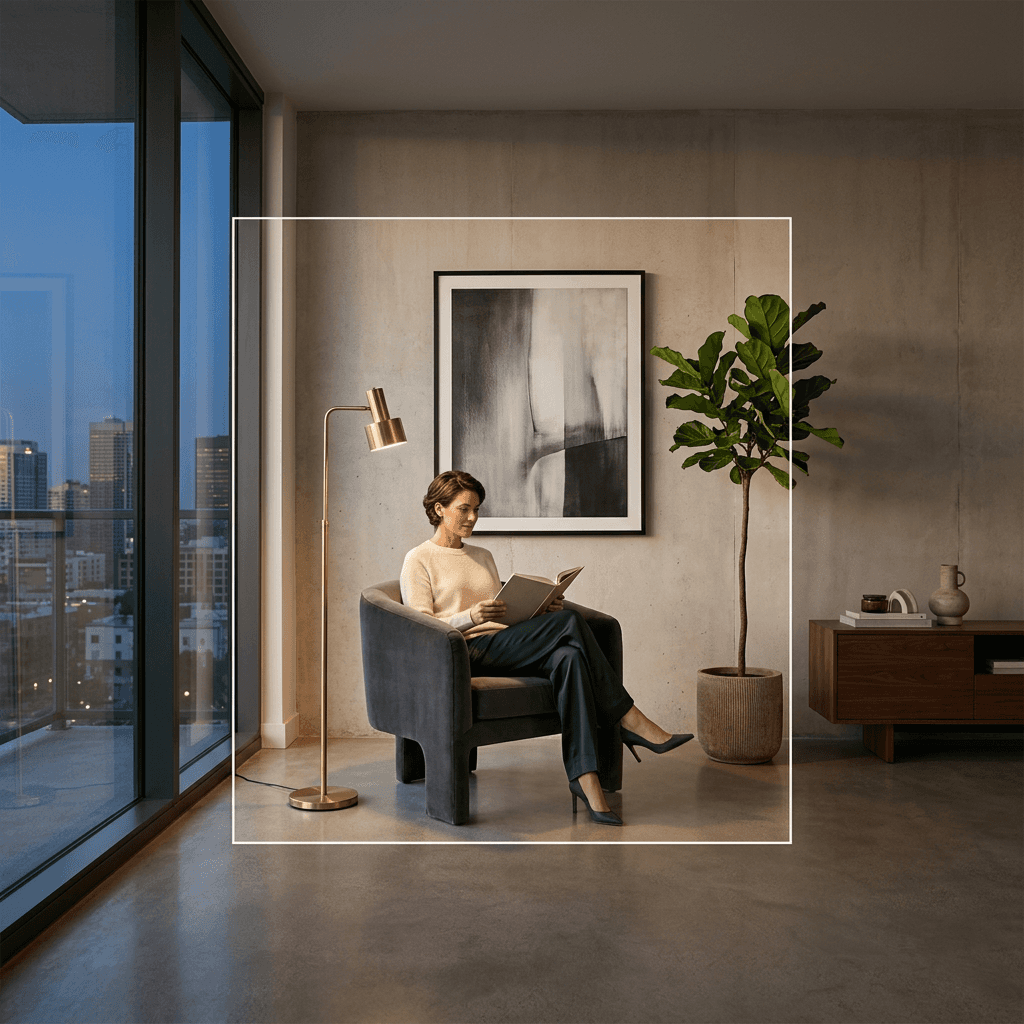
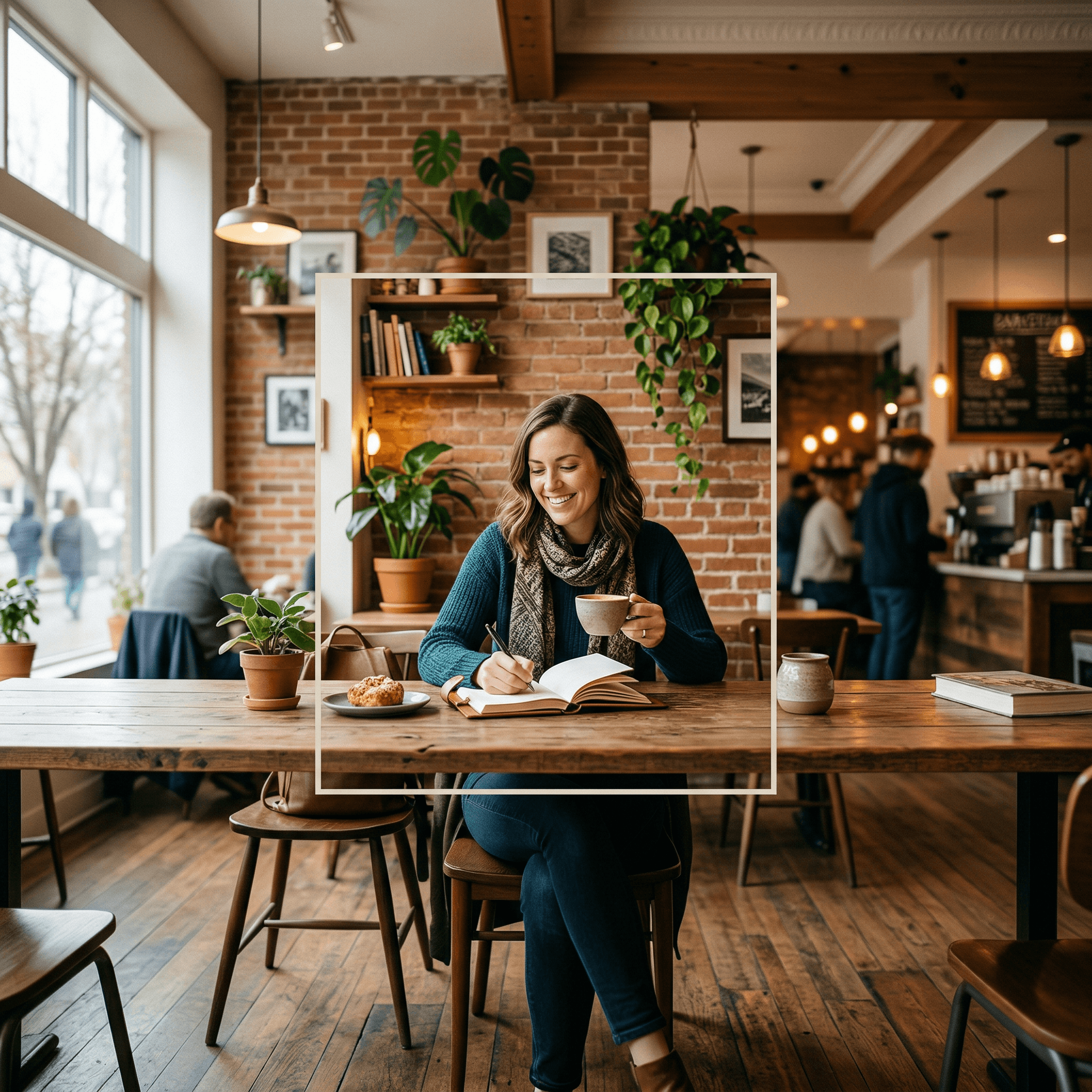
Your image is limited by its original frame.
Kreator expands:
Scenes beyond the original edges
Background areas that match the original style
Space around the subject for flexible layouts
Natural Composition Preservation
Resizing usually breaks composition.
Kreator preserves:
Subject placement and balance
Lighting, texture, and visual consistency
The natural structure of the scene
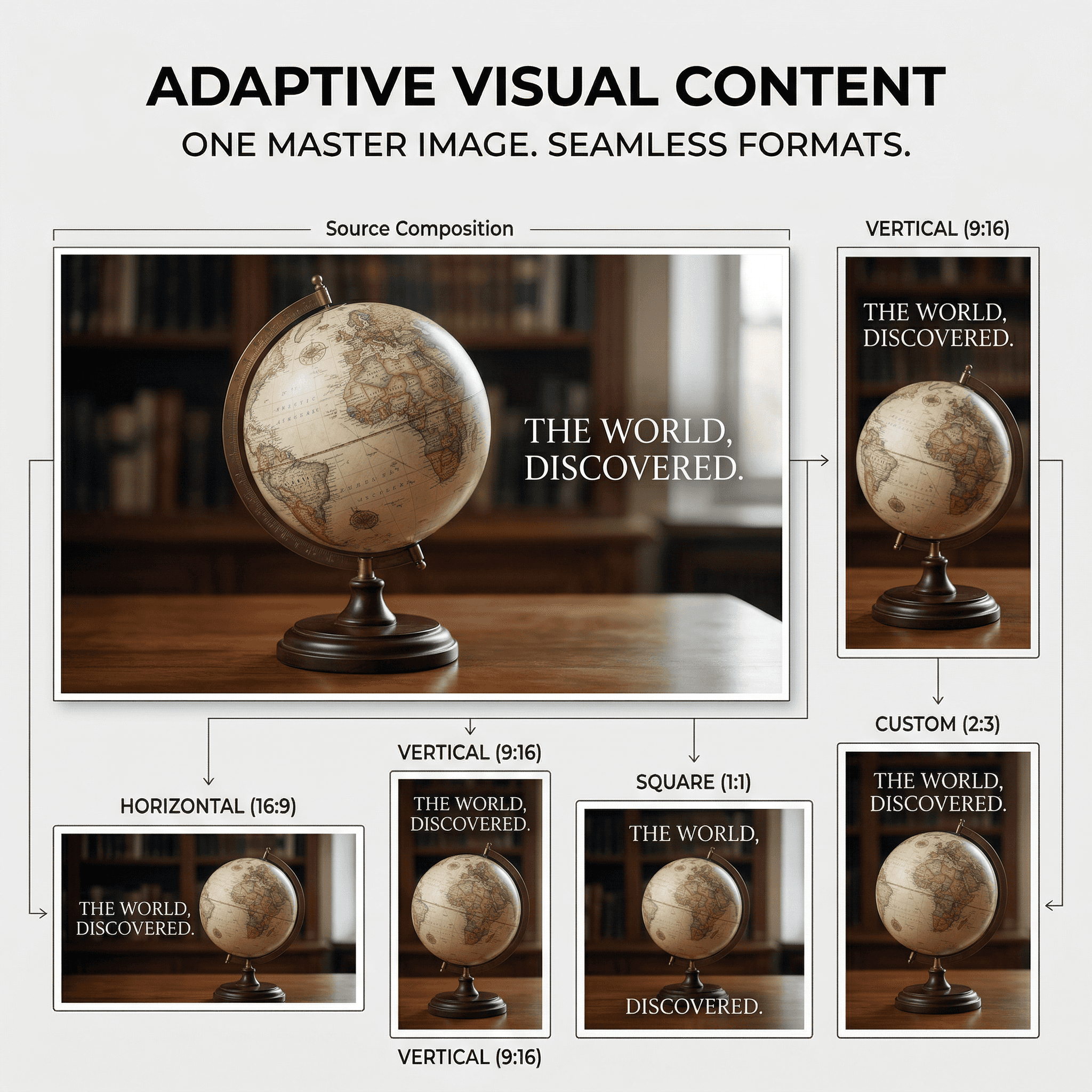
Flexible Format Adaptation
Adapting content across formats takes extra work. Each new layout requires manual adjustment or redesign.
Kreator enables:
Horizontal, vertical, and custom formats from one image
Platform-ready visuals without redesign
Proper subject and text placement in new images
Built for Real Content Workflows
Ready to make every image usable everywhere?
Reformat your images in three steps
Go from raw footage to finished captions in just a few clicks.
01
Upload image
Start with your existing image
02
Select update options
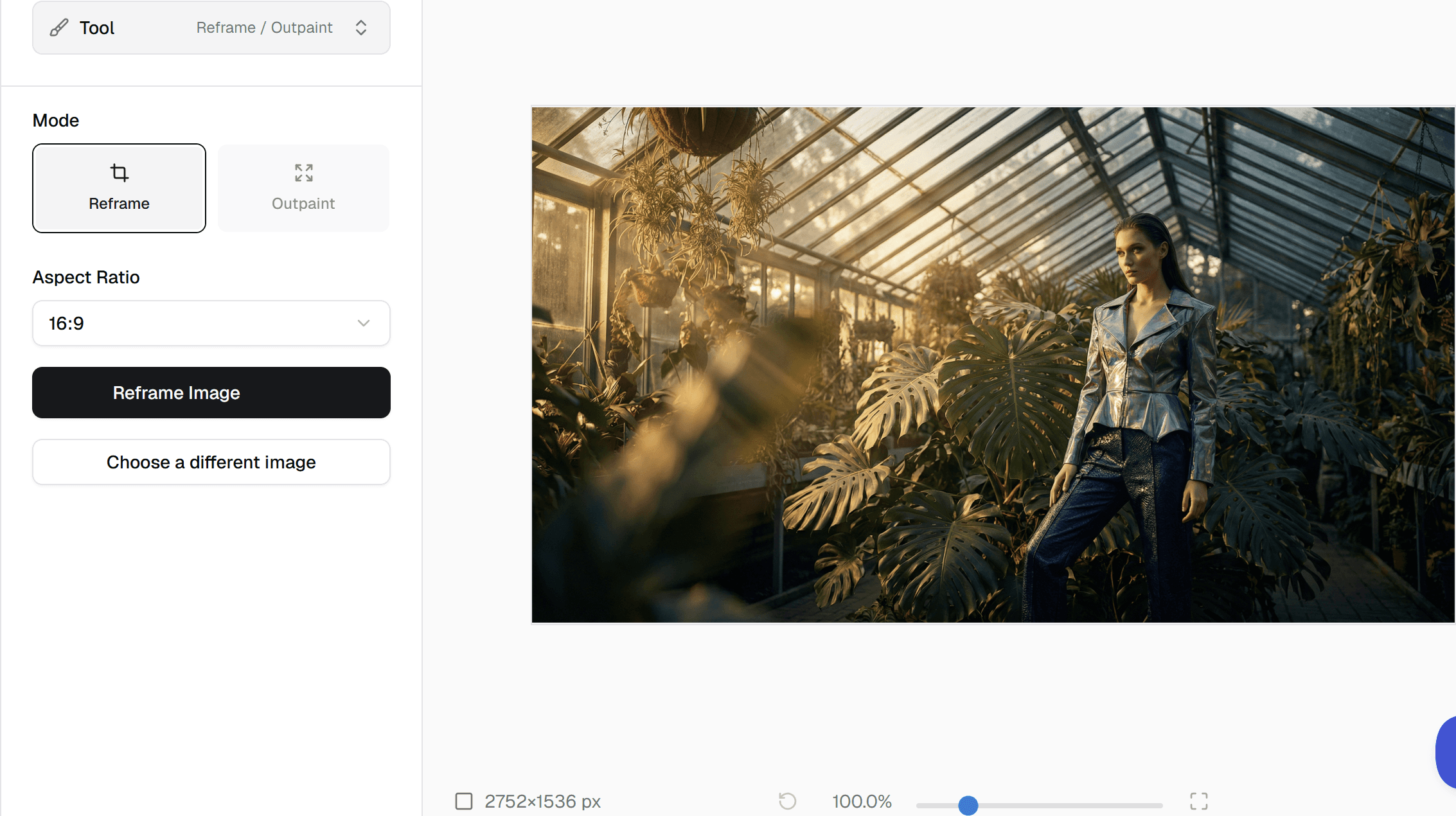
Choose to outpaint or reframe your image as well as the aspect ratio
03
Generate new version
New image is added to your asset library and ready to use
Frequently Asked Questions
What does Reframe do?
What does Outpaint do?
Is this the same as resizing or cropping?
Can I use this for different formats?
Will the new areas match the original image?
How will text be effected?
Stop forcing your images to fit.
Expand them. Reuse them. Move faster.