From the team that empowered over two million global brands.
Consistency doesn't have to be a struggle
Kreator Styles turn visual direction into a reusable system, so you can stay consistent, skip prompt-writing, and explore new creative directions without starting from scratch.

Reusable Visual Styles · Faster Generation Without Prompting · Built for Testing & Iteration

You’re rewriting your style every time you create
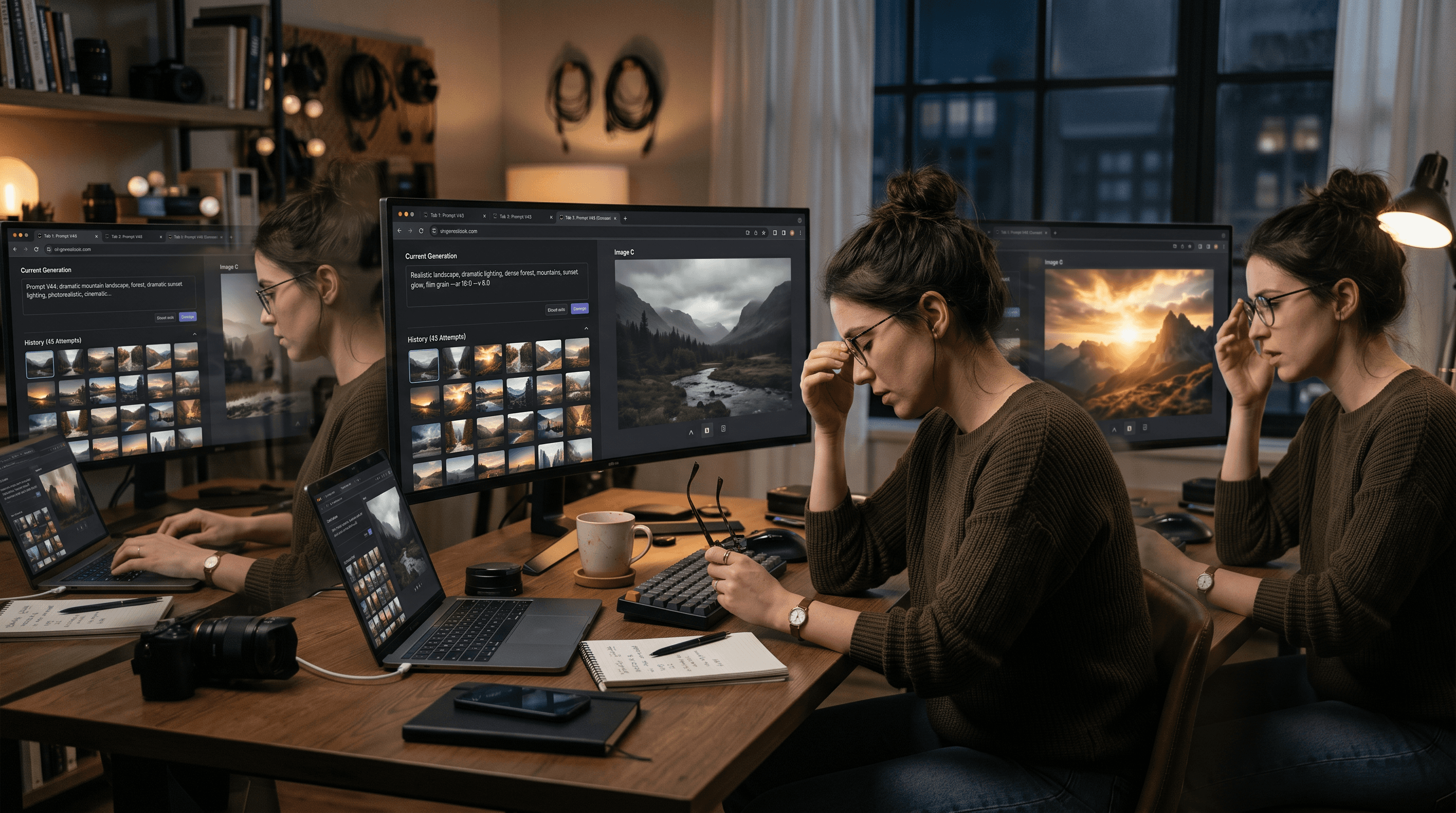
Every image starts with a prompt.
You’re describing lighting, tone, composition, and mood—again and again—just to get close to the look you want. Even then, results vary.
Instead of building consistency or momentum, you’re stuck refining the same idea over and over.
Style templates built seamlessly into your workflow
Most AI workflows force you to describe style every time you generate something.
That slows you down, creates inconsistency, and makes testing new ideas harder than it should be. Kreator changes that.
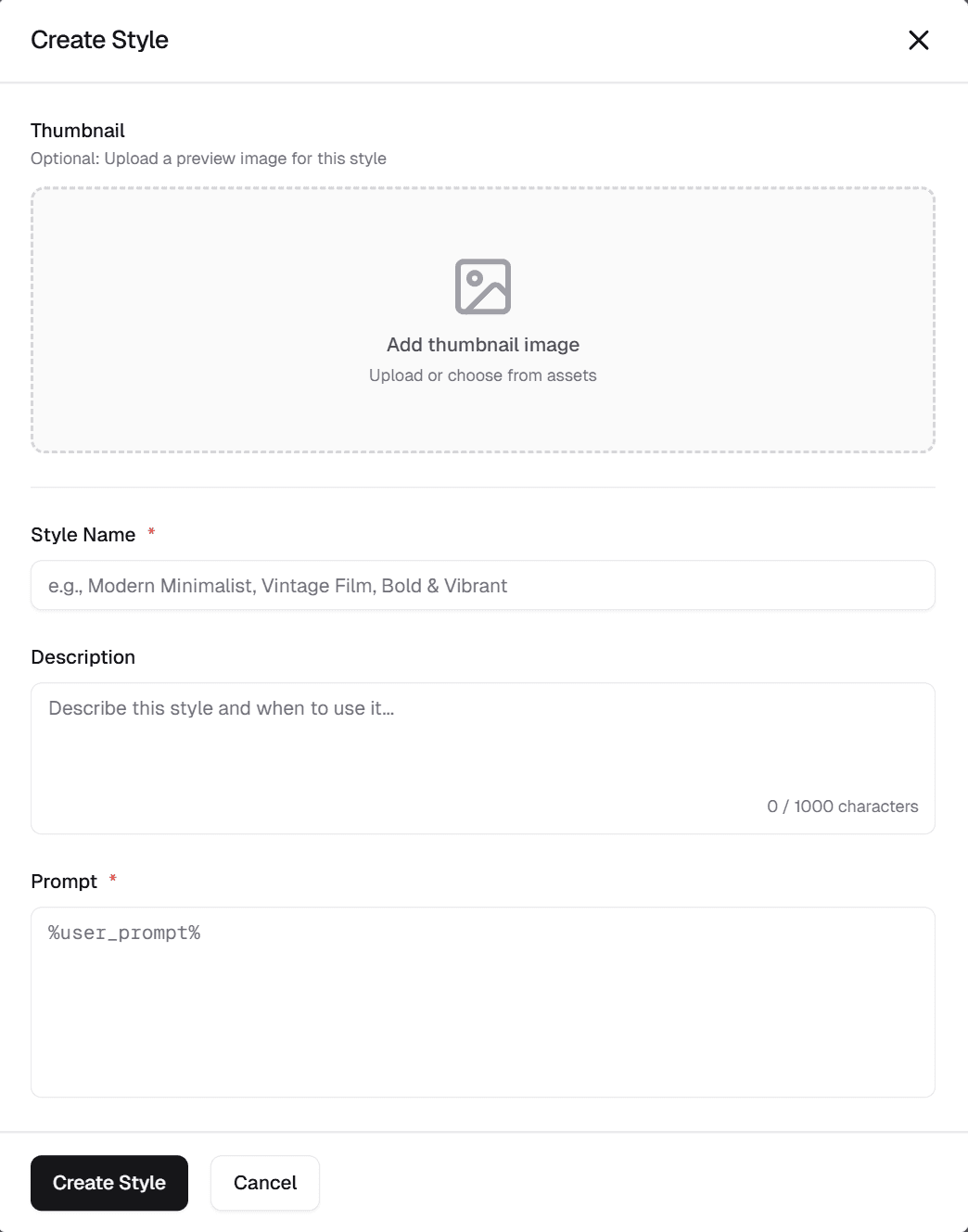
Create styles once—or generate them from your brand—and apply them instantly across your content, whether you're maintaining consistency or experimenting with new directions.
01
Create Styles Once
02
Keep Every Asset Visually Consistent
03
Explore and Test Faster
Create Styles Once
Define visual direction without repeating yourself.
Kreator enables:
Manual style creation with full control
Automatic style generation from brand guidelines
Reusable styles across all image generation

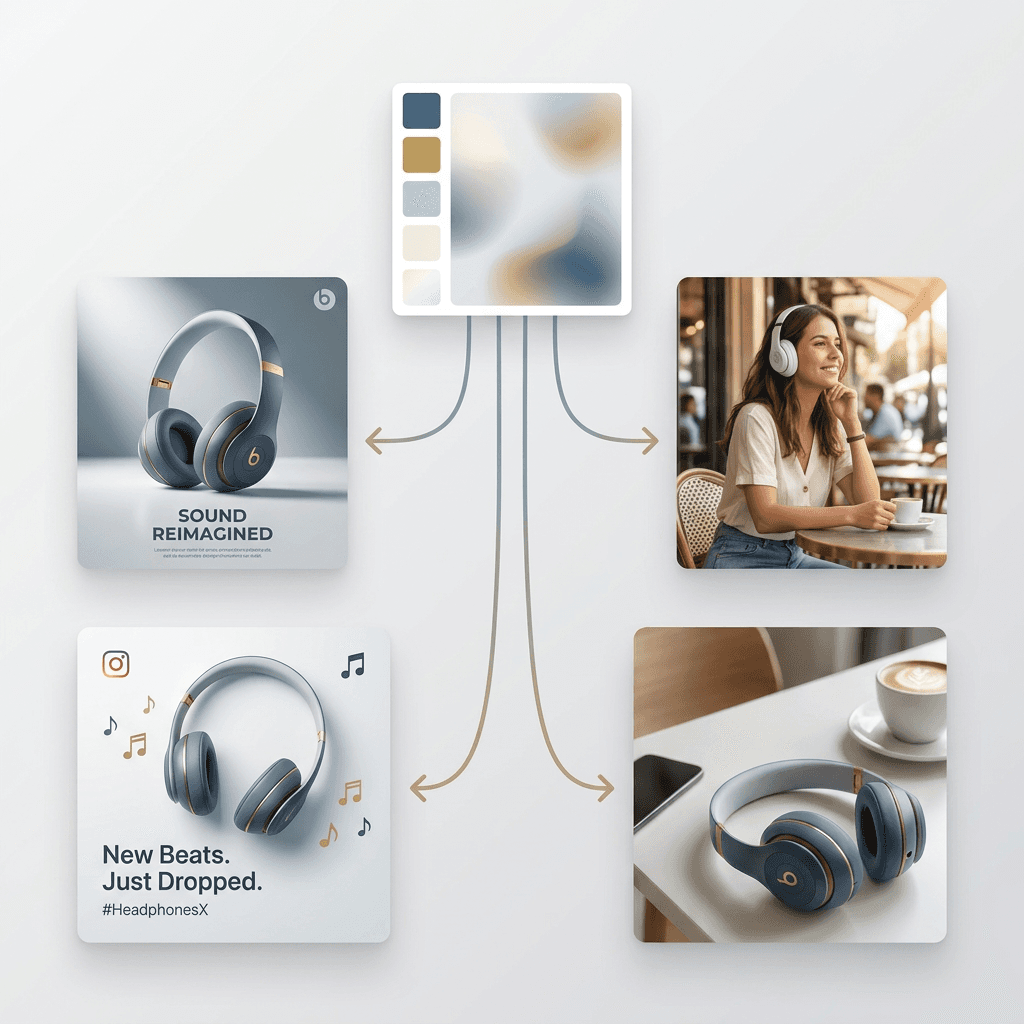
Keep Every Asset Visually Consistent
Your content should look like it belongs together.
Kreator maintains:
Consistent lighting, tone, and composition
Unified visuals across ads, product images, and campaigns
Brand alignment without rewriting prompts
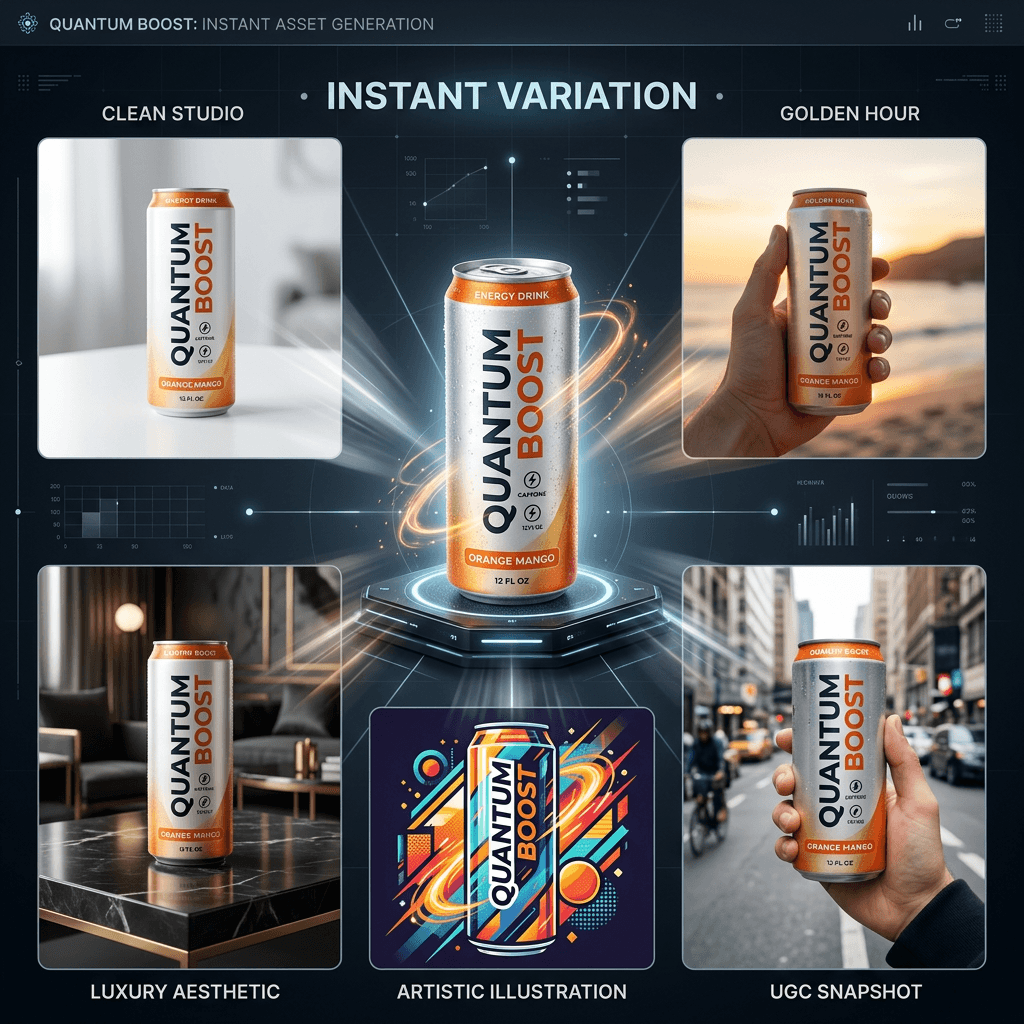
Explore and Test Faster
Creative direction shouldn’t slow down experimentation.
Kreator allows for:
Generating the same asset across multiple styles instantly
Rapid testing of visual directions
Faster iteration without restarting or rewriting prompts
Built for Real Content Workflows
Consistency across brand assets
Styles to guide your brands in three steps
Custom, Preset or Brand guided styles in just a few clicks.
01
Create or Import a Style
Build manually or generate from your brand.
02
Apply It to Your Generations
Select a style when generating images.
03
Reuse or Test Instantly
Use the same style across assets or generate variations with different styles.
One tool, multiple use cases
Create your styles, then reuse them across teams, formats, and channels.
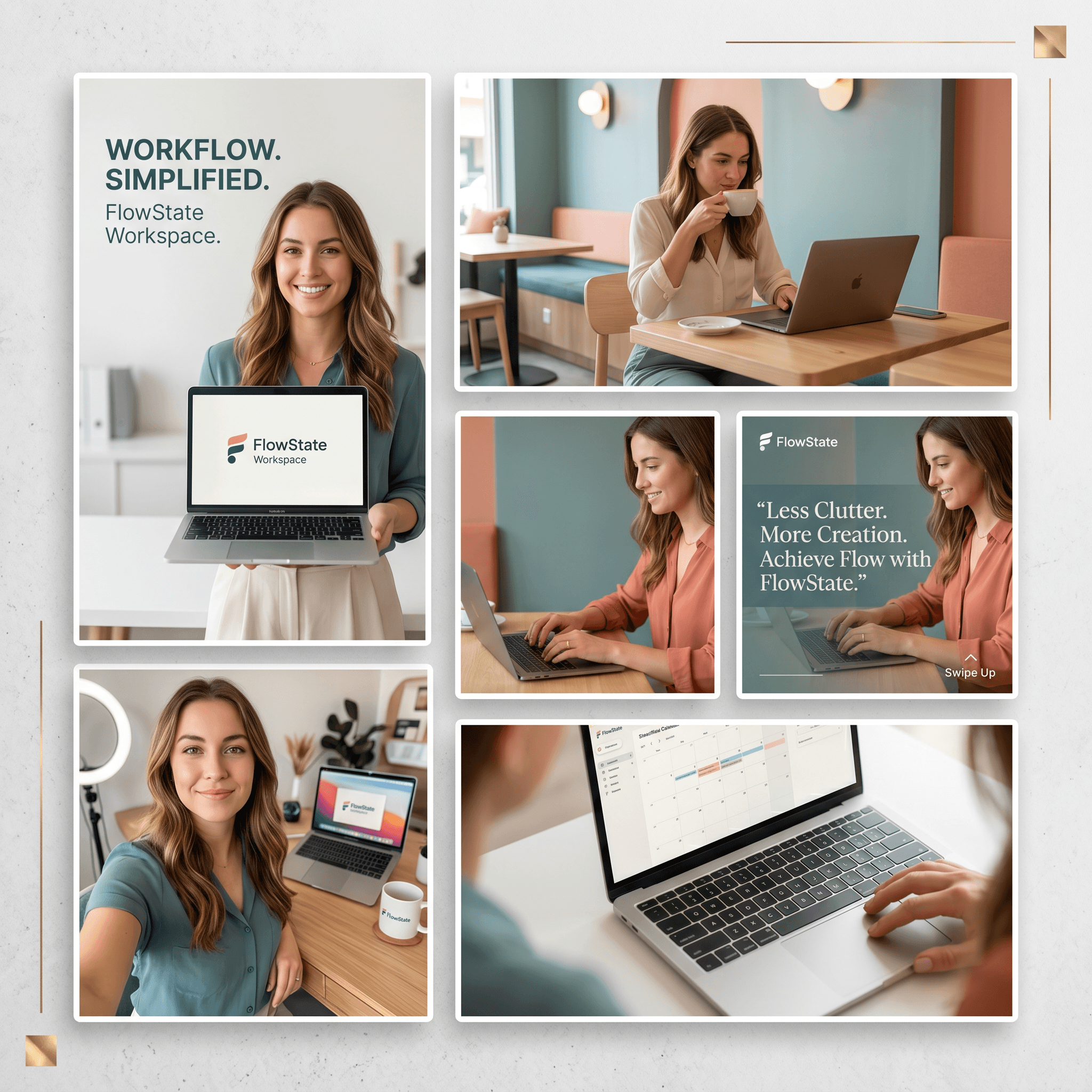
Paid Ads
Maintain consistency or test new styles without slowing down
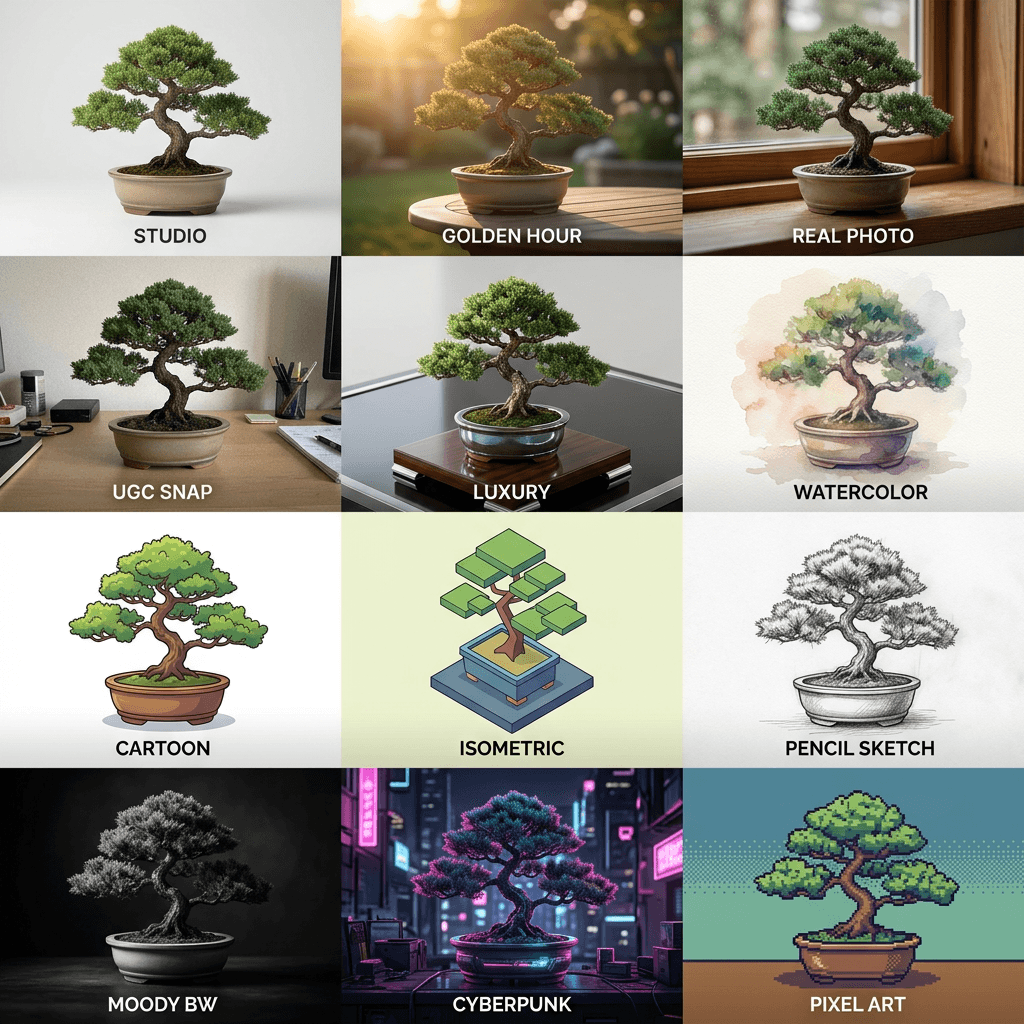
Style Library
Explore a range of prebuilt styles designed for different creative directions—from clean product photography to bold, stylized visuals.
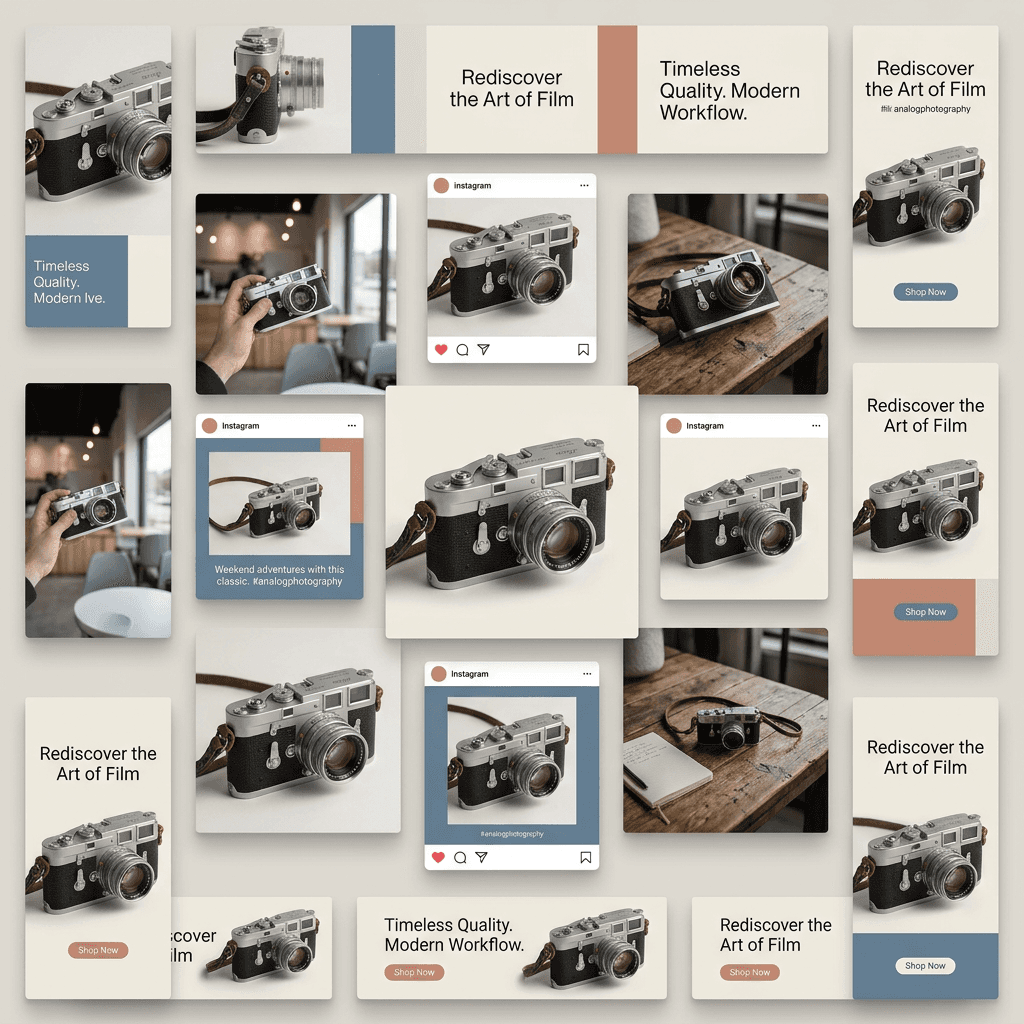
Creators & Brands
Apply a unified visual system across all content and maintain consistency at scale
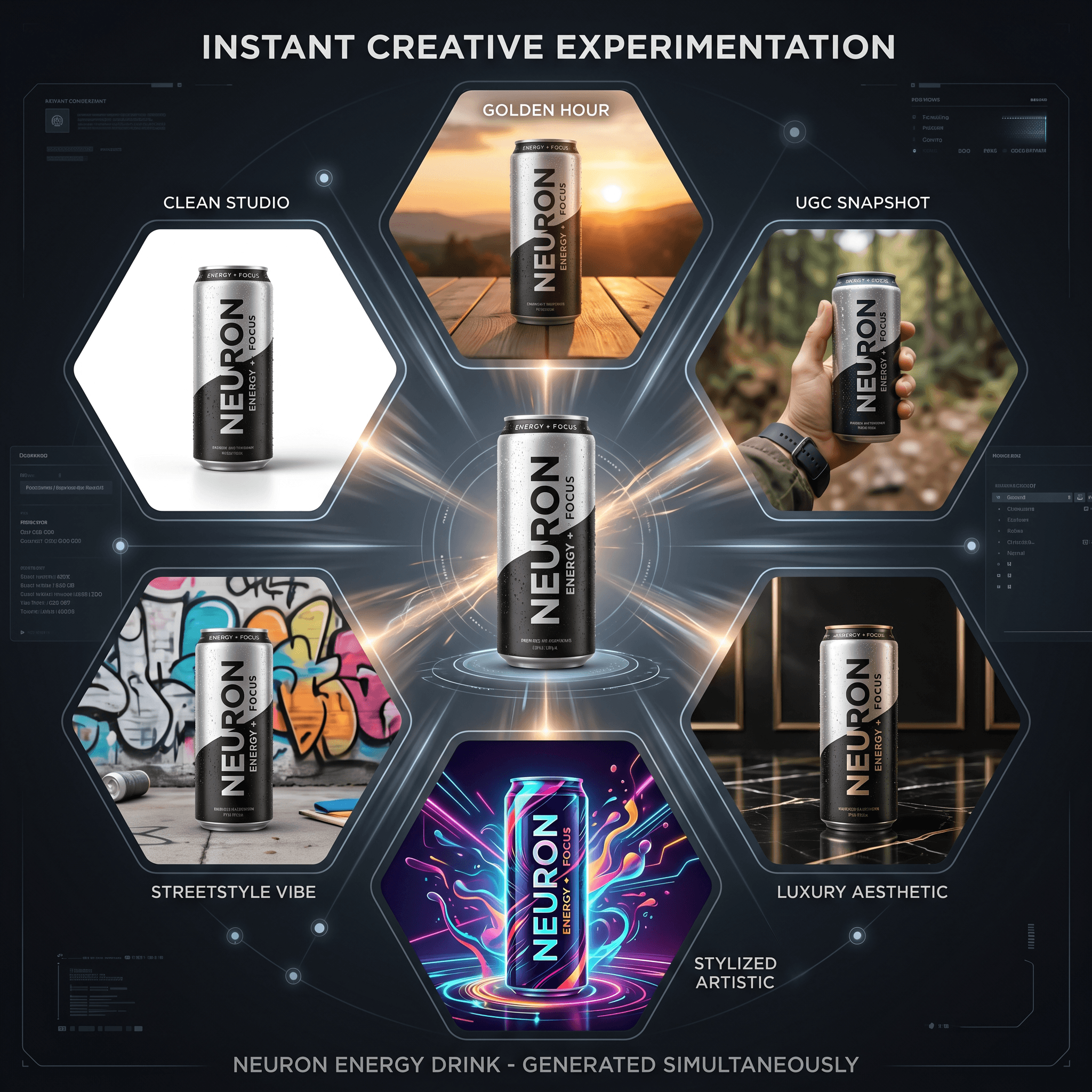
Product Success
Quickly generate variations across styles to identify what drives engagement and conversions.
Frequently Asked Questions
What are Styles in Kreator?
Can I create my own styles?
Can I use styles across multiple images?
Can I test multiple styles quickly?
Are styles tied to one tool?
Do styles help improve creative performance?
Stop rewriting prompts just to get the same look.
Define it once. Apply it everywhere—or test what works.