From the team that empowered over two million global brands.
Your video quality doesn’t hold up when it matters most.
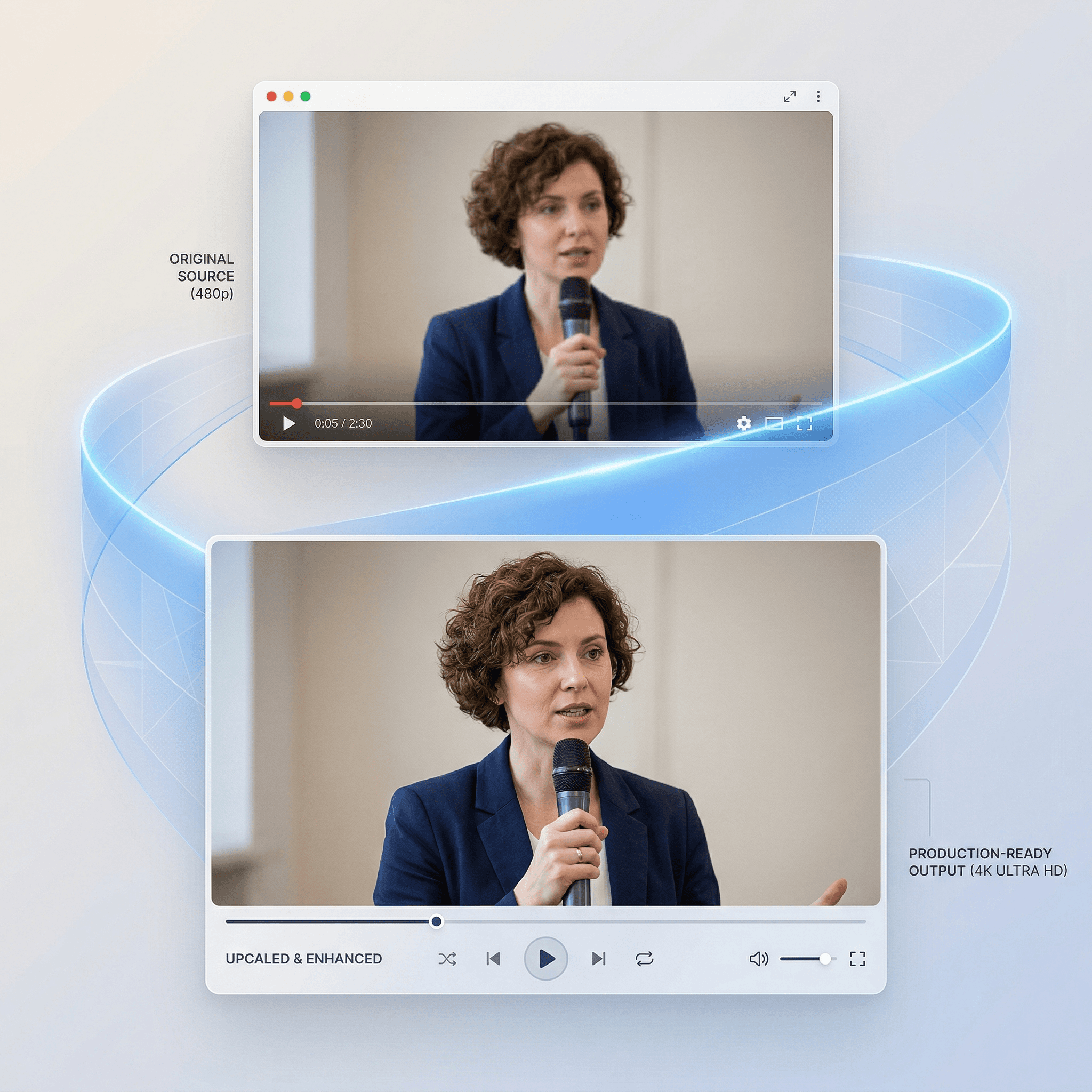
Kreator’s Video Upscaler enhances resolution and restores detail so your footage stays sharp, clear, and usable across every channel.

Restore Video Clarity · High-Resolution Output · Sharper Motion Detail
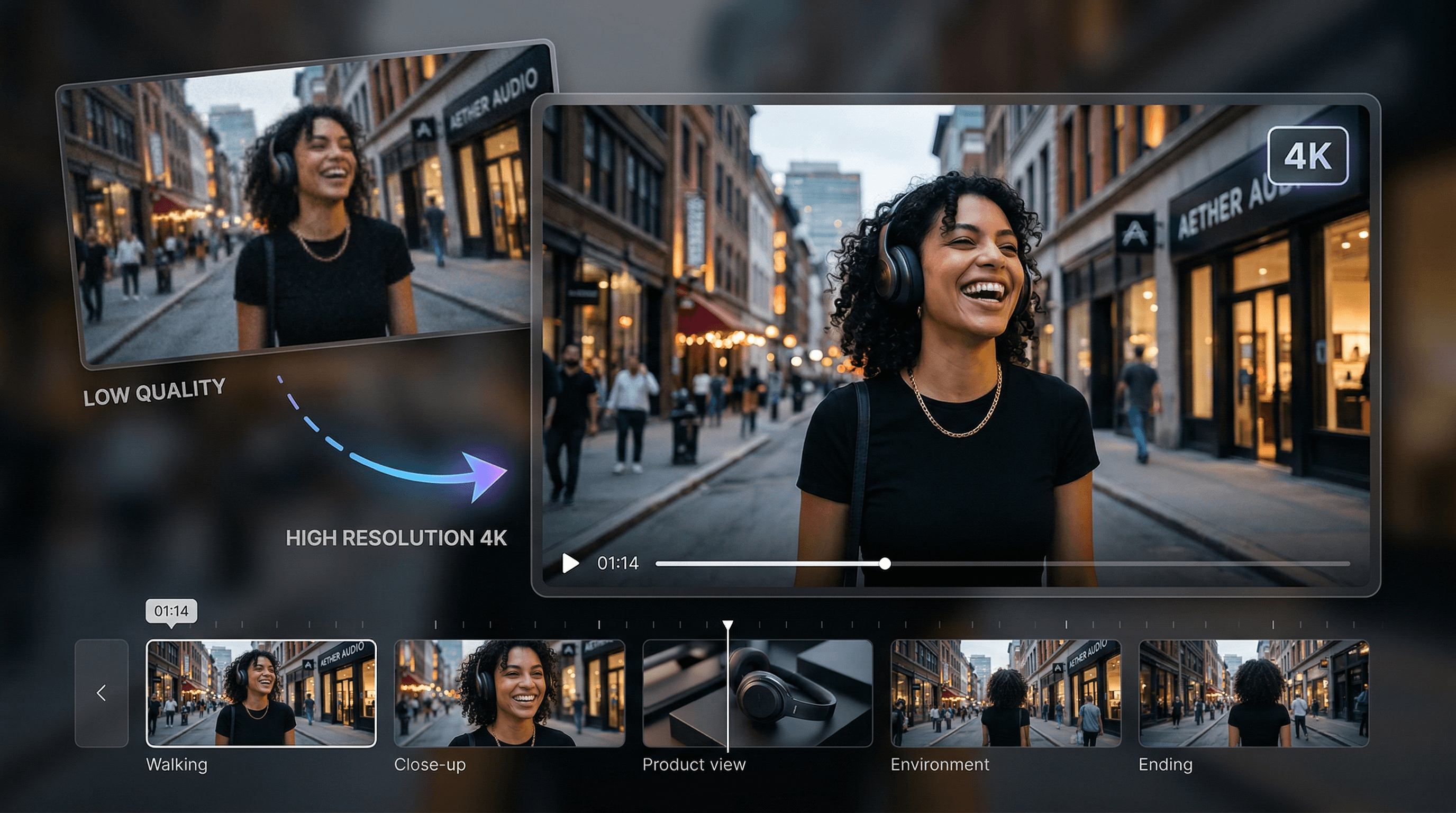
Video quality breaks down faster than you expect.
Footage that looks acceptable in one format quickly loses clarity when resized or compressed. Details soften. Motion becomes less defined. Visual quality drops.
What starts as usable content doesn’t hold up when it matters most.
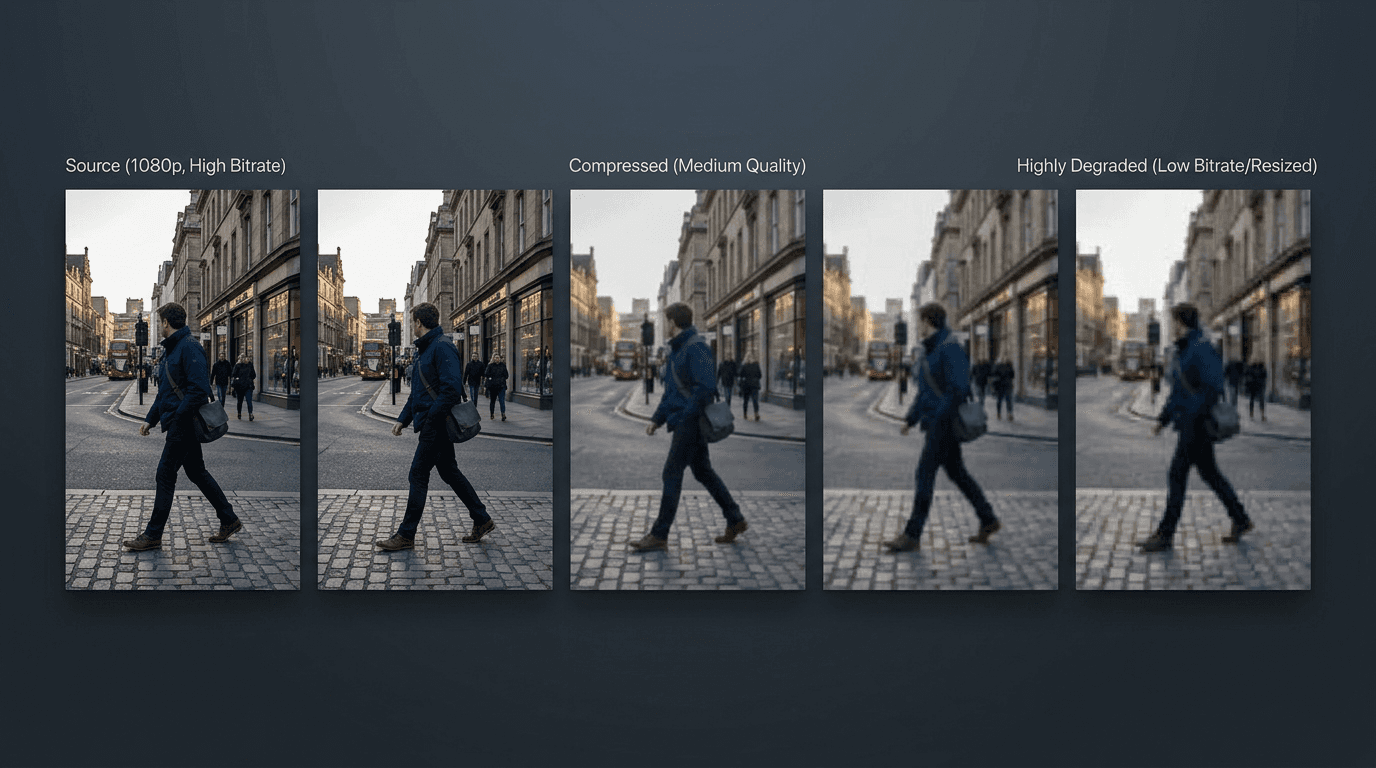
Ensure your video quality meets your brand standards
When video quality breaks down, everything else does with it. Blurry frames. Soft edges. Lost detail. Kreator improves clarity so your content holds up whether it’s viewed on mobile, desktop, or high-resolution displays.
01
Frame-Level Detail Enhancement
02
Motion Clarity Preservation
03
Consistent, High-Resolution Output
Frame-Level Detail Enhancement
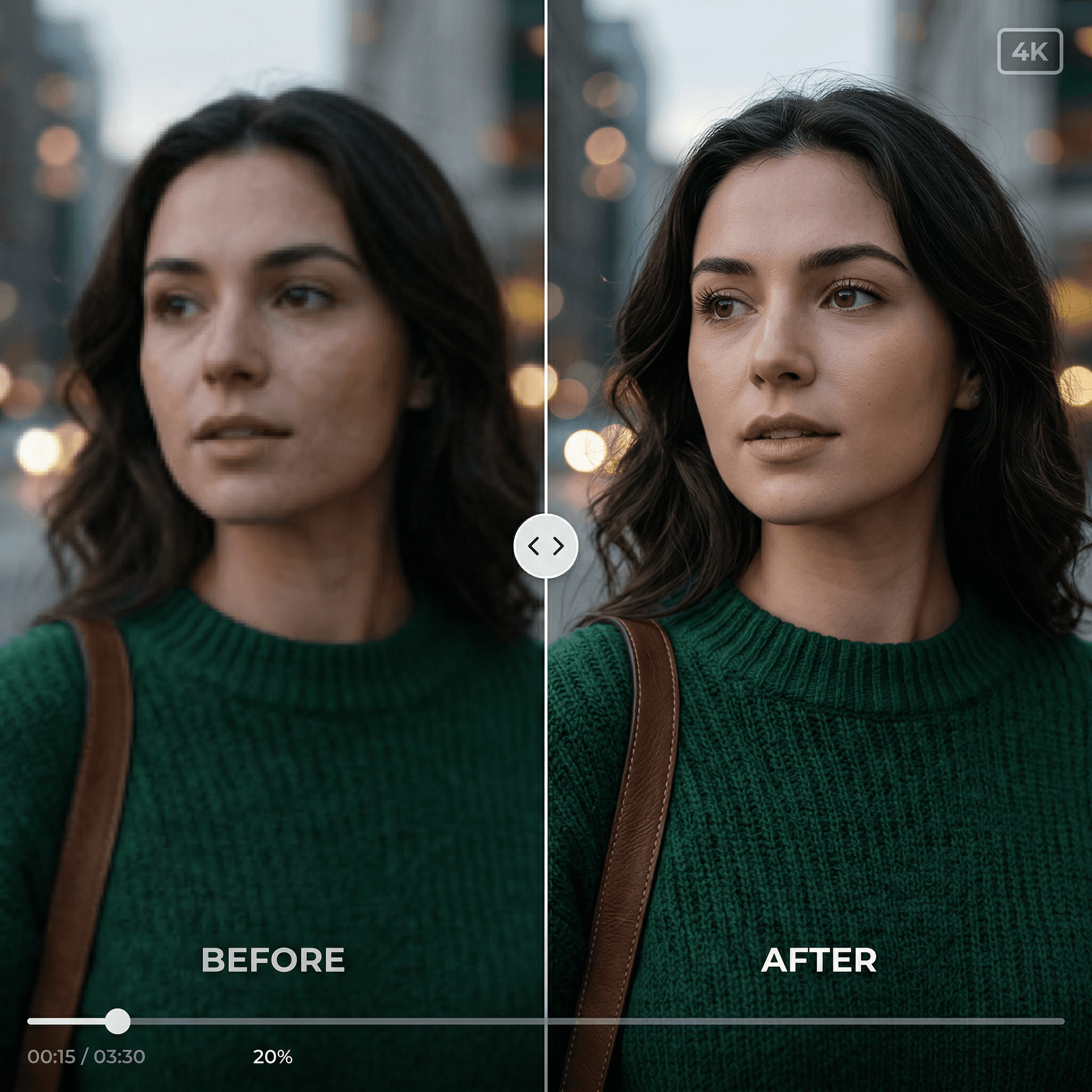
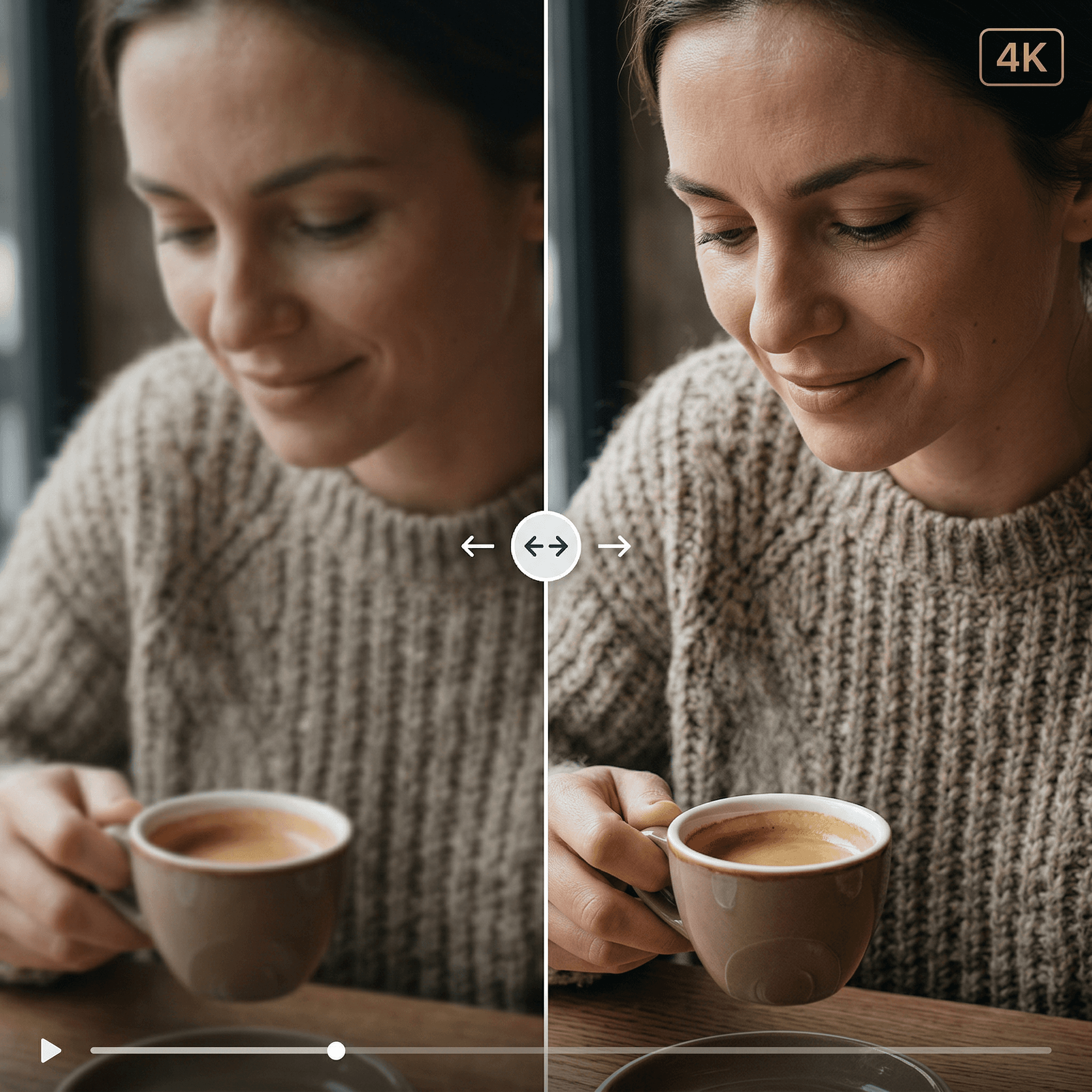
Low-resolution footage doesn’t just look soft, it loses the details that make video usable.
Kreator enhances:
Facial features and expressions
Textures like fabric, food, and product surfaces
Edges and fine lines that define the subject
Motion Clarity Preservation
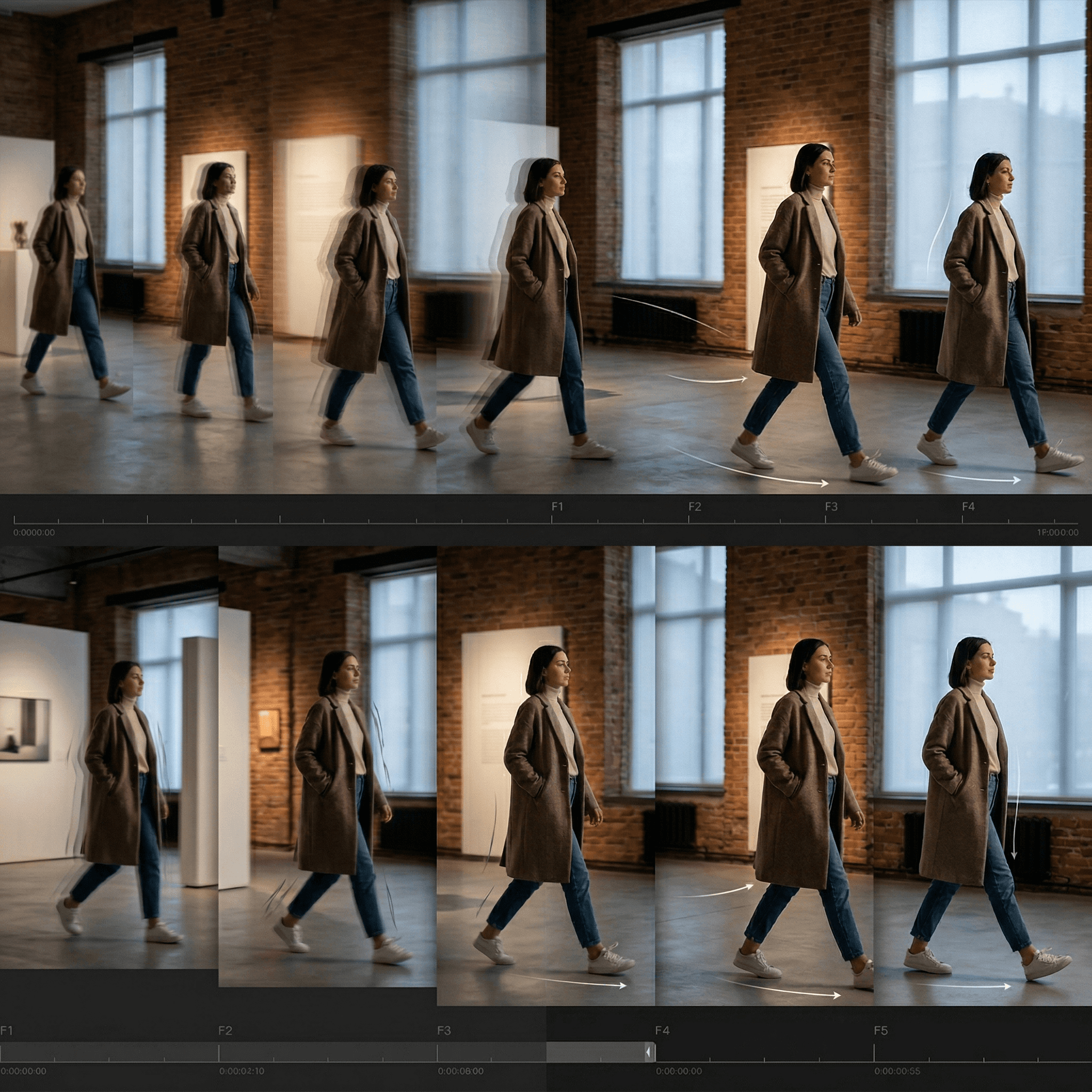
Video quality isn’t just about resolution, it’s about how it moves.
Kreator improves clarity while maintaining:
Natural motion between frames
Smooth transitions and camera movement
Consistent lighting and color across scenes
Consistent, High-Resolution Output
Upscaling shouldn’t be a standalone step, it should fit into how you already create.
Kreator lets you:
Enhance footage while continuing your workflow
Maintain quality across different screen sizes
Integrate upgraded video into ads, social, and campaigns instantly
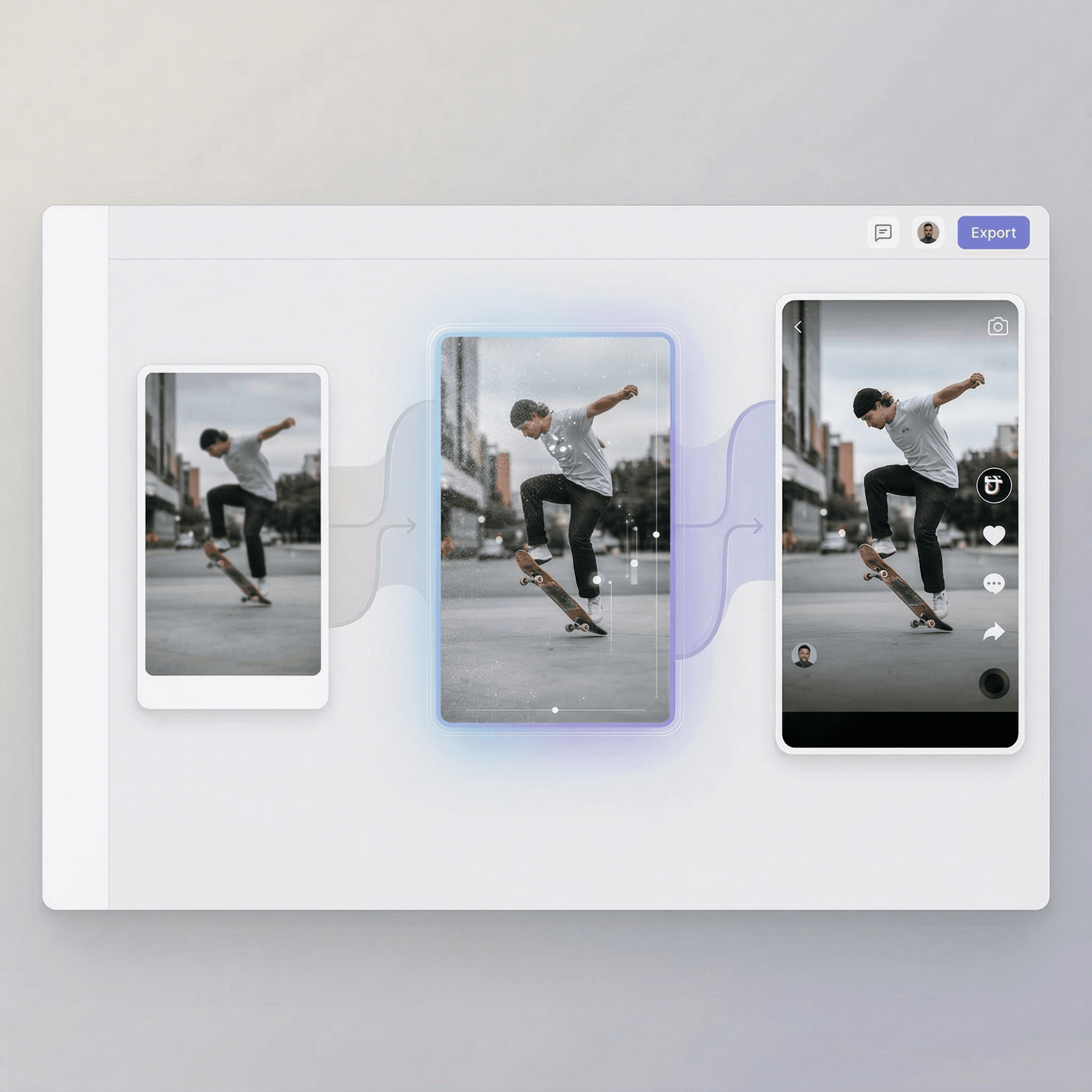
Built for Real Content Workflows
Ready to upgrade your video quality without losing detail?
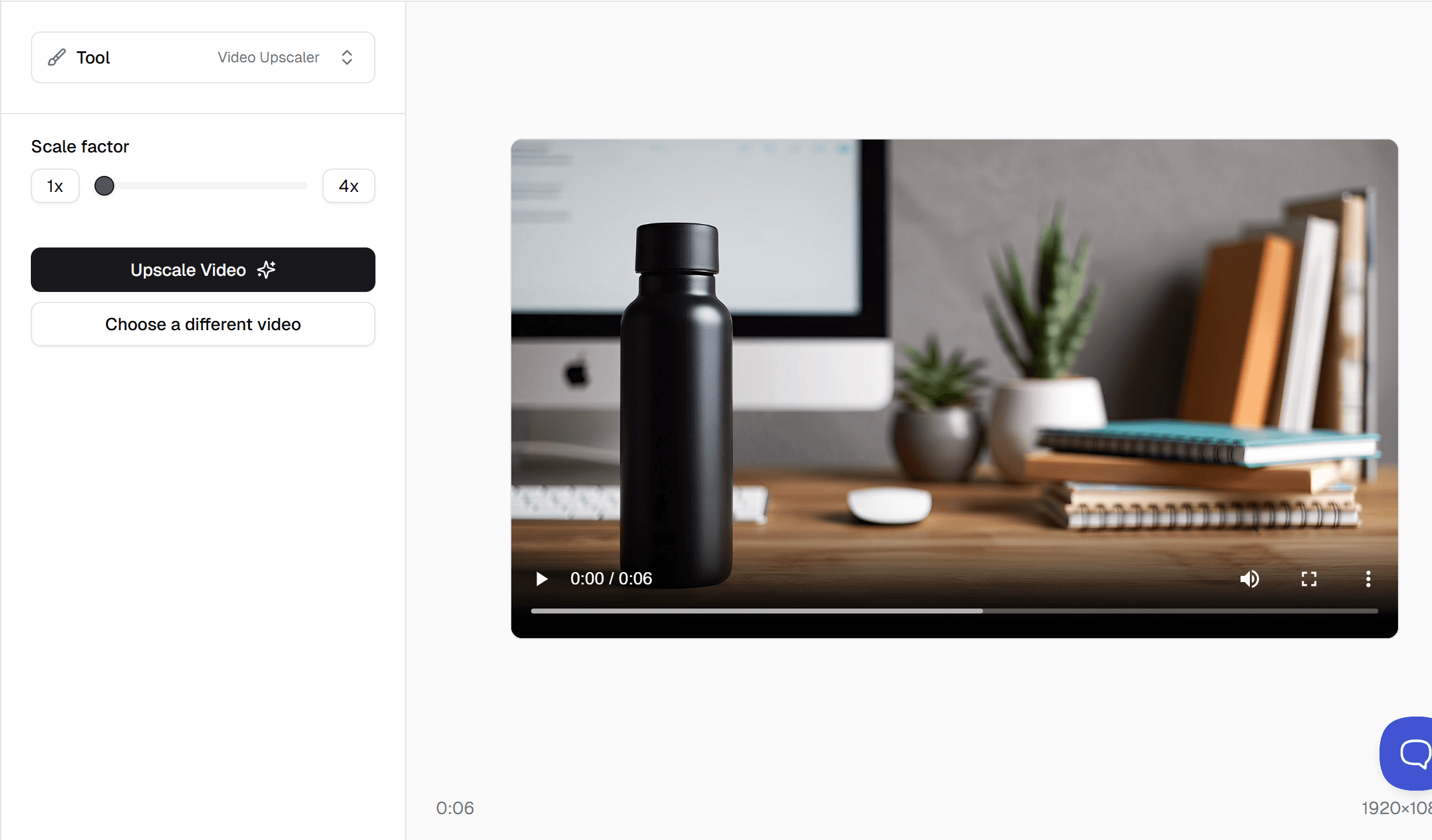
Upgrade your video in three steps
Go from low res to high quality in just a few clicks.
01
Upload your video
Start with a product video, ad creative, UGC clip, or social content.
02
Generate upscaled version
Your asset is improved to restore clarity and reduce softness, while maintaining consistency across motion.
03
High-Resolution Output
Your asset is ready and available in your asset library
One tool, multiple use cases
Upscale your videos, then reuse them across teams, formats, and channels.
Paid Social
Fix low quality footage for ads and reels
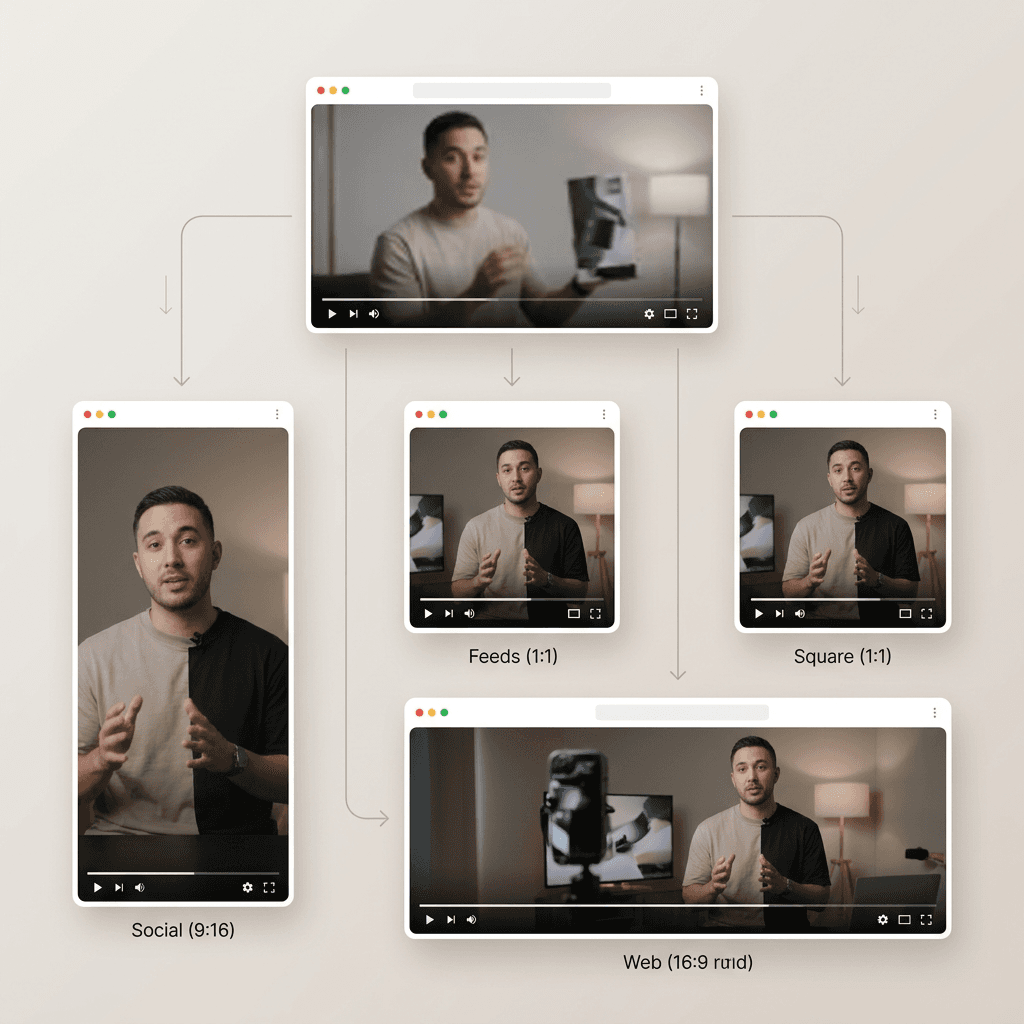
Content Repurposing
Turn old videos into usable content across platforms
Creative Operations
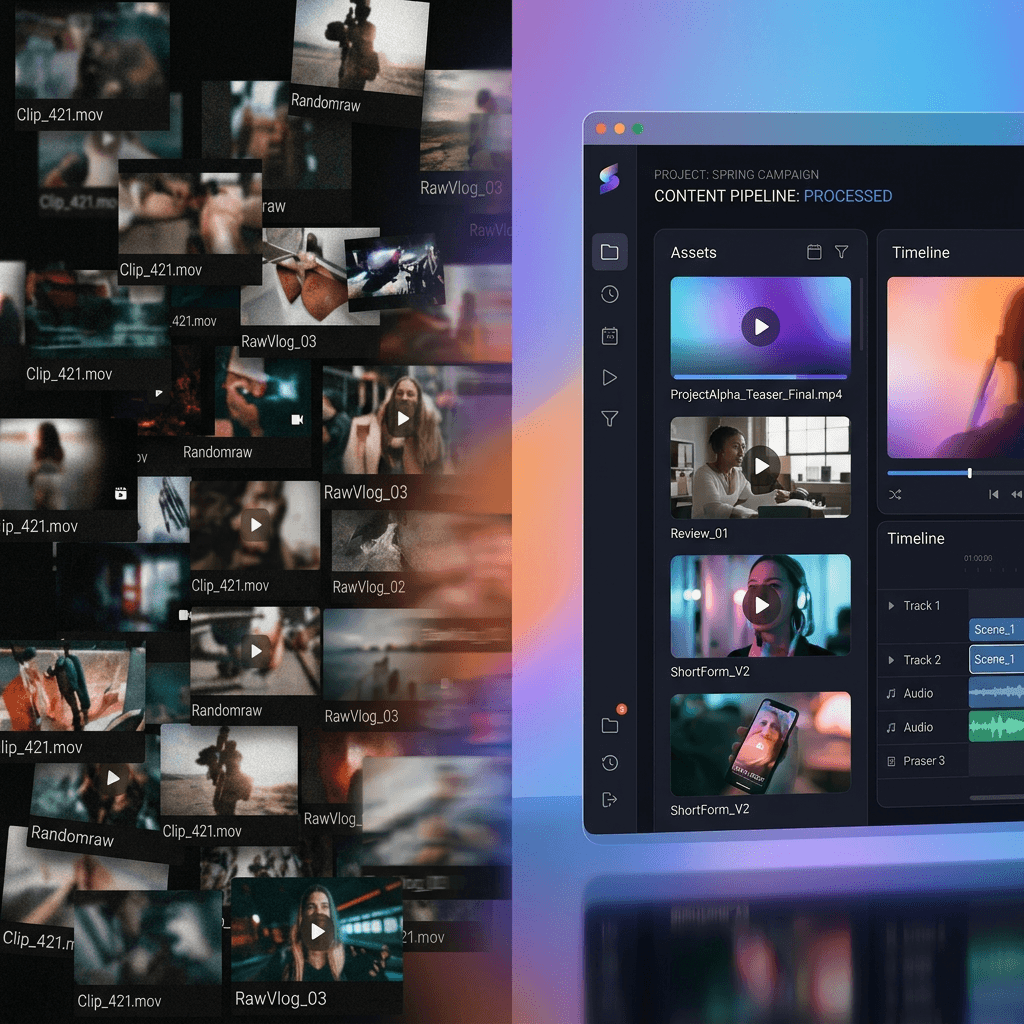
Standardize video quality so every video stays on-brand no matter who creates it
Creators & Brands
Upgrade lower quality legacy footage for consistent brand output
Frequently Asked Questions
What does the Video Upscaler do?
Will upscaling improve quality or just make the video bigger?
What types of videos is this best for?
How long does it take to upscale a video?
What video formats are supported?
When should I use the Video Upscaler?
Stop letting low-quality video limit your content.
Sharper video. Better performance. No extra work.