Build Once. Generate Forever: How Kreator Turns Products into Scalable Creative Systems
Create your product once, then reuse it to generate ads instantly. Stop starting from scratch and start scaling creative.
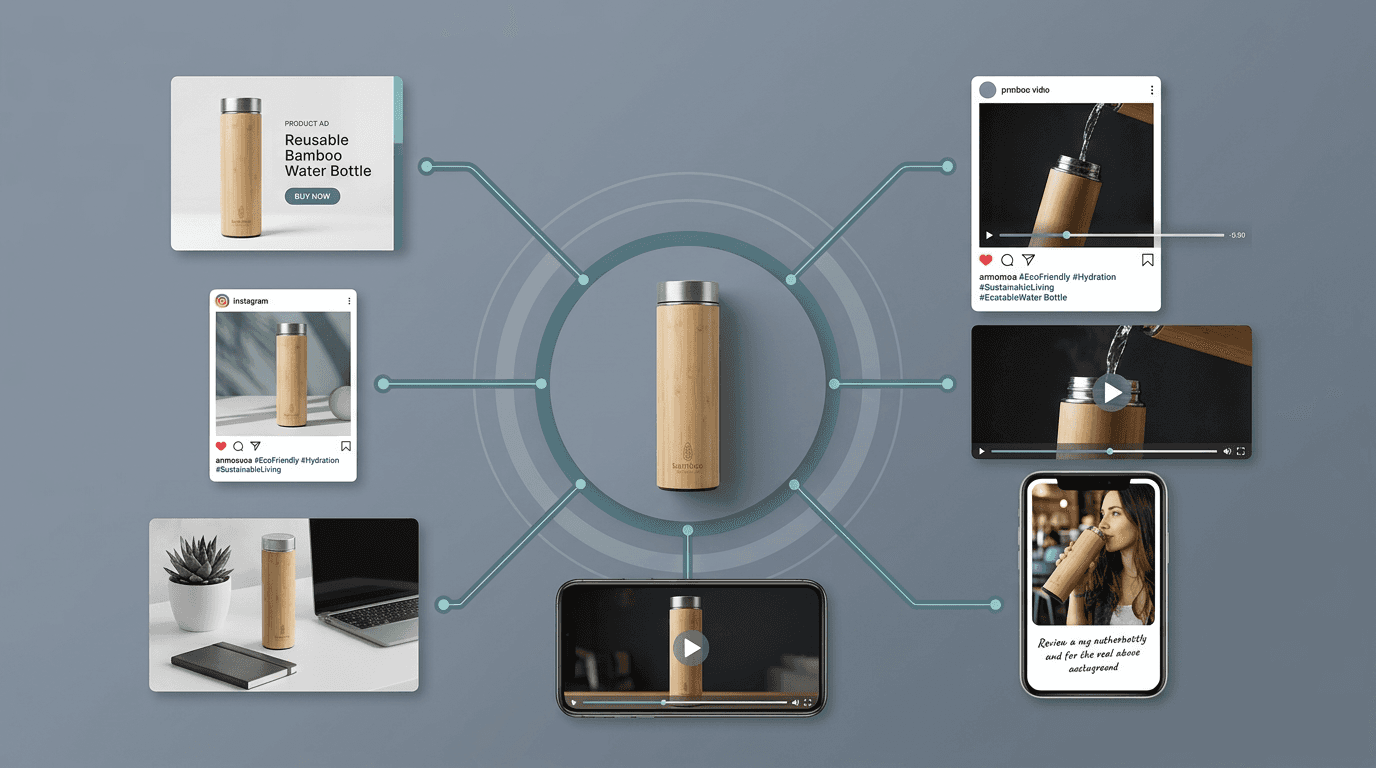
Most creative workflows built around AI have the same hidden flaw. They reset every time.
You generate something, then start over. The system forgets what you just did, the context disappears and you’re forced to rebuild the same inputs again just to get back to where you were.
It doesn’t feel inefficient in the moment but over time, that reset becomes the biggest limiter on how fast and how well you can actually create.
The shift: stop creating ads, start creating products
Kreator introduces a different way to think about creative work. Instead of starting with an ad, you start by creating a product inside the platform.
At first glance, that might sound like just another step. It’s not, it’s the step that removes all the others.
Once a product is created, it becomes a stored, reusable object that holds everything needed to generate creative. The system uses that product as the foundation for everything that comes next.
What this actually looks like in practice
Here’s how a typical workflow changes:
Inside Kreator, the workflow doesn’t start with generating ads, it starts with defining your product.
This is the part most tools skip. They focus on output. Kreator focuses on building a structured foundation first.
That foundation is what makes everything else faster, more consistent, and reusable. Once your product is defined, every piece of creative you generate builds on it instead of starting from scratch.
Step 1: Create your product once
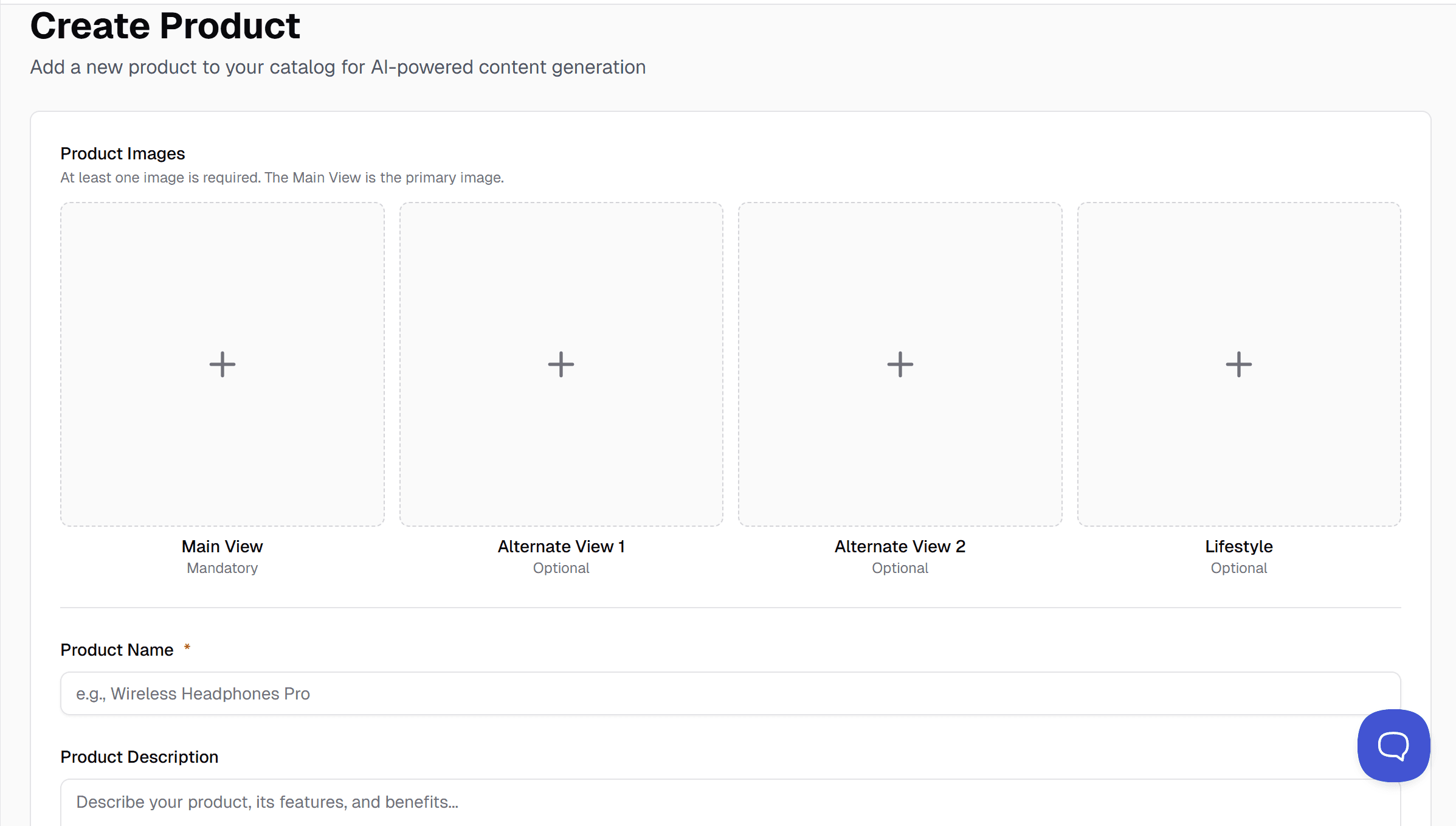
You begin by adding a new product.
You can paste a product URL if you have one, which helps pre-fill context. Or you can build it manually using the fields in the platform.
You upload your product images, add a name, and describe what the product is. Then you go deeper. You define the features, the target audience, real customer quotes, and common objections.
This is where most workflows usually break. Instead of capturing this once, teams end up rewriting it every time they create something new.
Here, it gets structured and stored. You’re not creating an ad. You’re creating something the system can understand and reuse.
Step 2: Store it in your catalog
Once saved, your product becomes part of your catalog.
This is where the workflow changes. Instead of re-entering URLs, re-uploading images, or rewriting context, you now have a structured list of products ready to use.
Each product already contains everything needed to generate creative. You’re no longer introducing your product, you’re selecting it.
Step 3: Select and generate
When you want to create new assets, you don’t rebuild anything. You select a product from your catalog and generate.
Because the system already understands the product, it can produce multiple creative directions without additional setup.
This is where speed shows up. Not because you’re working faster, because nothing had to be recreated.
Step 4: Test, learn, and repeat

Once your creatives are ready, you export and launch them.
From there, the workflow becomes continuous.
You’re not asking what to make, you’re asking what to test next.
And because your products are already structured and stored, you can generate new variations at any time without starting over.
What changes when you work this way
The difference is subtle at first. Then it becomes massive.
Creative stops being a one-time task and becomes a system. Products stop being static inputs and become dynamic engines. Teams stop spending time setting up work and start spending time learning from it.
Instead of producing one or two ideas per product, you can explore multiple directions in minutes, test them, and iterate quickly.
Kreator is designed to help teams move from uploading a product to generating ads and launching tests in a streamlined flow that removes unnecessary friction.
But the real value isn’t just speed, it’s continuity.
The real takeaway
Most AI tools generate outputs. Kreator builds memory.
That’s the difference between creating more content and building a system that scales. Once your products exist inside the platform, you’re no longer starting over, you’re building forward.