From the team that empowered over two million global brands.
Video backgrounds no longer limit what you can create
Kreator’s Video Background Remover isolates your subject and removes the background so you can create clean, professional video anywhere.

Background Removal · Subject Isolation · Replace Any Scene
Your background controls your video.
If the background isn’t right, you have to fix it before you shoot. That means green screens, controlled lighting, or settling for what you have.
What should be flexible becomes a limitation.
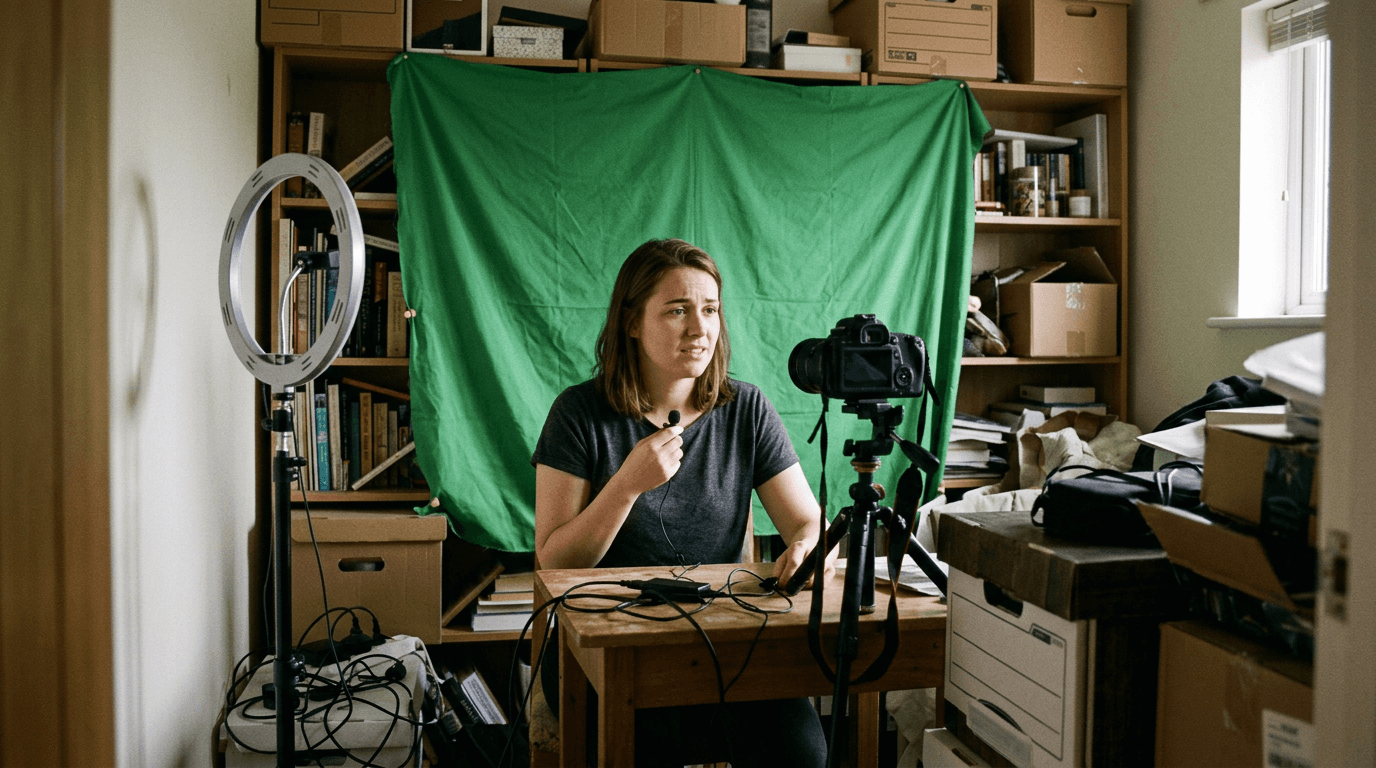
Create video without being limited by your environment
Most video production depends on where you shoot. Backgrounds, lighting, and setup all dictate the final result. Kreator removes that dependency, isolating your subject so you can control the environment after the fact.
01
Background Removal and Scene Control
02
Automatic Subject Isolation
03
Flexible Scene Replacement
Background Removal and Scene Control
You no longer need the right environment before you hit record.
Kreator removes:
distracting or inconsistent backgrounds
the need for green screens or controlled setups
limitations tied to filming location


Automatic Subject Isolation
Background removal usually takes manual work.
Kreator isolates:
the subject across every frame automatically
fine details like edges, movement, and transitions
clean separation without manual editing
Flexible Scene Replacement
Creating new scenes shouldn't require extra production.
Kreator enables:
replacement backgrounds with images, video, or blur
consistent scenes across different clips
faster content production without new shoots

Built for Real Content Workflows
Ready to create video without production constraints?
Remove video background in three steps
Go from messy environment to a clean palette in just a few clicks.
01
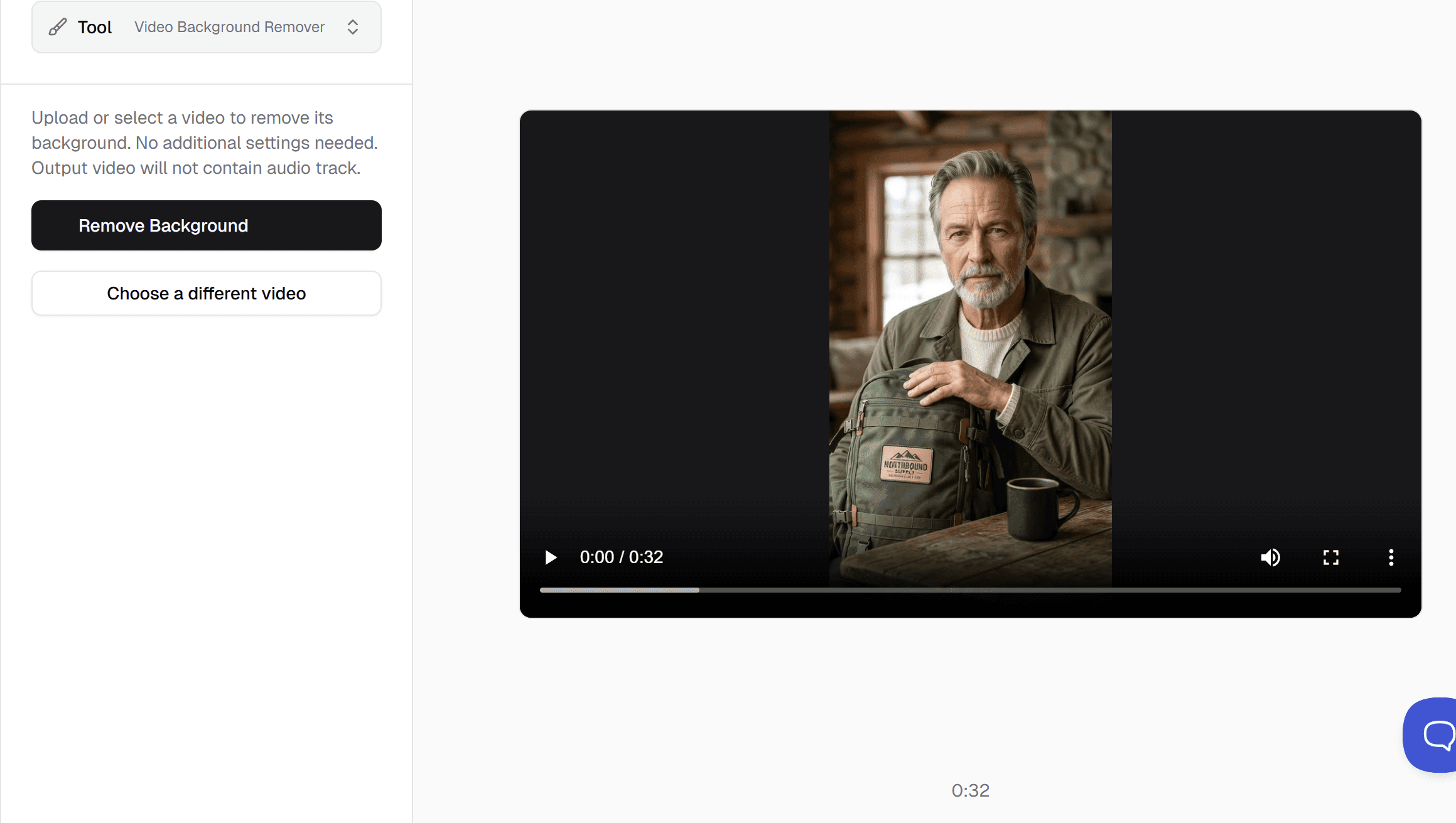
Upload your video
Start with a product video, ad creative, UGC clip, or social content.
02
Remove background
Background is removed in a few moments
03
Access ready to use asset
Your new video is ready to view and use in your asset library
Frequently Asked Questions
What does the Video Background Remover do?
How does the tool detect the subject?
Do I need a green screen to use this?
What types of videos is this best for?
Can I replace the background after removing it?
Stop building your video around your environment.
Remove it. Replace it. Create anywhere.