From the team that empowered over two million global brands.
Keep a winning ad fresh with new variants.
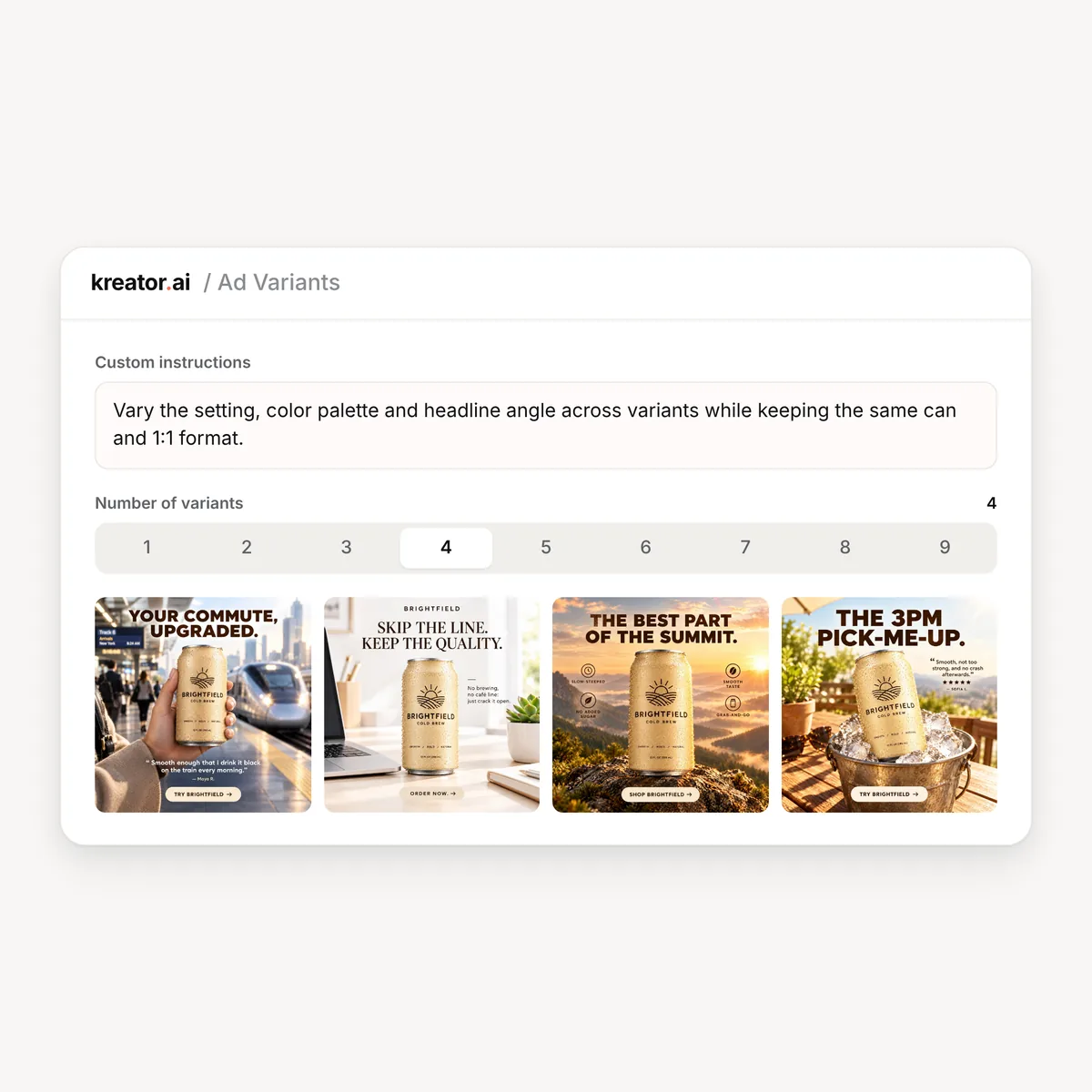
Kreator’s Ad Variants creates fresh versions of an existing image ad with different copy, settings or offers, so you can keep testing a concept that works without rebuilding it.

Fresh Copy · New Offers · Same Proven Concept

Even your best ad wears out.
The ad that worked last month starts to fade as the same people see it again and again.
Making a new version means a new brief, new copy and another round of design.
So the winner keeps running long after it stopped winning, or a good concept gets dropped too early.

Same concept, fresh ads
Start from an ad you already have, and Kreator creates new versions that keep what works.
Change the copy, the setting or the offer, aim it at an audience segment, and test new angles without starting over.
01
Keep What Works
02
Aimed at Your Audience
03
Direct Every Run
Keep What Works
Variants keep the structure of your original ad and change the parts you want to test.
Kreator can change:
headlines and supporting copy
the scene and setting
the offer or promotion


Aimed at Your Audience
Point new variants at the people you want to reach and keep them on brand.
Kreator uses:
your product profile
the audience segments you choose
your brand guidelines
the original ad as the starting point
Direct Every Run
Tell Kreator what to try next, and choose how many versions to make.
In each run you can:
add custom instructions
create 1 to 9 variants
find every variant in your asset workspace
Ready to refresh your best ad?
Create new versions of an ad you already trust.
Create variants in three simple steps
From one ad to a set of fresh versions
01
Choose an ad
Pick an image ad from your asset workspace or upload one.
02
Set the direction
Choose the product, audience segments and brand guidelines, and add instructions for what to change.
03
Generate variants
Kreator creates 1 to 9 new versions. Pick the ones you want to test.

One ad, many uses
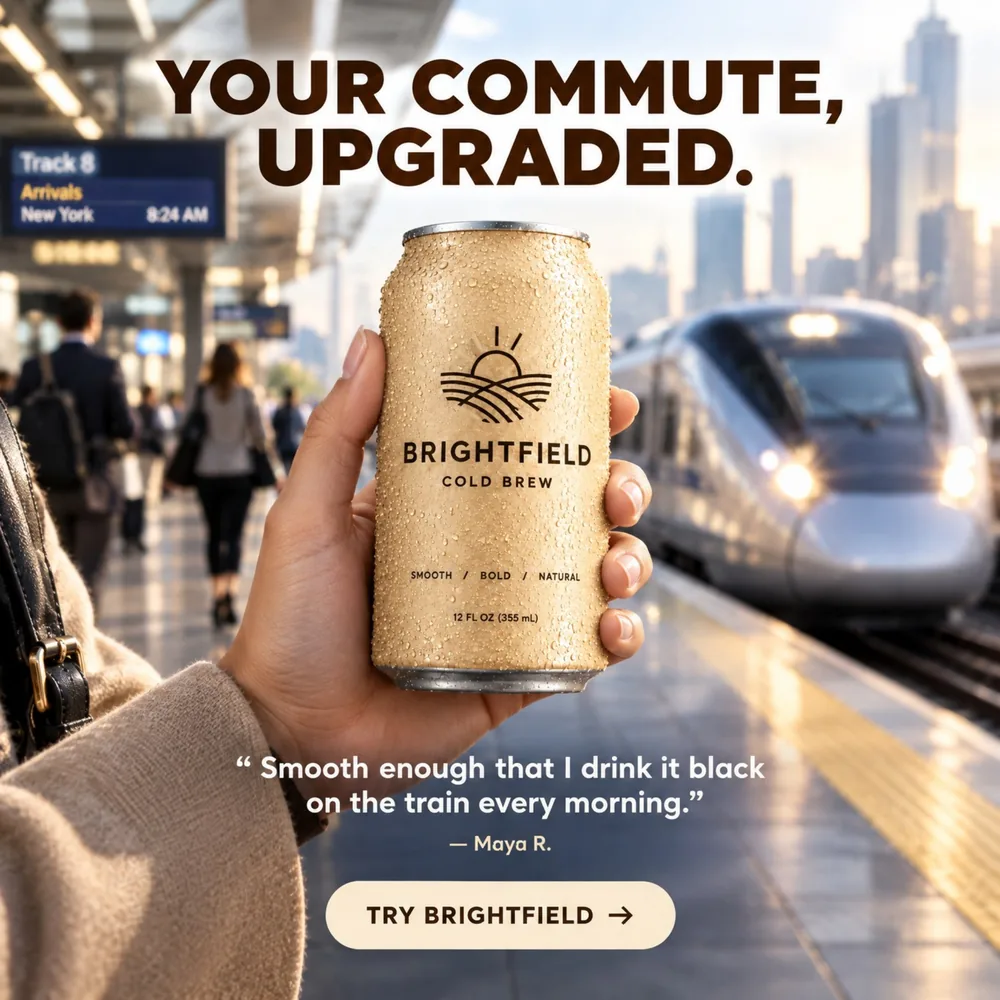
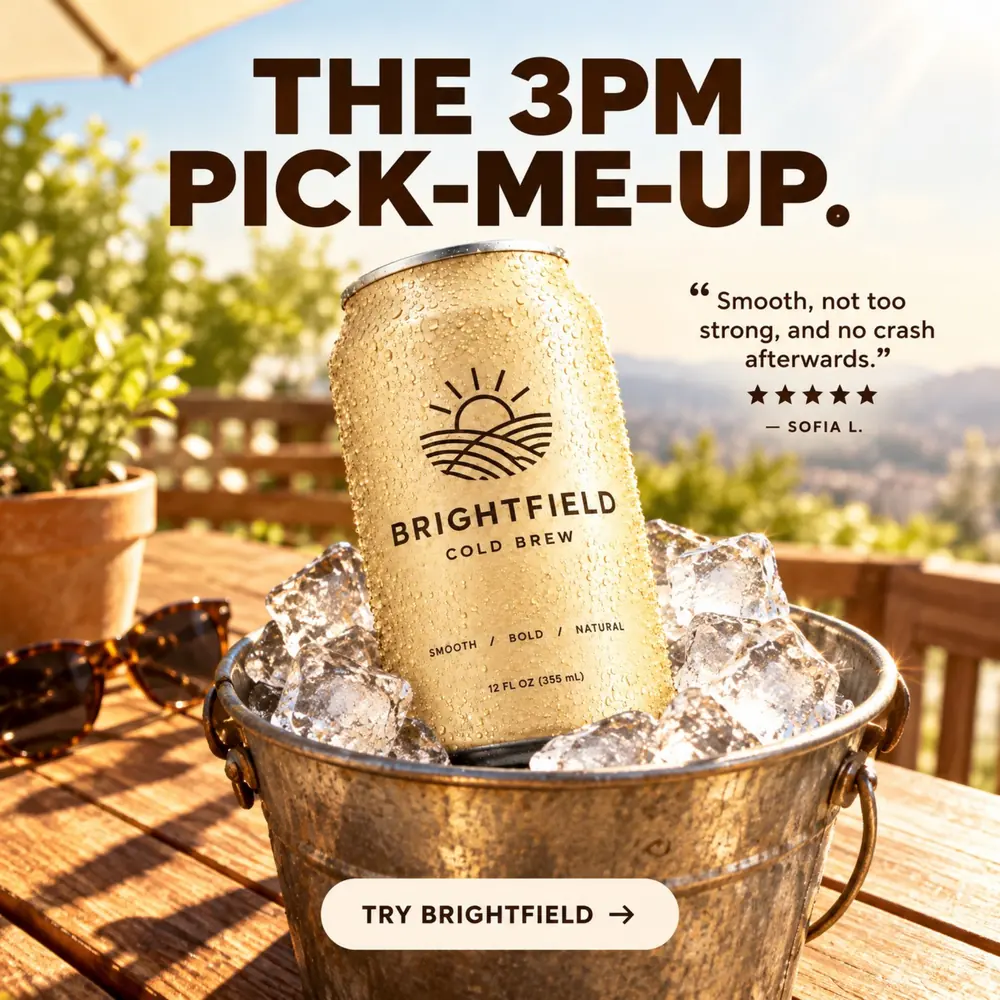
Variants of an ad for Brightfield Cold Brew, our demo product.
Creative Fatigue
Swap in fresh versions when an ad starts to wear out.

Offer Testing
Try a discount, a bundle or a new message on the same proven layout.

Seasonal Refreshes
Move a working ad into a new season or setting without a new shoot.
Audience Testing
Create versions for different audience segments and see which one lands.
Frequently Asked Questions
What does Ad Variants do?
How is it different from Ad Cloning?
How many variants can I create?
Can I aim variants at an audience segment?
Does it work with video ads?
How much does it cost?
Give your best ad a longer life.
Create fresh versions of the ads you already trust.