From the team that empowered over two million global brands.
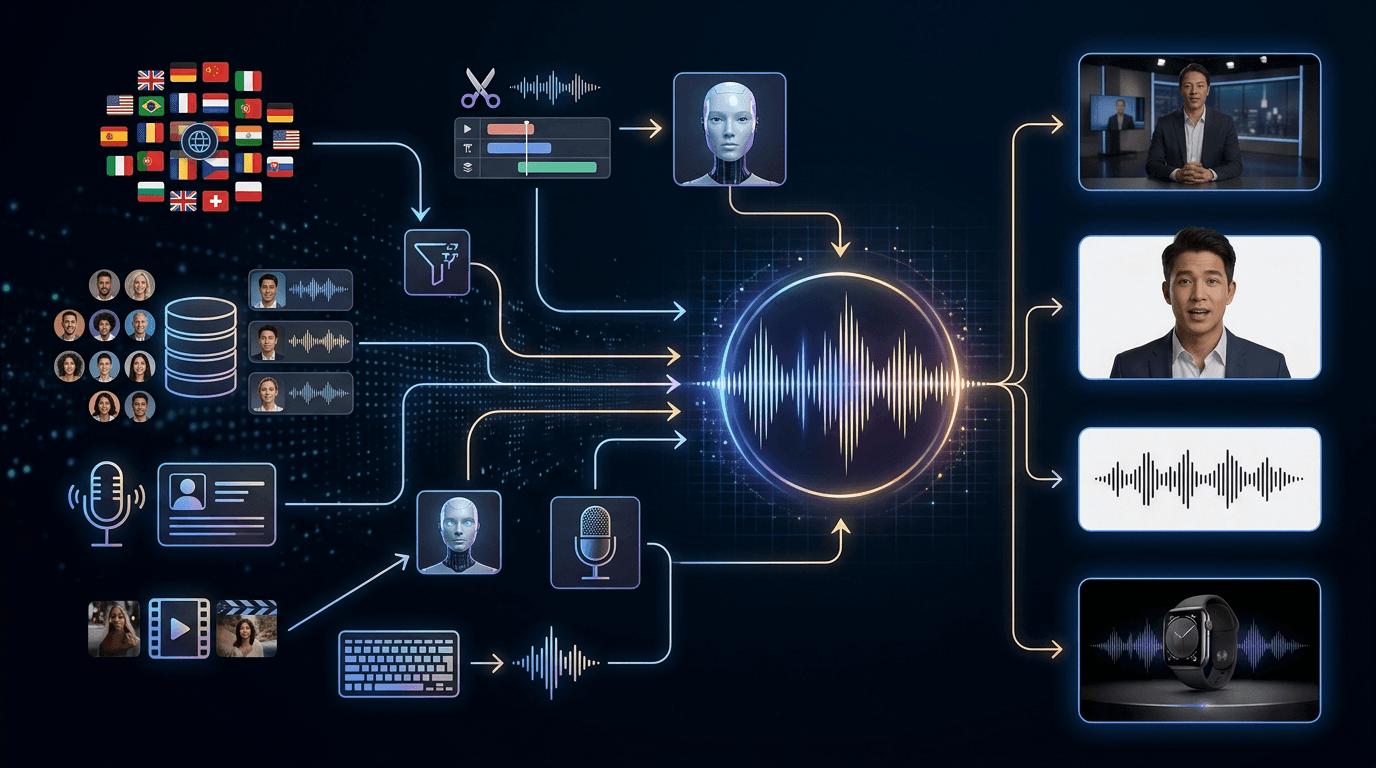
One voice system for everything you create.
Kreator gives you a complete voice layer across your content: you can create, control, and deploy voiceovers, avatars, and audio without switching tools.

Restore Video Clarity · High-Resolution Output · Sharper Motion Detail
You’re managing voice outside of your actual workflow
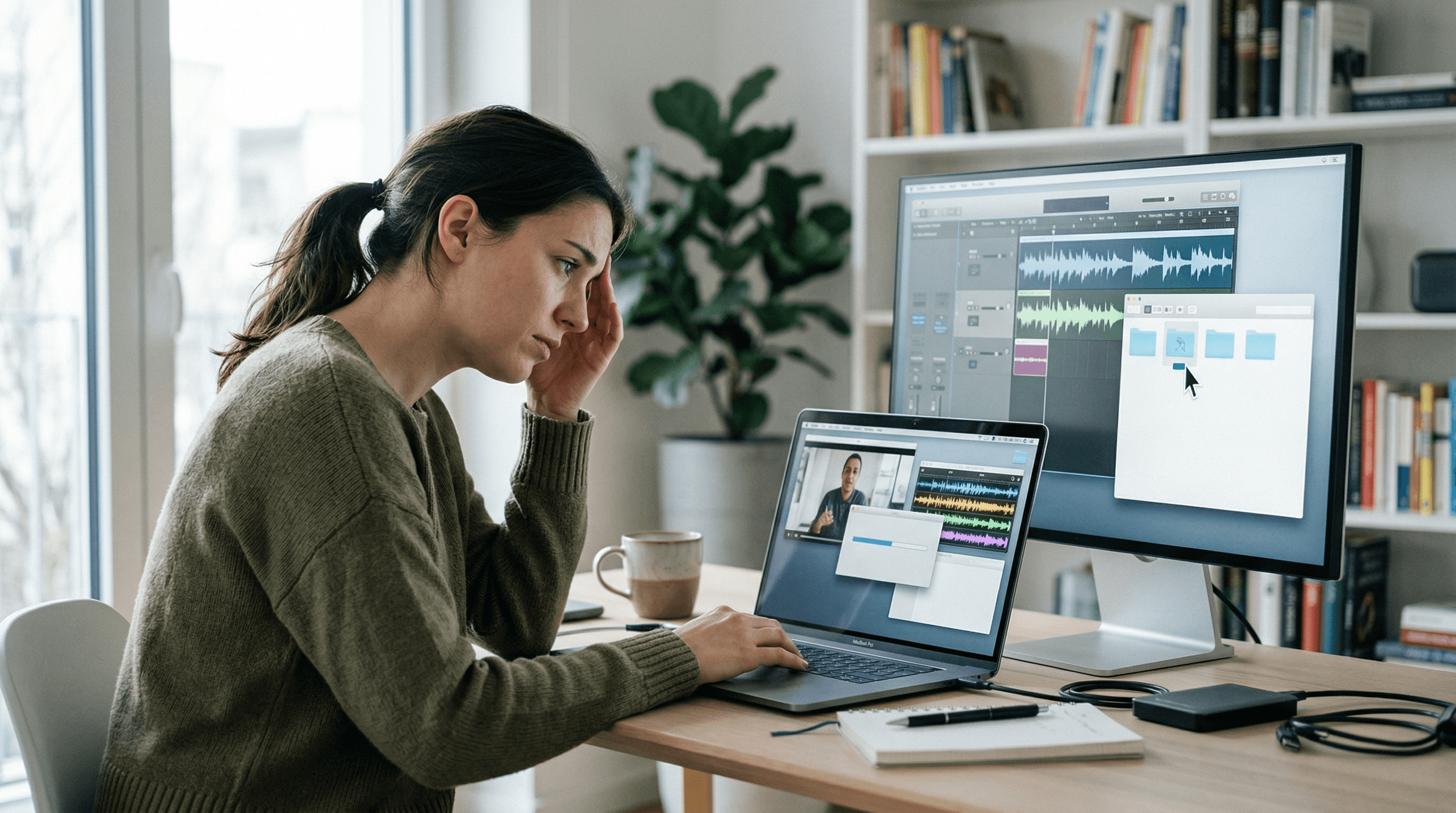
Creating voiceovers should be simple.
But in most workflows, it means switching tools, exporting files, and stitching everything together just to get usable audio. Voice becomes a disconnected step, slowing down production instead of supporting it.
Voice tools built seamlessly into your workflow
Most platforms treat voice as a standalone tool. Generate it. Download it. Move it somewhere else.
Kreator integrates voice directly into your creative workflow—so it becomes part of how you produce, not something you manage separately.
01
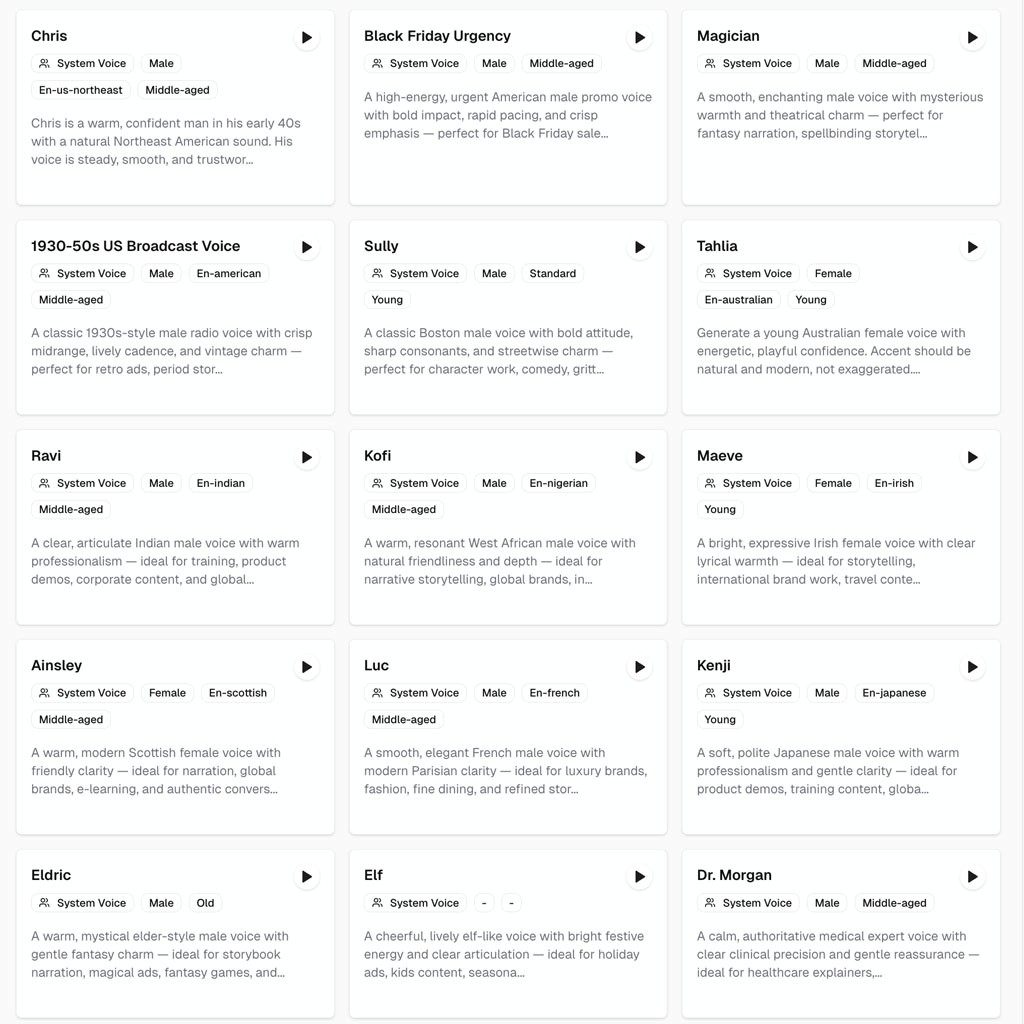
Flexible Voice Creation & Control
02
Consistent Brand Voice Across Content
03
Integrated Voice Across Creative Workflows
Flexible Voice Creation & Control
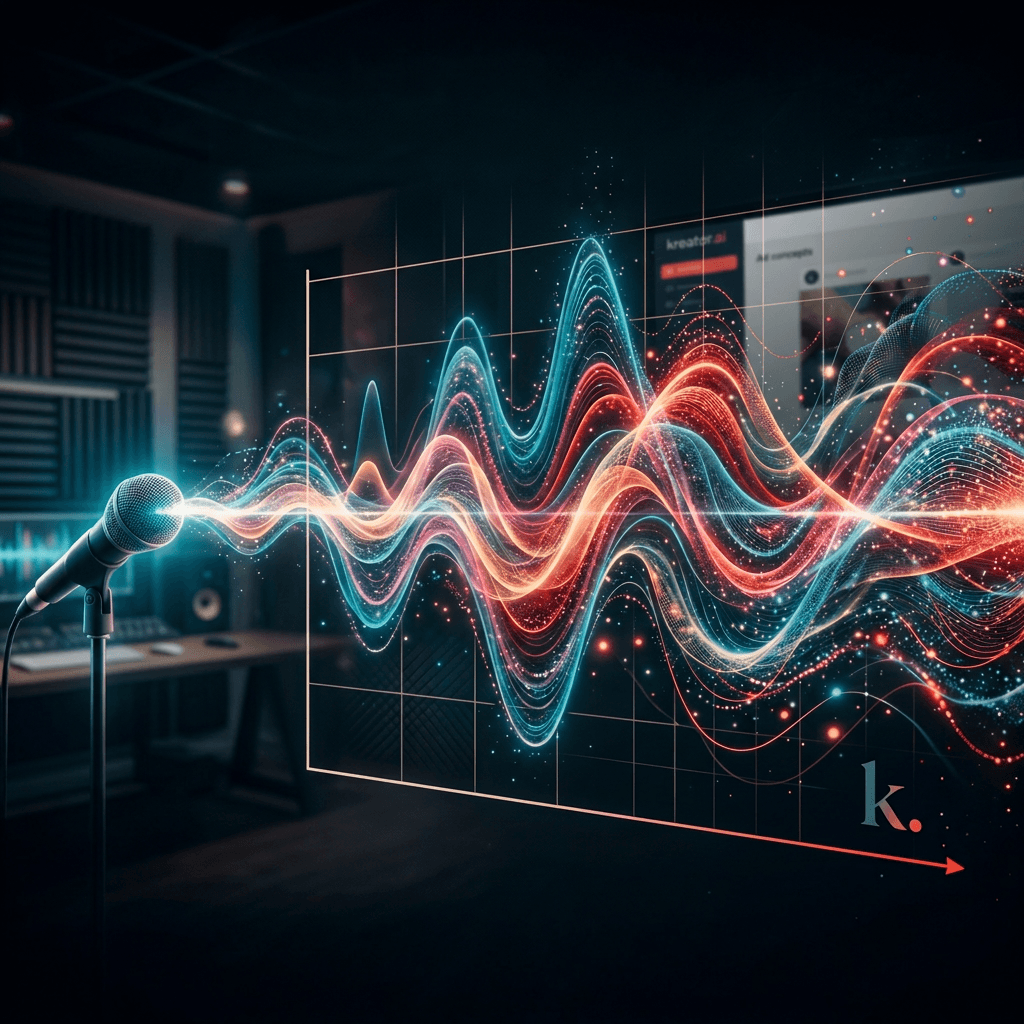
Create voices that match your content, brand, and use case.
Kreator enables:
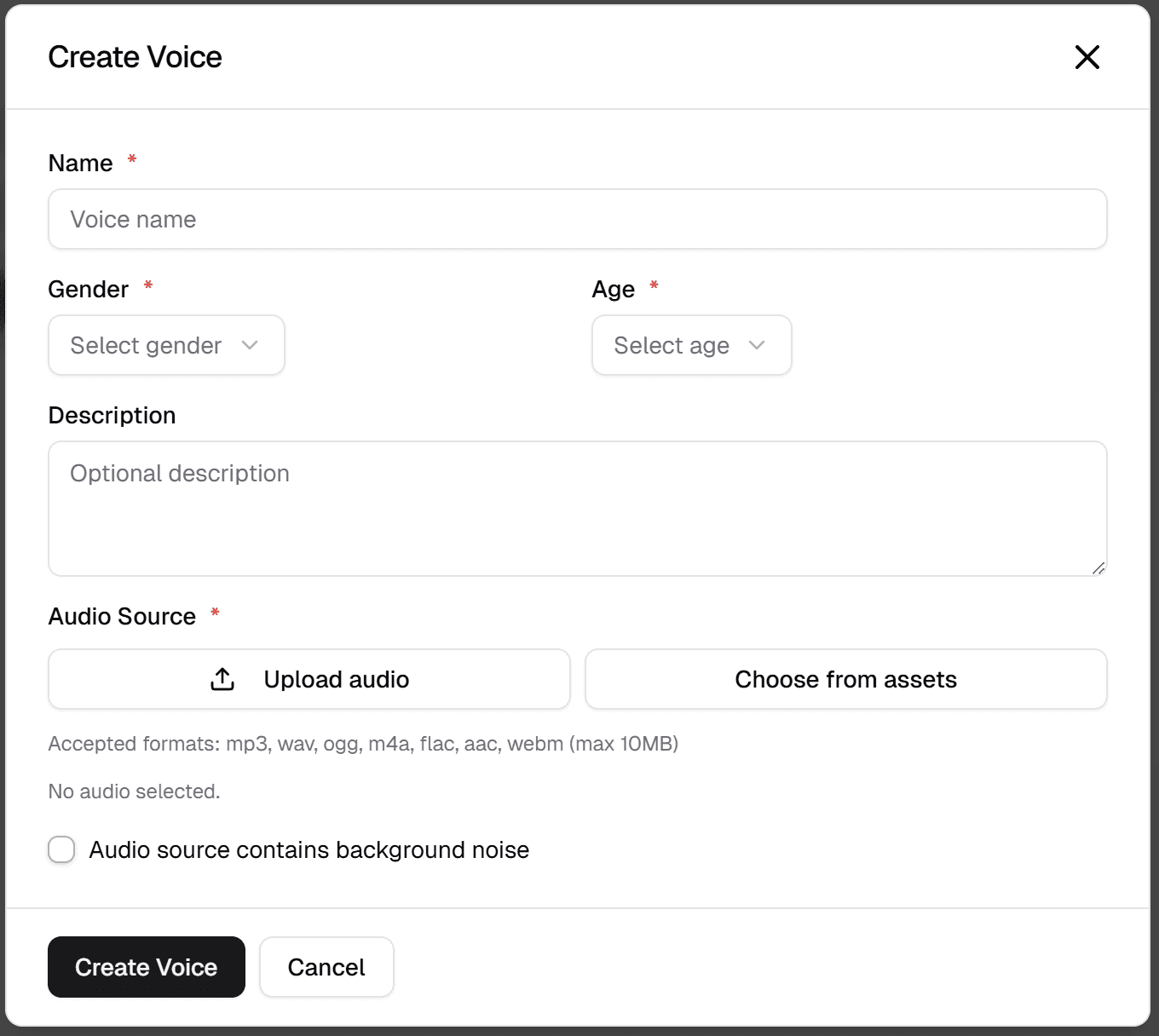
Prompt-based voice creation
Voice cloning from audio samples
Control over tone, pacing, and delivery
Consistent Brand Voice Across Content
Voice shouldn’t change every time you create something.
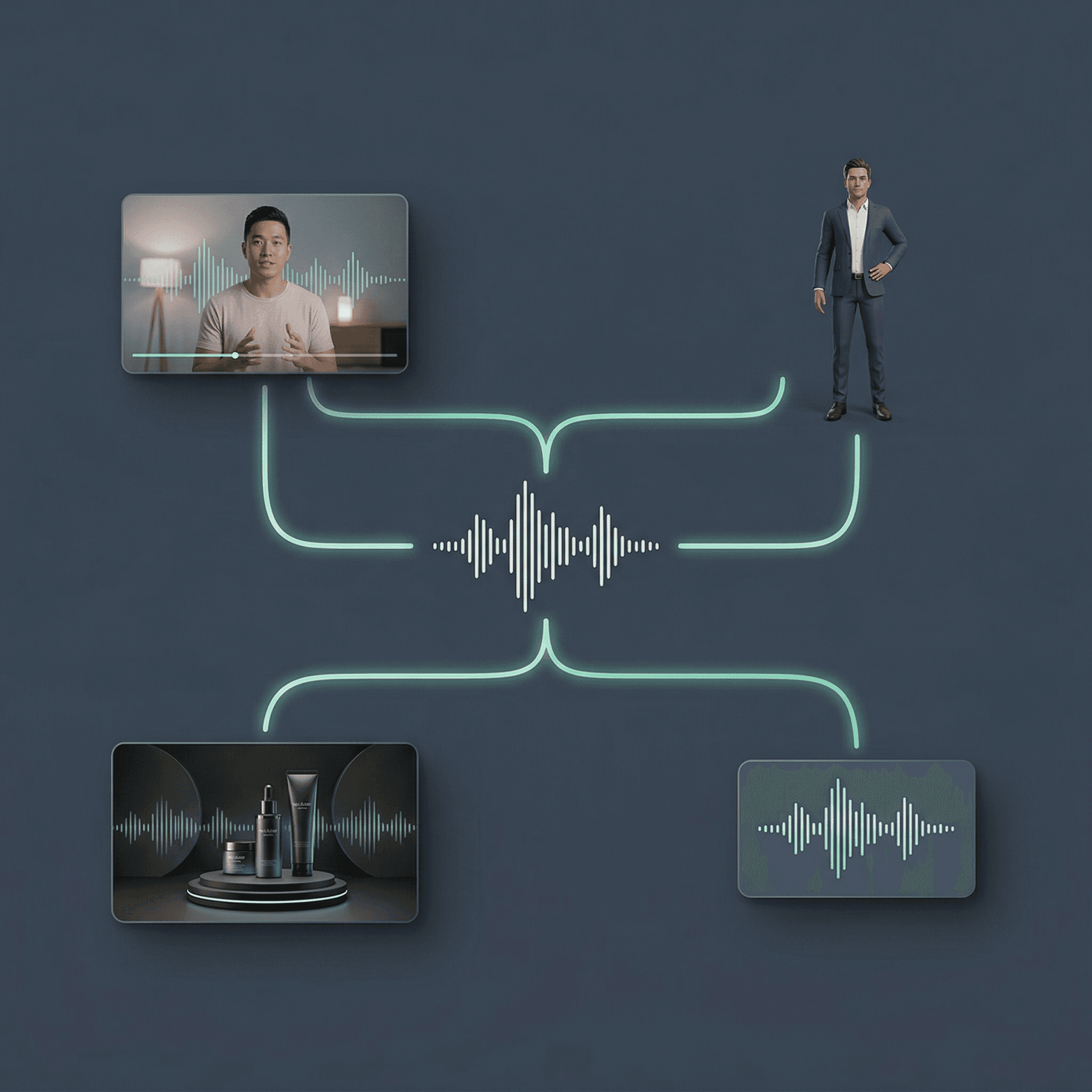
Kreator maintains:
Reusable brand voices across projects
Consistency across ads, videos, and content
Alignment between voice and visual identity
Integrated Voice Across Creative Workflows
Voice is only valuable if it fits into production.
Kreator allows for:
Enhance footage while continuing your workflow
Maintain quality across different screen sizes
Integrate upgraded video into ads, social, and campaigns instantly
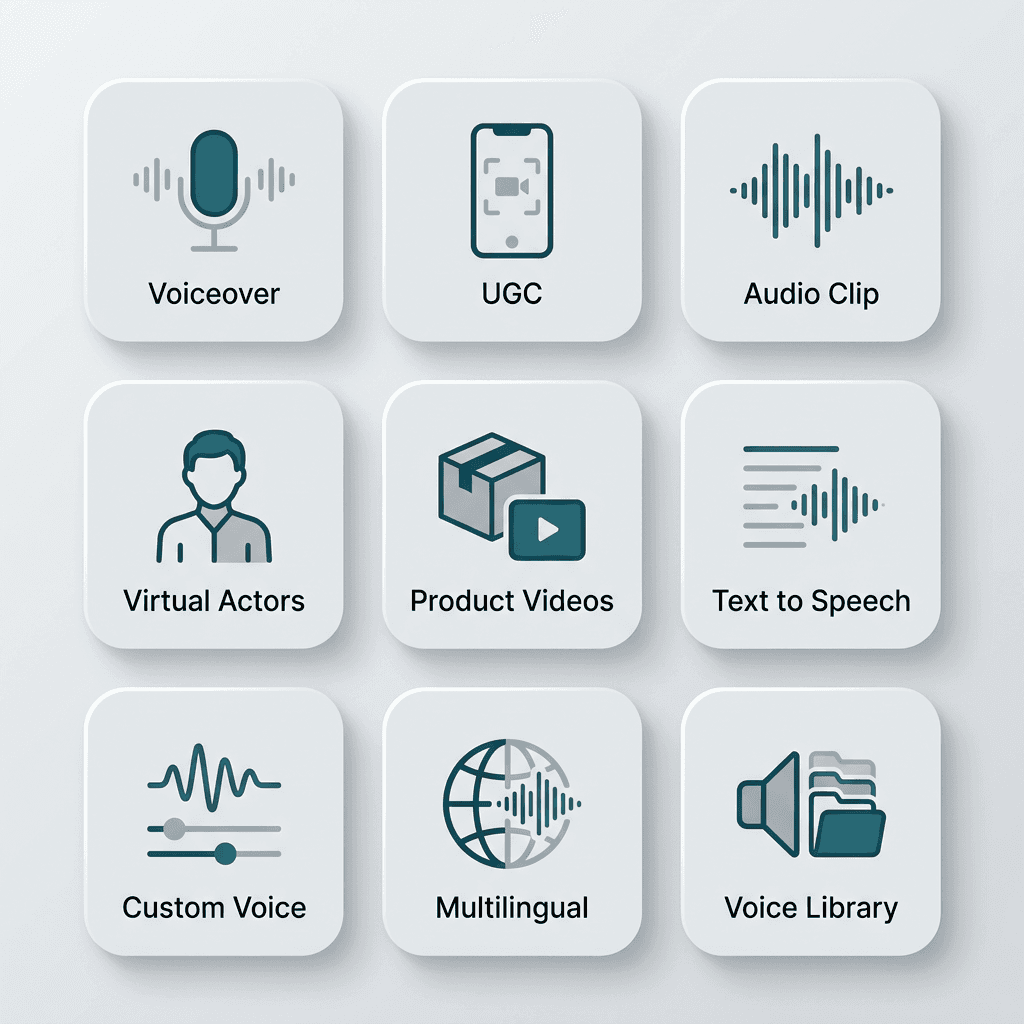
Built for Real Content Workflows
Ready for seamless control of your audio assets?
Voice integration in three steps
Deploy custom or existing voices in just a few clicks.
01
Create or select a voice
Choose from your library or create a custom voice.
02
Create your own brand voice
Provide a few inputs to deisgn your own brand voice
03
Apply & deploy
Use the voice in your project and across multiple outputs
One tool, multiple use cases
Upscale your videos, then reuse them across teams, formats, and channels.
Paid Ads
Generate and apply voice instantly to test and scale faster
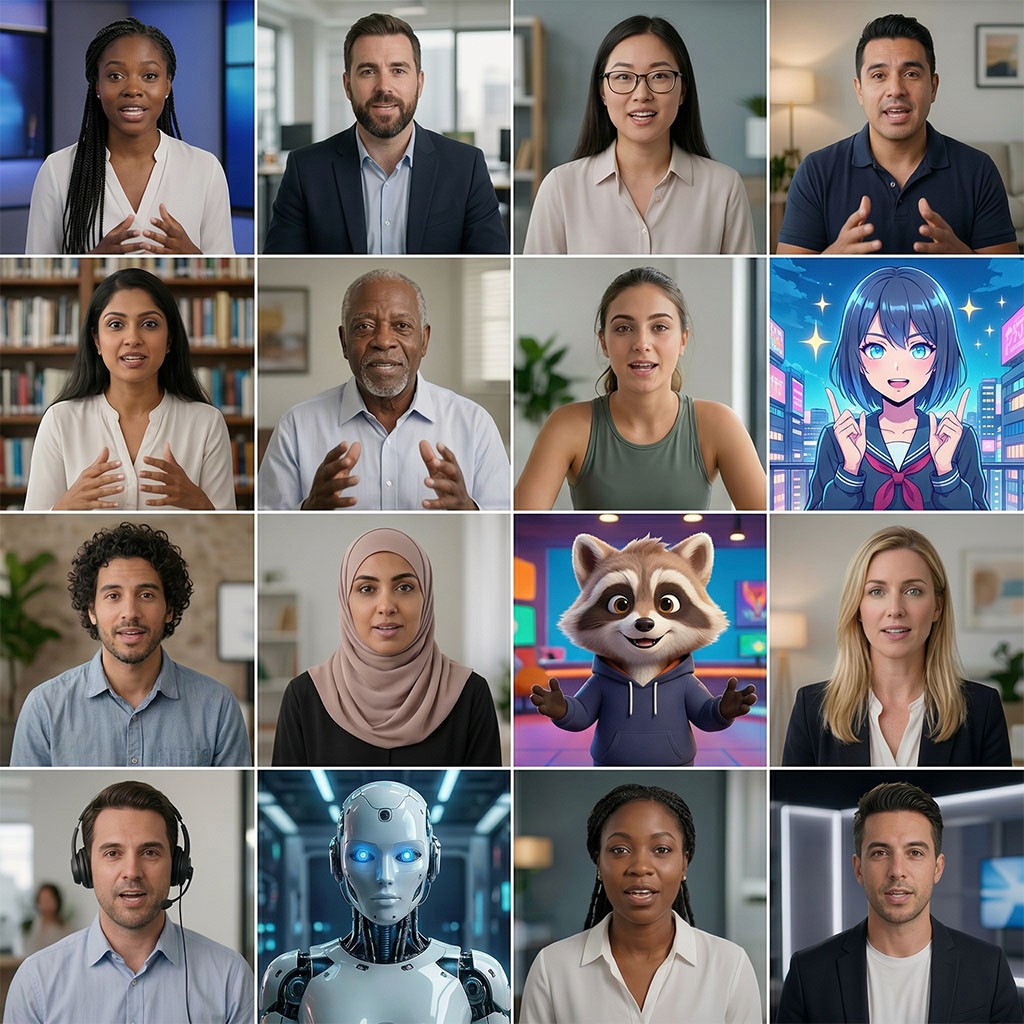
Virtual Actors
Create and apply voice directly to virtual actors in one workflow
Creators & Brands
Maintain a consistent brand voice across every video

Product Videos
Apply a variety of voices to ad variations to appeal to different audience segments
Frequently Asked Questions
What does Voices do?
Can I create custom voices?
Can I reuse the same voice across projects?
Is this built for professional use?
Can I control how the voice sounds across different types of content?
Do I need experience with audio tools to use this?
Stop treating voice generators like a standalone tool.
Create it. Use it. Scale it.